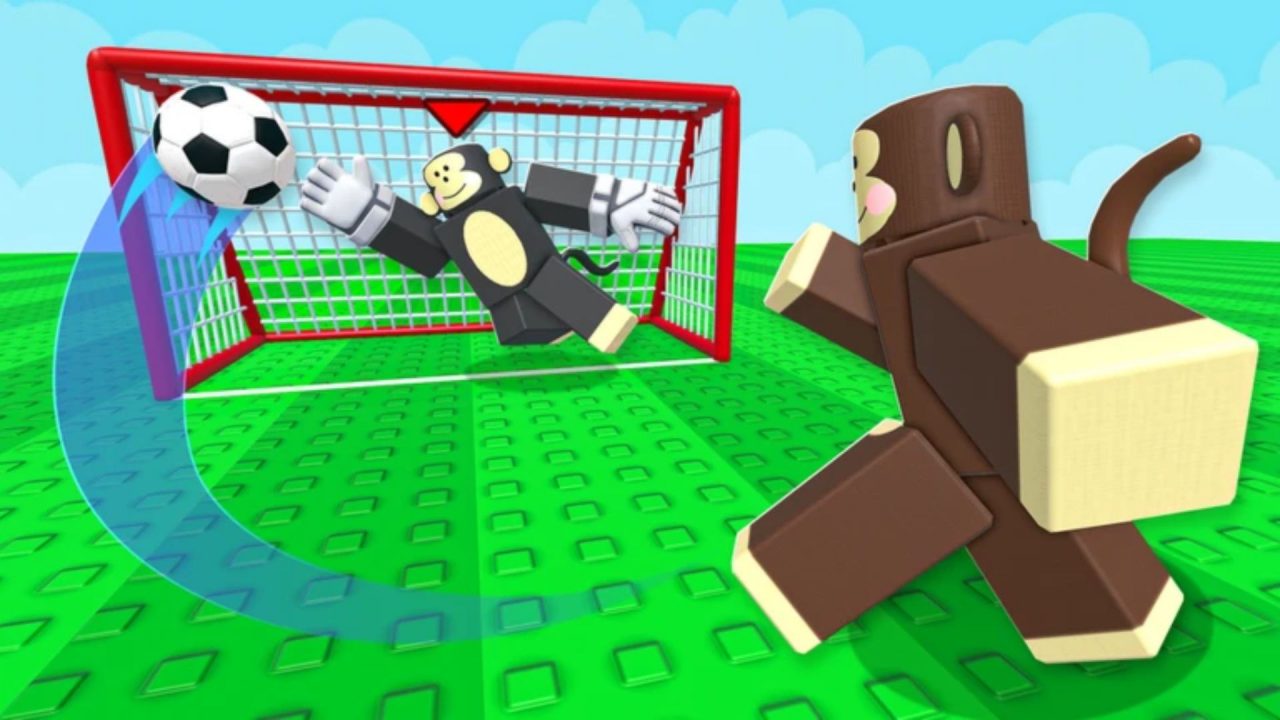
Monkey Soccer puts you on the field as a monkey, with quick movement, tackles, and acrobatic shots keeping matches busy. Between games, you can work on your player’s look through styles and other cosmetic options.

The redeem codes below give you free Bananas and Lucky Spins to use along the way. In this article, you can find the available list, where to enter each code, and what to check if the game rejects one.
LIST OF ALL ACTIVE REDEEM CODES
Here are the Monkey Soccer redeem codes and their rewards:
- Vamos: 1,000 Bananas
- luckytime: 2 Lucky Spins
- WORLDCUP: 500 Bananas and 3 Lucky Spins
Bananas can go toward regular style spins and cosmetic options, while Lucky Spins offer a better chance of getting rarer styles. If you have been earning Bananas through matches, these rewards give you a little extra to spend without playing more games first.
Claim the codes while they are available, since the developers can disable them without advance notice. You can collect the rewards before deciding which spins or cosmetics you want to use them on.

How to Redeem Codes in Monkey Soccer?
Monkey Soccer handles code redemption through its in-game Shop. Wait for the interface to finish loading, then follow these steps:
- Launch Monkey Soccer through Roblox.
- Select the Shop button at the bottom of the screen.
- Scroll down inside the Shop to find the CODES section.
- Paste one code into the Enter code text box.
- Press REDEEM to submit it and claim the reward.
- Repeat the process for any remaining codes you want to use.

After a successful claim, check your Banana balance or Lucky Spin total to see the reward added. Enter the codes separately so you can keep track of which ones have gone through.
When you are ready to spend your spins, open Styles at the bottom of the screen. From there, you can choose a regular or lucky spin and roll for a cosmetic.
Redeem Codes Not Working?
A rejected code can come down to a typing mistake, an earlier claim, or an expired reward. Work through these checks before trying the same entry again:
- Match the letters carefully: Keep the capitalization shown in the list.
- Clear any extra spaces: Pasting can leave a blank space before or after the code. Remove it, and make sure you copied only the code itself.
- Remember previous redemptions: Codes are generally available once per account. If you already received that entry’s reward, entering it again will not give you another set.
- Consider whether it has expired: A correctly entered code can still fail once the developers disable it. Repeating the same entry will not restore an expired reward.
- Join a fresh server: Older servers may not recognize newly released codes. Leave Monkey Soccer, join another server, and try again through the Shop.
Once your rewards are collected, you can get back to matches or spend a few spins on a different look. Bookmark this guide so you can return to the code list when you next play. The game’s official Discord also shares announcements and new code drops.