


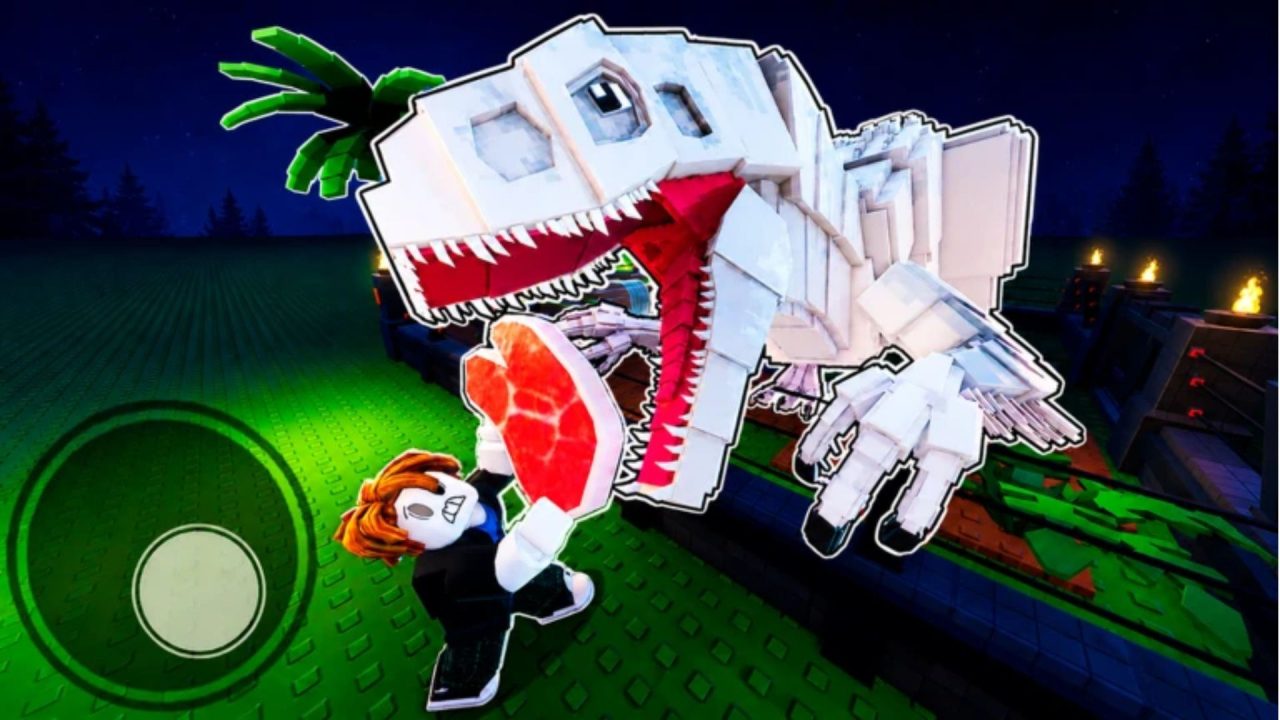
My Dino Park lets you build a dinosaur attraction, hatch new creatures, and keep enough visitors coming through the gates to grow the place. That takes Cash, and the better rewards can take some patience. Redeem codes help with both. The current list includes free Cash and Teeth, a Frozen Egg, and a few short boosts you can use while your park is earning.
LIST OF ALL ACTIVE REDEEM CODES
Here are the My Dino Park codes and the rewards for each one. Enter them one at a time, and pay attention to the boosts. Their timers are short, so it makes sense to claim them when you have a few minutes to play:
- MERCHANTACOS: 10,000 Cash
- MBDELAYUPDTLOL: 200 Teeth, 20,000 Cash, double Cash for five minutes, and double Luck for ten minutes
- UPDATE3: 1,500 Teeth, 25,000 Cash, double Cash for five minutes, and double Luck for ten minutes
- UPDATE2: 20,000 Cash and 200 Teeth
- BESTDINOGAME: 300 Teeth
- DINOSLOVESU: 1 Frozen Egg and 10,000 Cash
- THX4PLAYING: 650 Cash
- WELCOME: 1,000 Cash
The Cash rewards can go toward expanding your park and getting more dinosaur eggs. Teeth give you another resource to spend, while DINOSLOVESU is the one to look for if you want the Frozen Egg. If you’re just getting started, the smaller Cash codes are worth claiming too. A free 650 or 1,000 Cash still helps before your park has much income of its own.
Codes may stop working without a stated end date. You can claim the regular rewards whenever you’re ready, but leave the timed boost codes until you’re actually in the park and able to use those minutes.
How to Redeem Codes in My Dino Park?
The code box is inside the Shop. You’ll need to follow these steps:
- Launch My Dino Park through Roblox.
- Select the Store button on the left side of the screen.
- Stay in the Featured menu and scroll to the bottom.
- Enter one active code in the code box and press Enter on your keyboard to claim its reward.

Go back to the same box for the next code. Cash, Teeth, and eggs all use this Shop field. Check your balance or inventory after each claim so you can tell which reward came through.
Redeem Codes Not Working?
If a code isn’t giving you a reward, go through these quick checks before moving on to the next one.
- Copy the whole code: A long entry like MBDELAYUPDTLOL is easy to mistype. Keep the letters in the same order and remove any spaces before or after the code.
- Match the capitalization: Enter each code exactly as it appears above. Copying and pasting is usually easier than typing every letter by hand.
- Finish the tutorial: New players need to get through it before the Shop’s code field becomes available.
- Check for an earlier claim: Each code can be redeemed once per account. If you used WELCOME already, for example, entering it again won’t give you another 1,000 Cash.
- Try a fresh server: Rejoin the game and enter the code again if the Shop isn’t responding or you’re on an older server.
- Consider expiration: If the entry is correct and still fails, the developer may have disabled it. Code availability can change between updates.
Start with whichever rewards you need most. The Frozen Egg is a handy one to grab, and the Cash and Teeth codes can give your park room to grow. Then claim the boost codes when you’re ready to play through their five- and ten-minute windows. That way, the extra earning time doesn’t tick away while you’re still figuring out where everything goes.

