

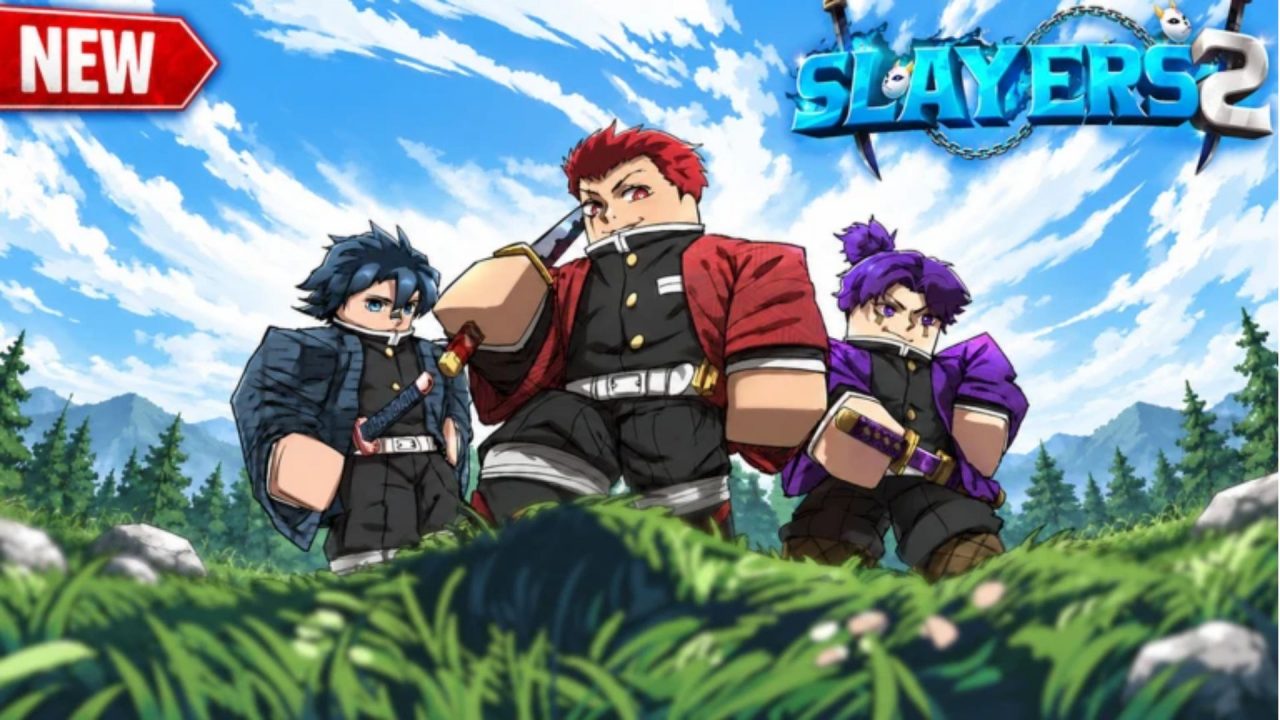
Roblox Slayers 2 codes can give you extra resources for your next character upgrade or a reset when your current build needs a change. The latest rewards include Spins, Wen, Ore, and several reset options.
In Slayers 2, Ouw Productions puts you on either side of the fight between Slayers and Evil Spirits. Before you head back to bosses and raids, here are the newest codes, how to redeem them, and the official Discord server link for future announcements.
LIST OF ALL ACTIVE REDEEM CODES
The following Slayers 2 codes are currently active. Each one provides a different reward, so check what it does before you claim it:
- COD3SCurrency: 75 Spins, 25,000 Wen, and 5 Ore
- COD3SRaceReset: Race Reset
- COD3SStatpointreset: Stat Point Reset
- COD3SBreathingreset: Breathing Reset
- COD3SEvilartreset: Evil Art Reset
The currency bundle is useful when you want more resources without changing your character. The other four codes serve a more specific purpose. If you are happy with your current setup, there is no reason to rush through those resets.
Pay attention to the confirmation prompt when you redeem one. Reset effects take place after confirmation, so make sure you are ready to change that part of your build before accepting.
How to Redeem Codes in Slayers 2
You need to join the Ouw Productions Roblox community before redeeming codes. Once you have joined, follow these steps:
- Launch Slayers 2 through Roblox.
- Wait for the main menu to appear.
- Find the code entry box on that screen.
- Copy one code from the list above and paste it into the box.
- Submit it with the redemption control or press Enter.
- Check the response before entering another code.

If you are already in the game, open the menu at the top of the screen and select Return to the Main Menu. That takes you back to the screen with the code box, so you can claim rewards before continuing your session.
Redeem Codes Not Working?
If your Slayers 2 code isn’t working, try these checks before entering it again:
- Check the code’s spelling: A missed character or an extra space can stop a redemption. Match the spelling and capitalization exactly as shown.
- Check whether you already claimed it: Codes generally provide their reward once per account, so entering the same one again will not give you another bundle.
- Restart the game: If the entry looks correct, close Slayers 2 and reopen it. Your session may need a refresh.
- Check whether the code expired: If it still fails after these steps, the reward may no longer be available.
Official Slayers 2 Discord Server Link
You can join the community through the official Slayers 2 Discord server.
The invite still uses projectslayers in its address, while the destination is named Slayers 2. That older wording can look confusing when you first see it, but this is the invite.
Once inside, check the announcements and update posts for code drops and game news. The community is also useful when you have questions about progression, Breathing Styles, Evil Arts, or weapons. Those discussions can help when you are deciding what to change after a reset.
For gameplay previews, the Ouw Productions YouTube channel is another useful place to follow the developer’s showcases. It gives you a way to see combat styles before you commit to a different setup.
With your Roblox Slayers 2 codes claimed, you can get back to your next quest or boss. Keep an eye on developer announcements between sessions so future rewards are easier to catch.