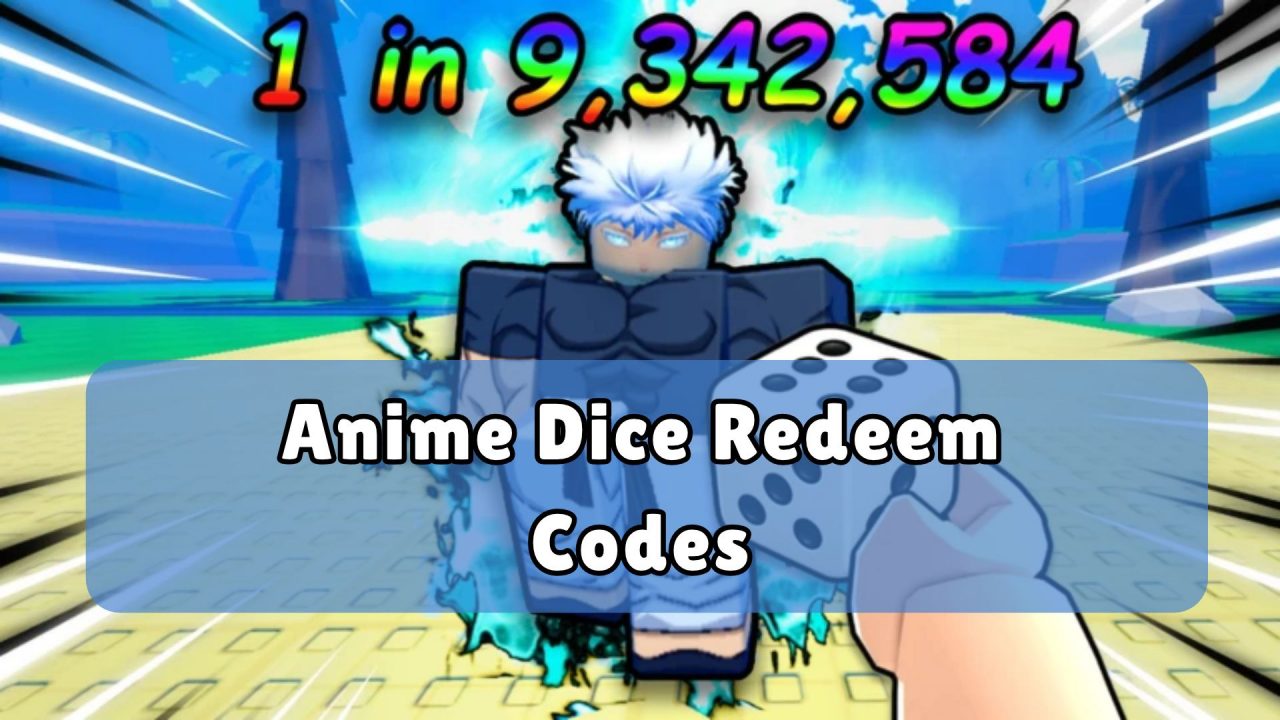
Anime Dice is a Roblox collecting game where you roll dice to reveal anime-inspired characters. You can place units on your plot to earn money, improve your dice for better luck, and build a team for tower battles. Redeem codes provide Lucky Spins, Trait Rerolls, Gems, Tickets, and seasonal items that can help with the next part of your collection.
LIST OF ALL ACTIVE REDEEM CODES
Here are the active Anime Dice codes and the rewards included with each one:
- UPDATE10: 50 Trait Rerolls, 50 Lucky Spins, and 1 Pumpkin Jackpot
- UPDATE8: 5 Lucky Spins, 50 Trait Rerolls, and 50 Gems
- 50KCCU: 3 Lucky Spins, 30 Trait Rerolls, and 30 Gems
- UPDATE7: 3 Lucky Spins, 30 Trait Rerolls, 20 Tickets, and 30 Gems
- UPDATE6: 3 Lucky Spins, 30 Trait Rerolls, 20 Tickets, and 30 Gems
- 400KLIKES: 2 Lucky Spins, 20 Trait Rerolls, and 20 Gems
- UPDATE5: 3 Lucky Spins, 20 Trait Rerolls, 20 Tickets, and 20 Gems
- 250KLIKES: 2 Lucky Spins, 20 Trait Rerolls, and 20 Gems
- 100KLIKES: 2 Lucky Spins, 10 Trait Rerolls, and 10 Gems
- 40KCCU: 2 Lucky Spins, 10 Trait Rerolls, and 10 Gems
- 30KCCU: 2 Lucky Spins, 10 Trait Rerolls, and 10 Gems
- UPDATE4: 3 Lucky Spins, 10 Trait Rerolls, 10 Tickets, and 10 Gems
- 20KCCU: 2 Lucky Spins, 10 Trait Rerolls, and 10 Gems
- 10KCCU: 2 Lucky Spins, 10 Trait Rerolls, and 10 Gems
- 5KCCU: 2 Lucky Spins, 5 Trait Rerolls, and 5 Gems
- 1KCCU: 2 Lucky Spins, 5 Trait Rerolls, and 5 Gems
- UPDATE3: 2 Lucky Spins, 7 Trait Rerolls, and 7 Gems
- UPDATE2: 2 Lucky Spins, 5 Trait Rerolls, and 5 Gems
- UPDATE1: 2 Lucky Spins, 3 Trait Rerolls, and 3 Gems
- RELEASE: 1 Lucky Spin, 2 Trait Rerolls, and 2 Gems
These codes can give you more attempts at rolling characters and improving the units you already own. Lucky Spins provide additional rolls, while Trait Rerolls let you replace a unit’s current Trait. Gems and Tickets are also useful for other parts of progression. The Pumpkin Jackpot is connected to the game’s seasonal content.
Enter the codes separately and check your totals after each successful claim. Some entries were released for updates or player milestones, so they may stop working after the next set of rewards becomes available.
How to Redeem Codes in Anime Dice?
The code field is found at the bottom of the in-game Shop. Use the shopping basket icon on the left side of the screen to reach it:
- Launch Anime Dice through Roblox.
- Wait for your character and the main interface to load.
- Select the Shop button with a shopping basket icon on the left side.
- Scroll to the bottom of the Shop window.
- Find the box marked Enter Code…
- Type or paste one active code into the field.
- Select Redeem to claim the included items.
- Return to the field and enter the remaining codes separately.

The game should add the items to your account after a successful redemption. Check your Lucky Spins, Trait Rerolls, Gems, Tickets, or event items before entering the next code.
Redeem Codes Not Working?
If the game shows an invalid-code message, check the entry and try these steps:
- Copy the Complete Code: Keep every letter and number exactly as displayed in the active list.
- Remove Extra Spaces: Delete any blank characters added before or after the code while pasting it.
- Use the Correct Shop: Open the shopping basket icon on the left side and scroll to the code field at the bottom.
- Check Earlier Redemptions: Each code normally provides its items once per Roblox account.
- Join Another Server: Leave the game and reconnect if a recently released code is not recognized.
- Check Its Availability: Limited and older codes may be disabled after their claim period ends.
Anime Dice codes can give you more chances to roll characters and improve the units already in your collection. Claim each available entry, check that the items were added, and then decide whether to spend them immediately or save them for a later upgrade. We will update this article when more codes are released.