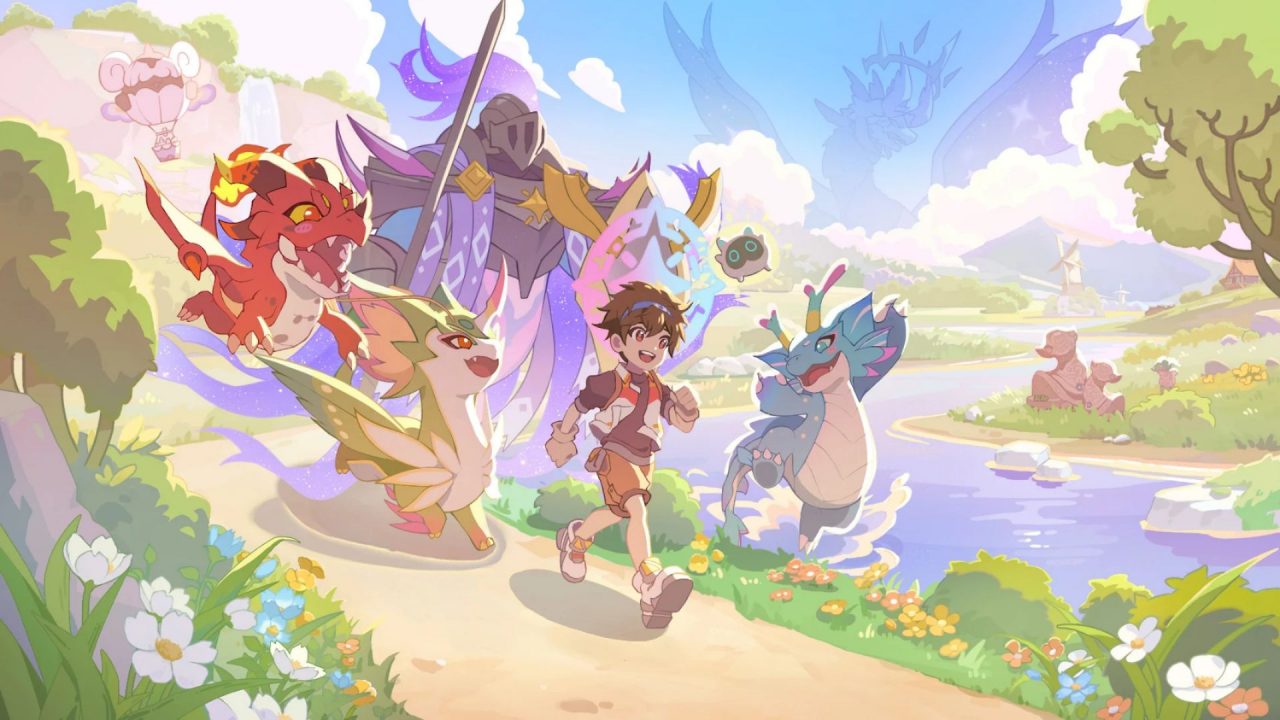
Lumi Master codes give you extra resources for your next creature-catching session. In BILIBILI’s hand-drawn RPG, you collect Lumis, train and evolve your favorites, and build a home for your companions. Exploration uses Energy, so a few free refills can help you keep going when your supply gets low.
The available gift codes offer Energy, Coins, Refined Lumi Cards, and Starlit Leaves. You can claim these rewards through the game’s settings, then collect them from your mailbox before returning to your adventure.
LIST OF ALL ACTIVE REDEEM CODES
Here are the Lumi Master codes to try on your account:
- LUMIWISH
- LUMIOL0917
- CATCHLUMI
- LUCKY777
- LUMI0917
- LGIO
- WOLFEYVGC
- DUDEDANS
- POINTCROW
- GIFT100
- LUMIMASTER2026
- PM7
- MANDJTV
- KEEGANJ
Bookmark this MMO Culture article and check back for new Lumi Master codes. You can also follow the official Facebook page or join the Lumi Master Discord for new gift announcements.
The creator promotions can also provide separate rewards on the same account. You can enter them individually, so there is no need to choose just one creator’s gift.
How to Redeem Codes in Lumi Master?
Redeem your codes inside Lumi Master. If you have just started, finish the introductory tutorial so you can access the game’s menus. Here are the exact steps:
- Tap the Menu/grid icon in the bottom-left corner.
- Open Settings.
- Select General and find the Services section.
- Tap Redemption Code.
- Paste one code into the field and press Confirm.
- Open your in-game mailbox and claim the items.

Use the Redemption Code option for the creator promotion rewards as well. The separate Creator Code control belongs to a different feature and can cause confusion if you enter a gift there.
Redeem Codes Not Working?
If the game rejects a code, use the message on the screen to decide what to check next:
- Check the spelling: A missing letter or a copied space can stop an entry from working. Check the full string against the list, especially any numbers, and keep its capital letters.
- Check the deadline: Weekly gifts have closing times. Read the time zone alongside the expiry date so you know whether the redemption window is still open.
- Check previous claims: Each gift code can generally be redeemed once per account. Switching devices while using the same account will not give you another copy of that reward.
- Check the menu and any conditions: Confirm that you used the reward redemption field. If the announcement lists account or server requirements, check those before trying again.
- Restart after a technical error: If the menu stops responding or the game loses its connection, reopen the app and try again once it loads normally. Restarting cannot restore an expired gift.
Use your Lumi Master codes before a longer play session so you can plan around the resources you have. Choose your next exploration goal and keep some Energy available for the activities you want to play afterward.