In Roblox Anime Dice, progress doesn’t have to stop when you step away from your computer. Your characters can continue generating Cash while you’re offline, and several in-game systems can reduce the amount of manual work needed for farming, rolling, and Tower progression.
That makes external AFK macros less necessary than they might first appear. Although utilities such as TinyTask and OP Auto Clicker can automate mouse and keyboard inputs, their use in Roblox isn’t guaranteed to be permitted or risk-free. This guide explains how to build an efficient AFK routine using the game’s own features, what to know before considering third-party tools, and how to protect your account.
Are External AFK Macros Safe to Use in Anime Dice?
The safest starting point is to use the automation features already provided by Anime Dice. A program that records mouse movements or repeats clicks is different from a script executor that injects code into Roblox, but that distinction doesn’t make every form of external automation automatically acceptable.
Roblox’s current Creator Third Party App Policy restricts certain automated in-game actions, including movements and simulated clicks. It mentions a possible exception for specific AFK-style experiences where time away from the game is a substantial and explicit part of the experience’s purpose. However, the game’s offline-income feature does not establish that every external macro is approved for use in Anime Dice.
Keep these points in mind:
- TinyTask: Records and replays keyboard and mouse actions. It can repeat a fixed sequence, but it cannot reliably adapt when menus, character positions, or interface layouts change.
- OP Auto Clicker: Repeats mouse clicks at a configured interval. It does not automatically understand which button is safe to click or whether the game has moved to a different screen.
- Scripts and executors: Tools that inject code or modify the Roblox client pose additional security and account risks. Avoid them.
- Anti-AFK macros: Do not assume that simulating clicks or movement to defeat Roblox’s inactivity disconnect is permitted simply because the tool runs outside the game.
Neither the fact that a utility is free nor a claim that it is “malware-free” guarantees that using it in Roblox is safe. TinyTask or OP Auto Clicker are not officially approved for Anime Dice, so we do not recommend using either one for unattended overnight gameplay. Instead, we recommend using the internal tools and features.
1. Set Up Your Plot for Passive Cash Income
The easiest AFK strategy requires no macro at all. Anime Dice generates money while you are offline. Before leaving the game, make sure your plot is arranged to make productive use of that system.
- Equip your best income-generating characters. Prioritize the units that produce the most Cash for your current level of progression.
- Improve their Grades. Better Grades can increase a character’s income multiplier, making your existing lineup more productive.
- Review your Traits and Gear. Where available, use upgrades that support Cash generation rather than focusing entirely on combat stats.
- Exit the game normally. Since offline Cash generation is a built-in feature, you don’t need to keep Roblox open just to accumulate offline income.
This is the simplest method for players who want to make progress while sleeping, studying, or doing something else on their computer. It also avoids the reliability problems associated with a macro that repeatedly clicks the wrong part of the screen.
2. Use Automatic Tower Battles for Longer Farming Sessions
Tower battles are another useful option when you can clear the selected difficulty reliably. Unlike a manually recorded movement route, the in-game battle system is designed to handle the combat itself.
How to Prepare a Tower Run
- Enter a Tower that matches your team’s current strength.
- Equip your best available lineup.
- Check the floor’s enemy difficulty and available rewards.
- Start the battle using the in-game Fight option.
- Confirm that the battle continues automatically and that your team can handle the selected floor.
- Return periodically to review your progress, available rewards, and any inventory limits.
Choose a difficulty you can complete consistently rather than the hardest available floor. A lower-level Tower that your team clears reliably will be more productive than repeated failures at a higher level. Before tackling higher floors, make sure your equipment supports your farming goals. Our Anime Dice Gear Guide: All Items, Stats & Best Builds breaks down the available Gear and explains which combinations improve Damage, Luck, and resource generation.

3. Use Auto Roll Carefully
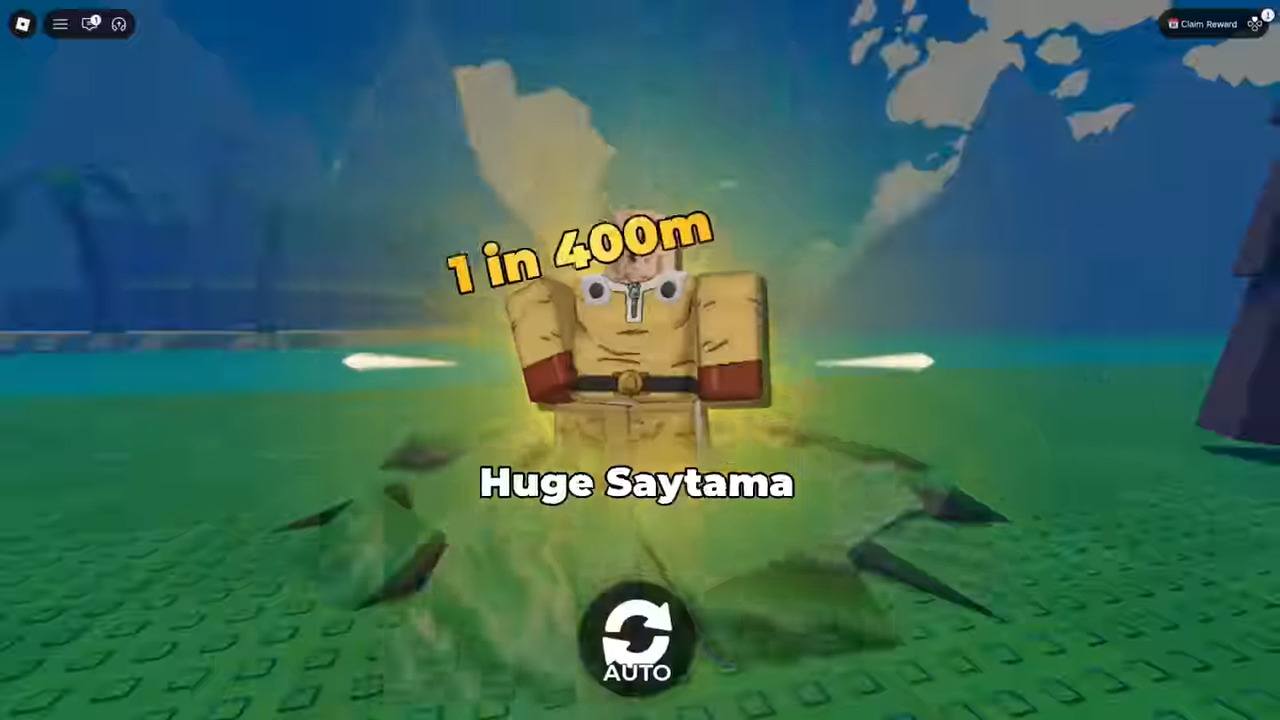
Anime Dice includes an Auto Roll option in the Grades menu. This feature can repeat Grade attempts without requiring you to click the reroll button manually each time. To use it more efficiently:
- Travel to the Hub.
- Open the Grades station.
- Select the character whose Grade you want to improve.
- Review the displayed cost and available Auto Roll controls.
- Set any available stopping conditions before starting.
- Monitor the process until you reach an acceptable Grade, then stop it.
Auto Roll is convenient, but it can consume your reroll currency quickly. Don’t assume it will stop when you obtain a rare Grade unless you enable that condition. For a main income-producing character, decide on an acceptable result before beginning. For example, you may choose to stop once the character reaches A+ or S rather than spending your entire balance chasing one of the rarest Grades.
4. Configure Auto-Sell Without Losing Valuable Units
Selling unwanted characters can free up inventory space and make it easier to continue farming. Anime Dice offers configurable auto-sell rules through its selling NPC; use those settings to reduce repetitive inventory management. Before enabling automatic selling:
- Identify which units are safe to sell.
- Protect rare characters, valuable mutations, and units you intend to keep.
- Test the configuration on a small number of expendable units before leaving the game unattended.
- Recheck your settings after major updates or Rebirths that change your roster or interface.
Be very careful when your account contains a newly obtained rare unit. A careless selling rule can remove something much more valuable than the time saved by automating the process.
5. Keep Your Account and Computer Secure
AFK farming should not require giving an unknown program control over your account or installing software from an unverified download page.
Download Software Only from Trusted Sources
If you are evaluating a general-purpose macro utility, start from the developer’s verified website or official release repository. Be cautious with copies distributed through unofficial file-sharing sites, video descriptions, social media, or websites that imitate the original download page.
Never Enter Your Roblox Credentials into a Macro Tool
A legitimate desktop macro should not need your Roblox password, session cookies, recovery codes, or authentication tokens. Do not provide those details to a third-party tool, download page, Discord server, or person offering a supposedly safer macro. Anyone who obtains your session credentials may be able to compromise your account.
Avoid Scripts, Executors, and Modified Clients
Do not download a program advertised as an “AFK macro” if it also asks you to inject code into Roblox, install an exploit executor, disable security software, or replace the official client. Roblox explicitly warns that modified applications and software that changes how Roblox works can expose users to account theft and other harm, and may lead to account enforcement.

A productive AFK routine in Anime Dice doesn’t need a complicated macro. Arrange your plot for strong passive income, use automatic Tower battles when your team can handle them, manage Auto Roll carefully, and configure auto-sell rules so you don’t lose valuable units.
External tools such as TinyTask and OP Auto Clicker can repeat desktop inputs, but their use in Anime Dice is not guaranteed to be permitted, secure, or reliable. Because the game already supports offline Cash generation, the better approach is to take advantage of its built-in systems rather than leave an external macro running overnight.