

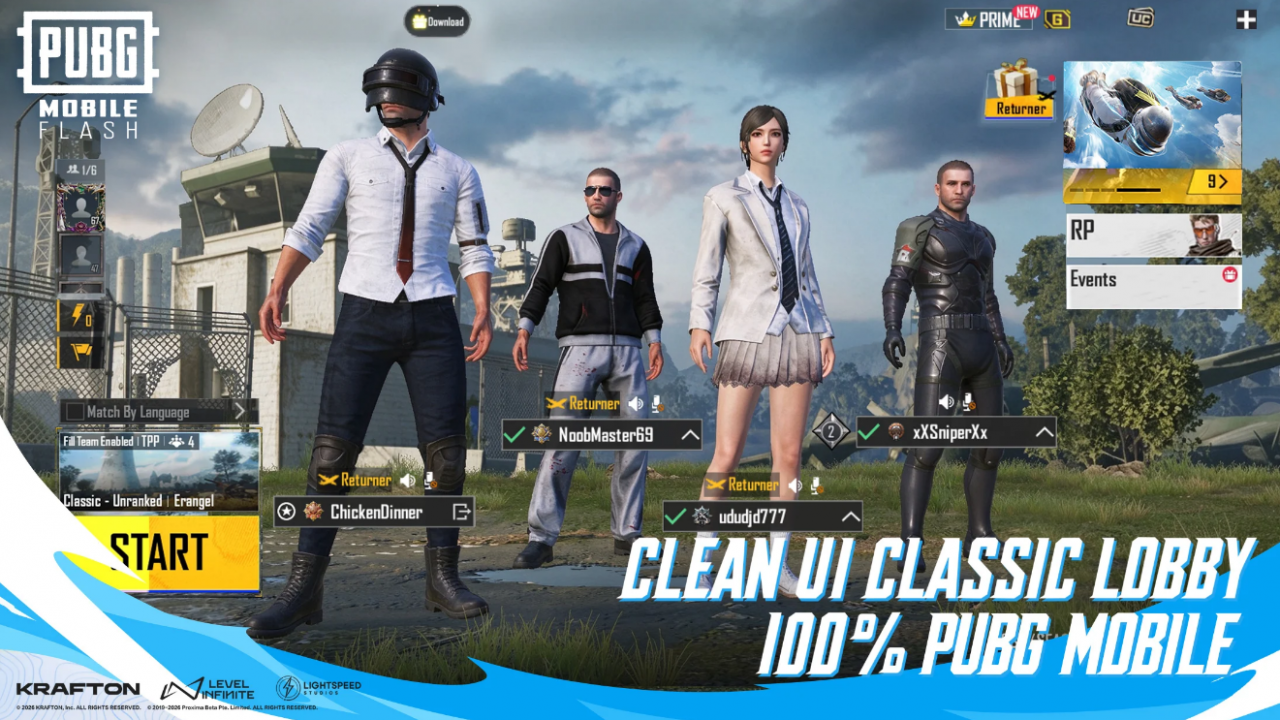
PUBG Mobile Flash is the official lightweight PUBG Mobile app, and it launched worldwide on November 13, 2026. It ships with Erangel and Classic Battle Royale, while other maps and modes download only when you ask. That freedom cuts both ways, since a few casual downloads can swell the game fast. This guide shows you how to keep PUBG Mobile Flash size under 1.5 GB on Android. See what all you need to keep, and what not to download in order to keep the file size to a minimum.
PUBG Mobile Flash Download Size for Android and iOS Comparison
On Android, the PUBG Mobile Flash download size sits just under 1 GB, while iOS stays under 2 GB. That first package includes Erangel, so you can drop into a Classic match without a second download. Extra maps, modes, events, and higher-quality graphics packs install only when you choose them. Your PUBG Mobile account, friends, and items carry over, and cross-play lets you squad up with main-app friends.
That is why the 1.5 GB target really belongs to Android players. On iPhone, the base app already lands close to that line before you even begin to add anything.

PUBG Mobile Flash Storage Budget
| What Takes Space | Approx. Size | Keep It? |
| Base app (Erangel + Classic Battle Royale) | Just under 1 GB on Android | Yes, it is required |
| Extra classic maps (Miramar, Sanhok, Livik, and others) | TBA, check in-game before downloading | One at a time |
| Extra modes (Team Deathmatch, Arena, Metro Royale, World of Wonder) | TBA | Only what you play weekly |
| Higher-quality graphics packs | TBA | Skip on low-storage phones |
| Event and themed content | TBA | Delete when the event ends |
| Cache and temporary files | Varies by device | Clear when it builds up |
How to Check Your Real PUBG Mobile Flash Storage
The Play Store number only shows the starting size, not the packs you add later. On Android, follow this path:
- Open your phone’s Settings and tap Apps.
- Select PUBG MOBILE FLASH, then tap Storage.
- Check the Total figure, which combines app size, user data, and cache.
Labels vary by phone brand, but the Total line is your 1.5 GB scoreboard.

PUBG Mobile Flash Cleanup: 5 Steps That Actually Work
1. Delete Resource Packs You Have Not Played Recently
Open the in-game resource download menu and scan your installed maps and modes. Anything you have not touched in a week or two can go. Deleting a pack leaves your account untouched, and you can grab it again when your squad wants a Sanhok night.
2. Skip Higher-Quality Graphics Packs
On a 2 GB or 3 GB RAM phone, you will likely play on Smooth graphics anyway. A higher-quality pack mostly eats storage there without improving your matches. Spend that space on a second map instead.
3. Treat Event Content as Temporary
Themed event modes rotate out with each version or in between subsequent events. Download them while the event runs, collect your rewards, then delete them once it ends.

4. Clear the Cache, Not the Storage
In the same Android Storage screen, tap Clear cache to remove temporary files safely. Avoid Clear storage or Clear data unless you want a full reset. That option wipes every downloaded pack and signs you out of the game.
5. Reinstall for a Clean Slate
If cleanup still leaves you over budget, uninstall the game and reinstall again. You return to the base install with Erangel ready to go. Before you uninstall, link your account to a login method so your progress stays safe.
Habits That Keep PUBG Mobile Flash Light on a Low-End Phone
- Check sizes first: Look at the listed size before you download any map or mode. If it pushes your Total past 1.5 GB, delete something first.
- Update through Google Play only: Unofficial APK mirrors may carry different builds and file sizes. The official store keeps your version and packs in sync.
- Recheck after every update: New versions can add weight to the base app. A quick look at the Total line keeps surprises away.
- Leave spare phone storage: Updates need free room to download and unpack. A phone packed to the brim can stall mid-patch.

Final Verdict: Is 1.5 GB Realistic for PUBG Mobile Flash?
Yes, you can keep PUBG Mobile Flash size under 1.5 GB on Android with a little discipline. Treat your storage like a Level 1 Backpack, where every slot needs a reason to exist. Keep Erangel, hold one extra map or mode at a time, and skip higher-quality graphics packs. Clear the cache now and then, and delete event content once you claim its rewards. iPhone players start too close to the line, so a “base plus one pack” rule works better there. Your next move is simple: check your Total right now, then delete one pack you have ignored lately.
Read More: