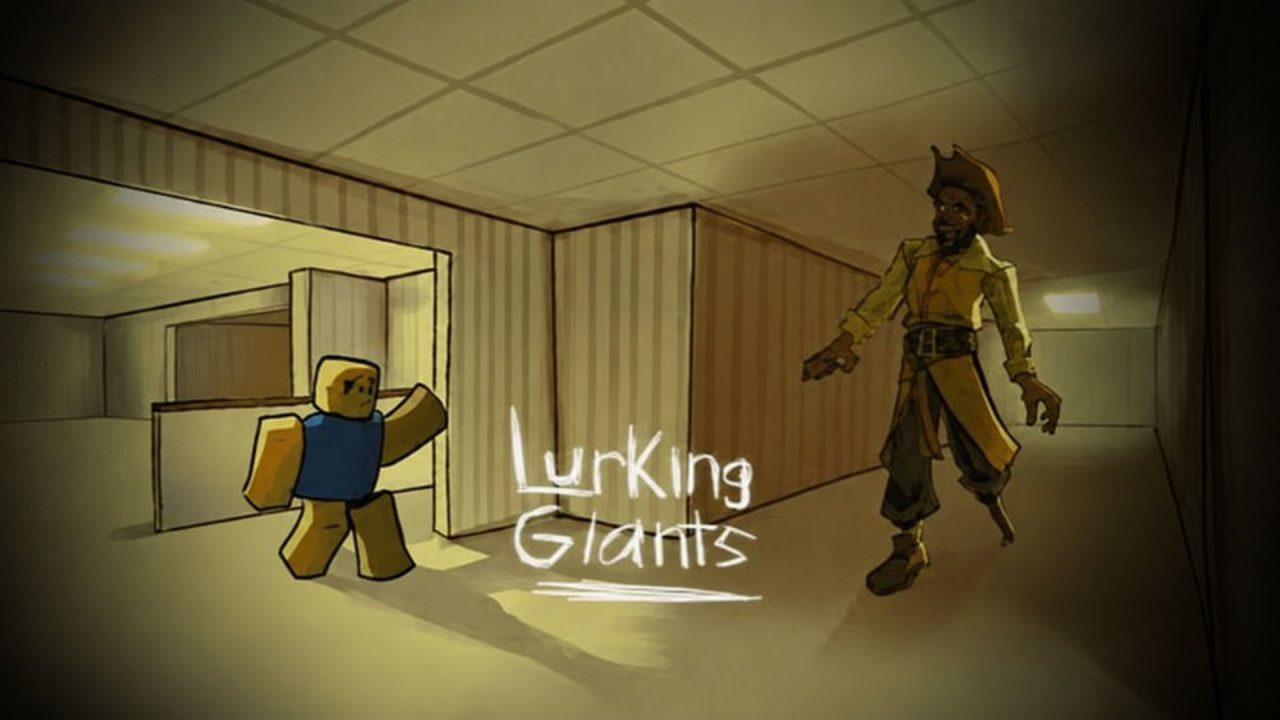
Lurking Giants is a Roblox survival horror game where players must make it through the night while dangerous giants roam the map. Depending on the round, you may be trying to stay hidden from the giant or taking control of one yourself. Redeem codes provide free Coins that you can spend on giants, emotes, cosmetics, and other items available through the Shop.
LIST OF ALL ACTIVE REDEEM CODES
Here are the active Lurking Giants codes and the reward included with each one:
- SORRYFORDELAYAGAIN: 300 Coins
- 25MILVISITS: 750 Coins
- BACKROOMS: 500 Coins
These codes can give you a helpful supply of Coins without requiring several more rounds. You can put the currency toward crates, emotes, cosmetics, or save it for a giant you want to unlock. Some of those purchases are fairly expensive, so even one of the smaller 200-Coin rewards can move you a little closer.
Enter the codes separately and check your balance after every successful claim. There is no stated expiration time for most entries, and a code may be disabled after an update or game change.
How to Redeem Codes in Lurking Giants?
The redemption field is inside the Shop menu in the game lobby. You do not need to complete a round before opening it. Follow these steps to claim the available rewards:
- Launch Lurking Giants through Roblox.
- Wait for the game lobby and its interface to finish loading.
- Select the Shop button with the shopping trolley icon on the left side of the screen.
- Look near the bottom of the Shop window for the Enter a valid code here! field.
- Type or paste one active code into the box.
- Select the checkmark button beside the code field.
- Check your Coin total to make sure the reward was added.
- Return to the code field and repeat the process for the remaining entries.

The reward should arrive immediately when the game accepts an entry. Copying the codes directly is usually quicker and helps prevent spelling mistakes, especially with the longer apology code.
You can spend the Coins straight away or leave them in your balance until you decide what to unlock. If you are saving for a particular giant or cosmetic, claim every code before making your next purchase.
Redeem Codes Not Working?
A code may be rejected because of a typing mistake, an earlier claim, or a change made during a recent game update. Go through these checks before submitting it again:
- Check the Full Spelling: Make sure every letter and number matches the active list. Pay close attention to repeated words such as DELAYAGAIN.
- Keep the Capital Letters: Enter the code in uppercase exactly as displayed. Changing its capitalization may cause the submission to fail.
- Delete Extra Spaces: Copying a code can sometimes add a blank space before or after it. Clear the field and paste the entry again without any spaces.
- Use the Shop Field: These rewards must be claimed through the code box at the bottom of the in-game Shop. The regular Roblox promo-code page will not accept them.
- Remember Previous Claims: Each code normally works once on the same Roblox account. An entry you redeemed earlier will not provide another set of Coins.
- Rejoin the Game: Leave your current server and open Lurking Giants again. This may place you in a newer server that includes the latest code changes.
- Check Its Availability: Codes can be removed without a visible countdown. If the spelling is correct and another server does not help, the entry may no longer be available.
Also make sure you press the checkmark after entering the code. Leaving the text in the field without selecting the confirmation button will not add the reward to your balance.
Free Coins can help you add more options to your collection before returning to the Forest or City for another night. We will update this article whenever more Lurking Giants codes become available or older entries stop providing rewards.