


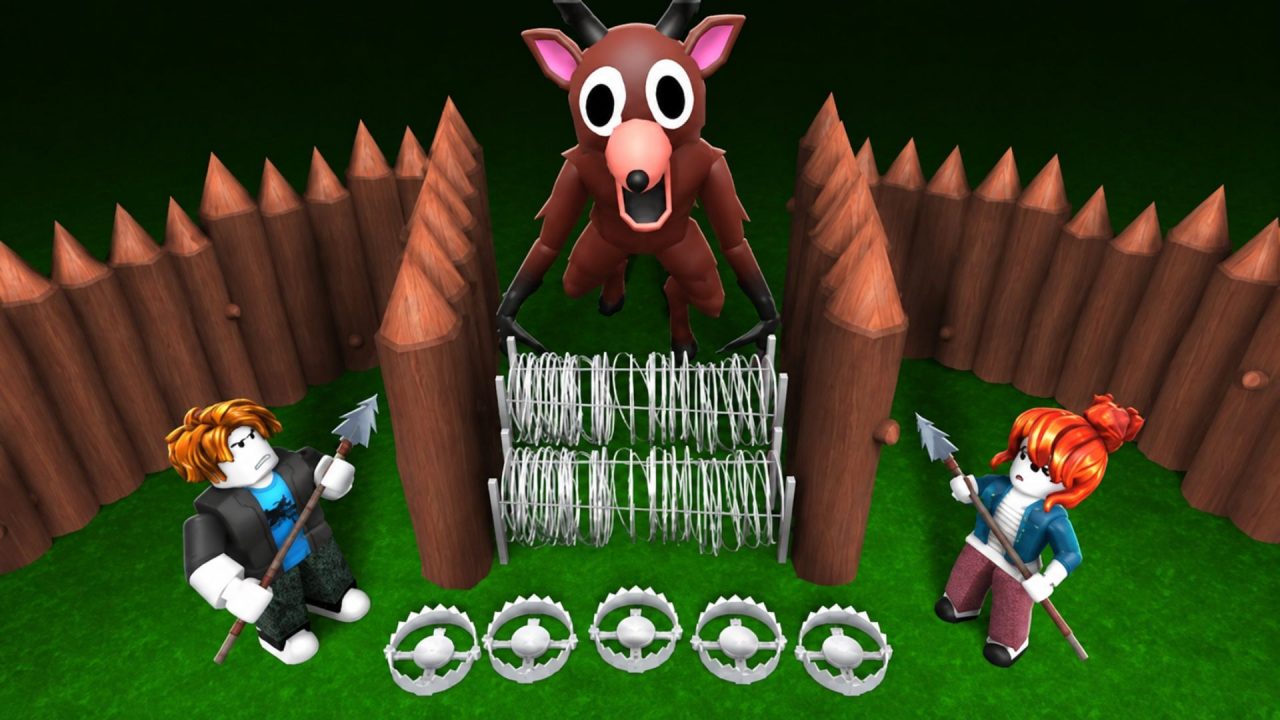
99 Nights in the Forest is a Roblox survival game where you gather supplies, maintain your camp, craft equipment, and search for missing children. Meanwhile, creatures and cultists make the forest more dangerous as you move through each night.
Active redeem codes provide free Diamonds and random Flames. Diamonds can be saved for new classes and talent rerolls, so even the smaller rewards can help with your progress.
LIST OF ALL ACTIVE REDEEM CODES
Here are all the active 99 Nights in the Forest codes and their exact rewards. The first two work through the regular code menu, while the final one uses a different method inside a match.
- forestwakesup26: 15 Diamonds and 3 random Flames
- afterparty: 15 Diamonds
- yay fishing: 2 Diamonds (enter the code in chat while fishing after upgrading the Campfire to Level 2)
The codes are not case-sensitive, although the spelling and spaces still need to be correct. Each reward can be collected once per Roblox account.
How to Redeem Codes in 99 Nights in the Forest?
The regular code menu is found in the main matchmaking lobby. Use these steps to redeem ‘forestwakesup26’ and ‘afterparty’:
- Launch 99 Nights in the Forest through Roblox.
- Remain in the main lobby before starting a match.
- Select the Diamond icon in the lower-left corner. You can also speak to the currency NPC to open the same shop.
- Select the blue Codes button in the lower-right corner of the shop.
- Enter one of the active codes in the ENTER CODE field.
- Select SUBMIT to receive the reward.
- Repeat the process with the second regular code.

The ‘yay fishing’ code cannot be submitted through the lobby menu. It must be entered in the in-game chat while your character is fishing. Follow these separate steps:
- Begin a solo or multiplayer match.
- Collect resources and upgrade the Campfire to Level 2.
- Search the newly opened area until you find the Fishing Shack.
- Enter the shack and collect an Old Rod.
- Take the rod to a fishing hole and begin fishing.
- Open the Roblox chat by selecting the chat icon or pressing the [ / ] key.
- Type yay fishing into the chat and send the message.
- Pick up the 2 Diamonds that appear beside your character.
The Diamonds may fall into the fishing hole when they appear, so check the water if you do not see them immediately.
Redeem Codes Not Working?
A code may fail because it was entered in the wrong location or because one of its requirements has not been completed. Go through these checks before trying again:
- Use the Correct Redemption Method: Enter ‘forestwakesup26’ and ‘afterparty’ through the Codes menu in the lobby. The ‘yay fishing’ code only works through chat during a match.
- Complete the Fishing Requirements: Upgrade the Campfire to Level 2, collect an Old Rod from the Fishing Shack, and begin fishing before sending ‘yay fishing’.
- Review the Spelling: These codes are not case-sensitive, but missing letters, incorrect spaces, or extra characters can still stop them from working.
- Remember Earlier Claims: Each code can generally be redeemed once on the same Roblox account. The ‘yay fishing’ reward also works only once.
- Join Another Server: Leave the game and reconnect if a valid code is rejected. If it still fails after the spelling and requirements have been checked, it may have expired.
The three available codes provide a total of 32 Diamonds and 3 random Flames. Two rewards can be claimed as soon as you enter the lobby, while the fishing reward takes a little more work inside a match. Return to this page after future updates to check whether another free reward has been released.

