


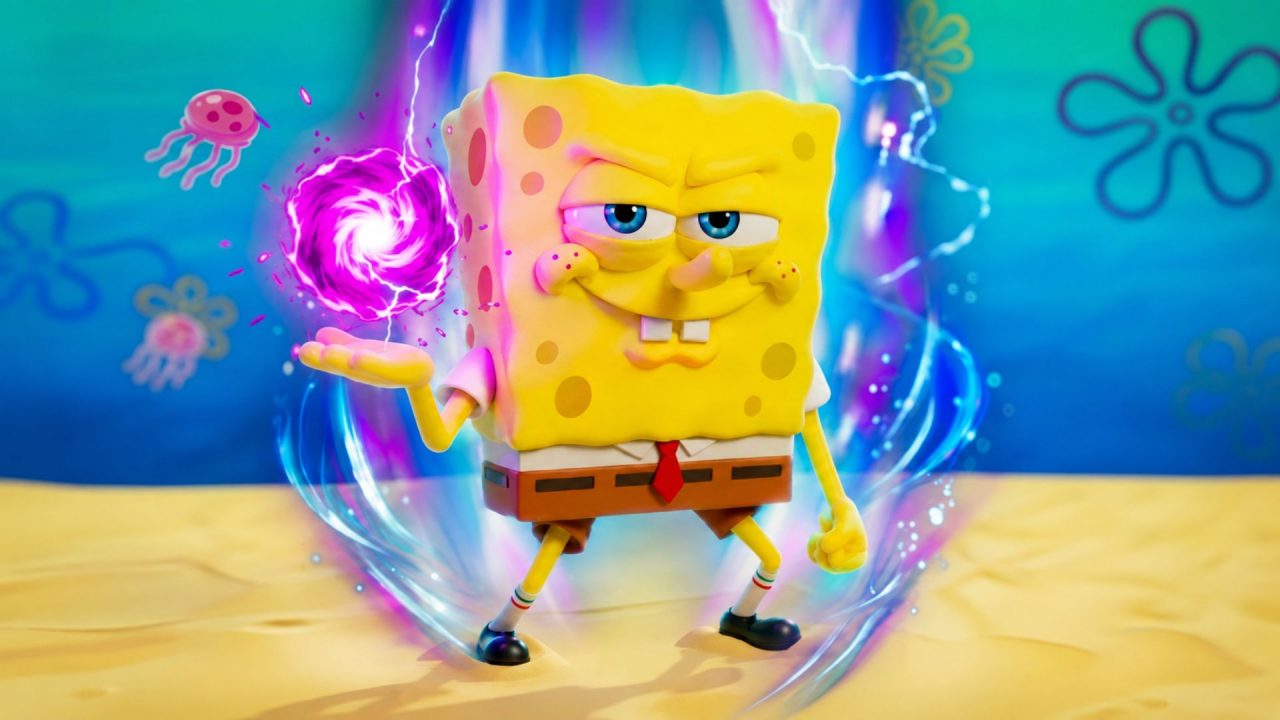
SpongeBob Tower Defense is a Roblox strategy game where familiar Bikini Bottom characters defend stages against waves of enemies. You summon units, arrange your team, and improve your characters as you move through story and endless stages.
Redeem codes can give you free chests, Trait Rerolls, Magic Conches, Pet Crates, and other items. These rewards can provide more chances to summon units or improve the team you already have.
LIST OF ALL ACTIVE REDEEM CODES
Here are all the active SpongeBob Tower Defense redeem codes:
- BEGINNINGS2
- SeasonReworkbby
- GetGudKid
- ROADTO200K
- IMMANICPRISMATIC
- CHALLENGEWON
- QUESTS4LIFE
- BIGGUYENERGY
- FOOLSGOLD
- NEWBEGINNINGS2
- RAINBOWMOUNTS
The codes in this list were released through different updates, challenges, and community milestones, so they may remain available for different amounts of time. One code can expire while the others continue to work. So, redeem each entry separately and check the confirmation message before moving to the next one.
How to Redeem Codes in SpongeBob Tower Defense?
You must reach Level 10 before the game gives you access to code redemption. Once you meet that requirement, follow these steps:
- Open Roblox and launch SpongeBob Tower Defense.
- Play through the early stages until your account reaches Level 10.
- Select the Shop tab on the left side of the screen.
- Choose the Codes option from the Shop menu.
- Type or paste an active code into the redemption box.
- Press Redeem to collect the reward.

The free items should appear in your inventory or currency balance after the code has been accepted.
Redeem Codes Not Working?
If a SpongeBob Tower Defense code does not give you a reward, check these possible causes:
- Reach Level 10: The code menu remains locked until your account reaches Level 10.
- Match the Full Code: Keep every capital letter and number exactly as displayed in the active list.
- Remove Blank Spaces: Pasting a code may add an unwanted space before or after it. Delete the space and submit the code again.
- Check Earlier Redemptions: Most codes can only be claimed once on the same Roblox account.
- Rejoin the Experience: Leave the current server and open SpongeBob Tower Defense again. A newer server may have the latest code update.
- Check Its Availability: Codes connected to updates and events can stop working without an announced end date.
Depending on the code, a successful redemption may give you free chests, rerolls, Magic Conches, or other useful items. These rewards can help you strengthen your units and adjust your lineup before returning to the story or endless stages. Code availability changes over time, so older codes may stop working as new ones arrive through updates and community milestones.

