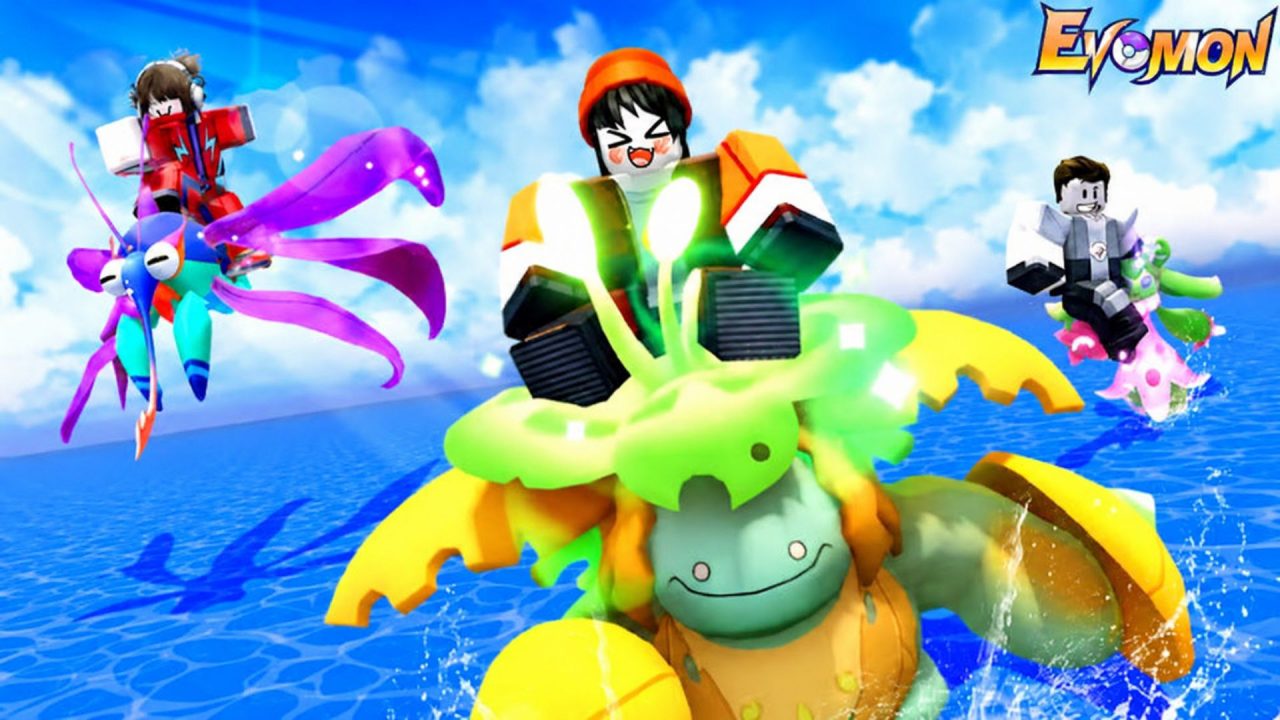
Evomon is a Roblox creature-collecting adventure where you catch wild Evomons, train your team, battle enemies, and search for hidden treasures. Redeem codes can give you free Summon Tickets, Coins, EXP Fruits, Advanced Balls, Evolution Stones, and reroll potions. These items can make catching and improving your Evomons a little easier.

LIST OF ALL ACTIVE REDEEM CODES
Here are all the active redeem codes for Evomon and the rewards provided by each one:
- Wmidseason: 10 Legacy Coins and 10 Apex Medals
- SEASON2GO: 10 Legacy Coins and 10 Apex Medals
- 240evoRISE: 5 Summon Tickets and 3 Trait Reroll Potions
- 100DCUNITY: 3 Trait Reroll Potions, 3 Talent Vector Potions, and 3 Nature Reroll Potions
- EVO120HYPE: 3 Summon Tickets and 2 Trait Reroll Potions
- D50CREW: 10 Evolution Stones and 10 Omni-Stones
- EVO60SPARK: 3 Summon Tickets and 2 Trait Reroll Potions
- SeasonComing: 3 Summon Tickets and 10 Advanced Balls
- 20KMEMBERS: 2 Trait Reroll Potions and 10 Advanced Balls
- 30K-LIKES: 2 Trait Reroll Potions, 2 Talent Vector Potions, and 2 Nature Reroll Potions
- 20000LIKES: 2 Trait Reroll Potions and 5 Medium EXP Fruits
- 10KCCU_: 4,000 Coins
- 12klikeS: 5 Medium EXP Fruits
- 10kthx: 10 Advanced Balls
- 5000DC: 5 Advanced Balls
- THXFOR5K: 5 Medium EXP Fruits
- 2K-LIKES: 5 Medium EXP Fruits
- DC2K: 5 Medium EXP Fruits
- FORDC1200: 1,000 Coins
- LIKE1GIFT: 2 Medium EXP Fruits and 1,000 Coins
- DCGIFT: 10 Medium EXP Fruits, 5 Advanced Balls, and 1,000 Coins
- EvomonVip: 5 Medium EXP Fruits
- FORGROUP: In-game reward
Working codes may be removed at any time, so it is best to redeem them soon.
How to Redeem Codes in Evomon?
You must finish the tutorial before the code box becomes available. Once you have entered the open world, follow these steps:
- Launch Evomon through Roblox.
- Complete the tutorial and choose your starter Evomon if you have not done so already.
- Select the cog-shaped Settings button in the upper-left corner of the screen.
- The code text box is at the bottom of the Settings window.
- Enter an active code exactly as written, then select OK to collect the reward.

The items should be added to your account after a successful redemption. You can open your inventory by selecting your character portrait in the upper-right corner and choosing the backpack icon.

Redeem Codes Not Working?
If an Evomon code is not giving you its reward, check these common causes:
- Finish the tutorial: The redemption box is unavailable until you complete the opening tutorial and reach the open world.
- Copy the capitalization: Evomon codes can be case-sensitive, so letters, numbers, hyphens, and underscores must match the code shown above.
- Remove extra spaces: Pasting a code can sometimes add a space before or after it. Delete any unwanted spaces and submit it again.
- Check whether you used it: Most codes can only be redeemed once on the same Roblox account.
- Join a new server: If a recently released code fails, leave the current server, rejoin Evomon, and try it again. Older servers may need time to receive an update.
A code may also have expired if it continues to show an error after these checks. Developers can disable Roblox codes without giving a fixed end date.
Evomon codes offer a simple way to collect useful supplies while building your team. Redeem the available freebies, then use the EXP Fruits, Potions, Balls, and other items as you catch and train more Evomons.