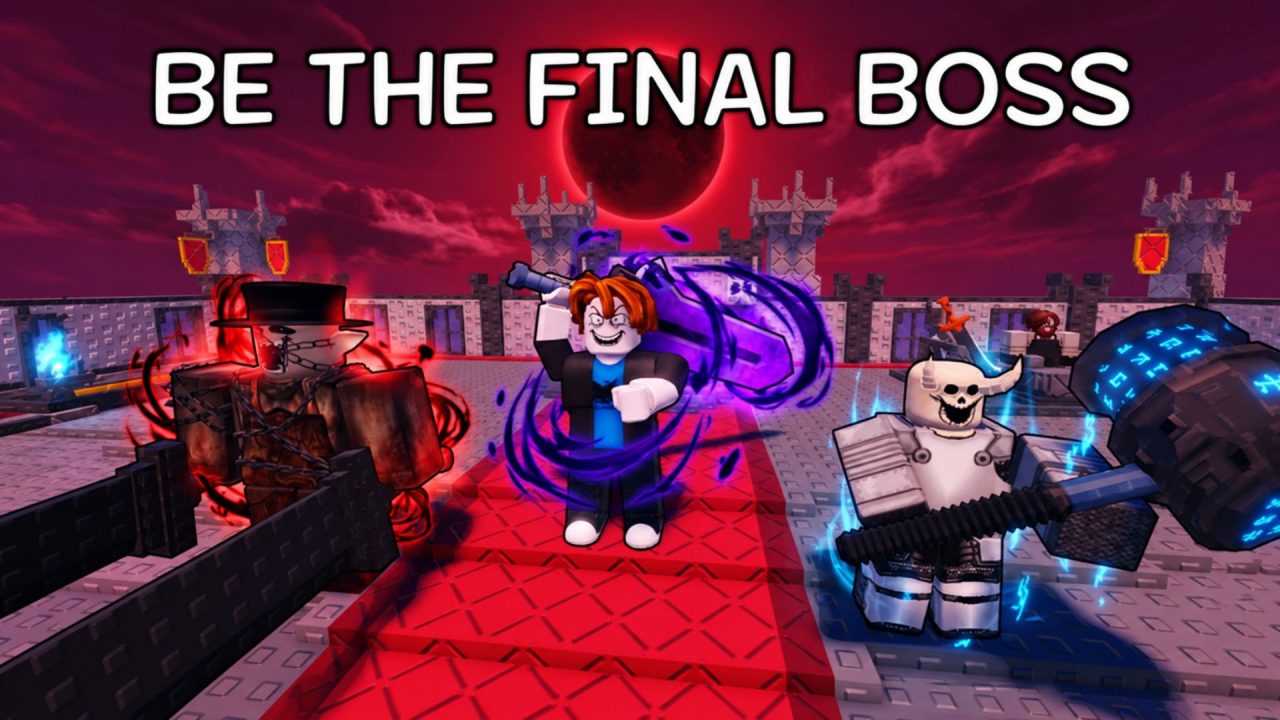
Be the Final Boss puts you in the villain’s seat for a change. In this Roblox tycoon game, you unlock units, place them around your plot, buy upgrades from a skill tree, and watch your army fight through waves of heroes trying to reach your throne.
The active redeem codes give you Coins, Souls, Fusion Shards, Forge Stones, Spin Tickets, and several boosters. That is a useful mix when you are still building your army or need a few extra materials for the next upgrade.
LIST OF ALL ACTIVE REDEEM CODES
Here are all the active Be the Final Boss redeem codes gathered from the provided sources. Rewards are included where they are known.
- bowtotheboss: 1 Coin Booster and 7,500 Coins
- noherocanwin: 3 Epic Fusion Shards and 1 Shard Drop Booster
- raidthecastle: 6 Fusion Shards and 3 Forge Stones
- armyofbosses: 15 Uncommon Fusion Shards and 2 Spin Tickets
- claimthethrone: 125 Souls and 2 Forge Stones
- bossmodeon: 6,000 Coins and 2 Forge Stones
- ulttheboss: 1 Health Booster, 1 Attack Booster, and 5 Spin Tickets
There are quite a few rewards here, so it is worth going through the full list. The Coins can go toward your regular progress, while the different shards, stones, Souls, and tickets give you more options as your army grows. Codes can stop working without much warning, so claim the available rewards while they are still live.
How to Redeem Codes in Be the Final Boss?
The code box sits at the bottom of the Settings menu. You can complete the whole process inside the Roblox experience.
- Open Roblox and launch Be the Final Boss.
- Wait for your character and base to load.
- Select the Settings gear near the upper-left corner of the screen.
- Scroll to the bottom of the Settings window.
- Find the Code section and its entry field.
- Type or paste an active entry into the box.
- Select Redeem to submit it and collect the reward.
- Return to the same field and repeat the process for the remaining entries.

A successful redemption should add the listed items to your account. Check your Coins and other resources after each attempt so you know the reward went through before moving to the next one.
Redeem Codes Not Working?
Most failed redemptions come down to a typing error, an older server, or a reward that has already been claimed. Try these quick checks if the game rejects an entry.
- Match the spelling: Enter every letter and number exactly as shown in the active list. Similar-looking entries are easy to mix up.
- Remove blank spaces: Pasting can sometimes add an empty space at the beginning or end. Clear the field and paste the entry again.
- Check past claims: A redeem code will usually work once per Roblox account, so an entry you used earlier will not provide the same items again.
- Read the game’s message: The response may tell you whether the entry is invalid, expired, or already redeemed. That can save you from repeating the same attempt.
- Join a fresh server: Leave the experience, reconnect, and open the Settings menu again. A recently released code may fail in a server that is still running an older version.
- Confirm it is still available: Codes can be removed after an update, event, or milestone. If the entry is correct and unused, it may have expired.
These freebies cover several parts of your progress, from basic Coins to fusion materials and temporary boosts. Claim what is available, then head back to improving your units and holding off the next wave of heroes. We will update this article when more Be the Final Boss codes are released, or older rewards stop working.