


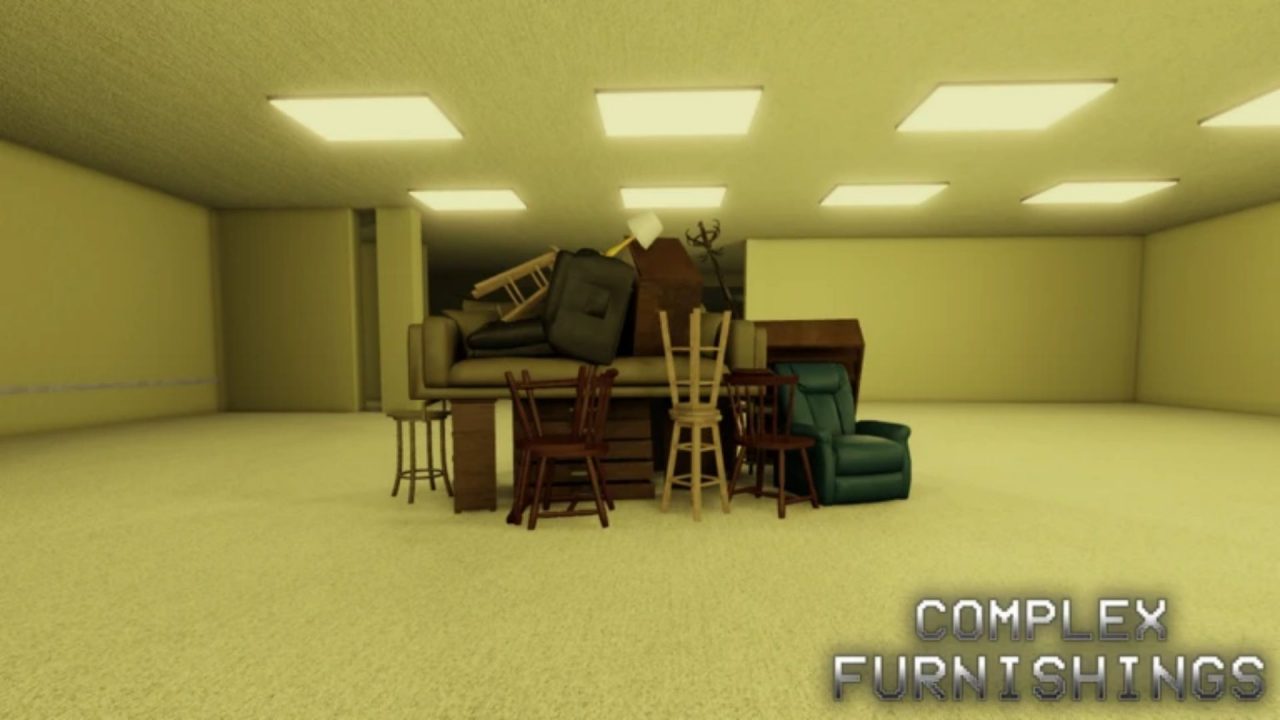
Complex Furnishings is a co-op Roblox horror game set inside a furniture store with an infinite stockroom. Your job is to collect furniture while dealing with the hostile things hiding inside. Redeem codes can provide free Money, which can be used to unlock new roles and make another trip into the stockroom a bit easier.
LIST OF ALL ACTIVE REDEEM CODES
Here are the Complex Furnishings codes and their available rewards:
- SORRYFORTHEBUGS: 100 Money
- 10KEVENT: 50 Money
- THEMES: 750 Money
- TYDONATORS: 128 Money
- 3.5MVISITS: 350 Money
- WEARESOBACK: 200 Money
- KARS: 59 Money
- RESISTOR: 50 Money
These codes can give you Money for unlocking roles and covering other purchases during your shifts. The larger rewards are especially useful if you are saving for a more expensive role instead of spending your earnings immediately.
Keep the spelling and capitalization exactly as displayed. The period in 3.5MVISITS is also part of the code and needs to be included. Codes may be disabled without an announced deadline, so claim the available Money while the entries are still accepted.
How to Redeem Codes in Complex Furnishings?
You need to join the developer’s Roblox community before using codes. The group previously called Real Mouse Productions now opens as Sushi Deluxe Studios through the same community link.
Follow these steps to collect the rewards.
- Join the official developer’s Roblox community with the account you use to play.
- Launch Complex Furnishings through Roblox.
- Enter a server and wait for the main game screen to finish loading.
- Select the Codes button in the upper-left corner of the screen.
- Click the field marked TYPE CODE HERE.
- Type or paste one active code exactly as it appears above.
- Select REDEEM to submit the code and receive the Money.
- Use the same field to redeem any remaining codes.

Your Money total should update after the game accepts an entry. If the balance does not change, check the message shown in the redemption window before trying the code again. Joining the required Roblox community before opening the game can also help the membership check complete correctly.
Redeem Codes Not Working?
Complex Furnishings has a community requirement that can prevent valid codes from working. If an entry is rejected, check the following points:
- Confirm Your Membership: Join the Real Mouse Productions Roblox community before opening Complex Furnishings. The code system may not work for players who have not joined.
- Match Every Character: Keep the same capitalization, spelling, numbers, and punctuation shown in the active list.
- Remove Extra Spaces: Delete any blank space added before or after a code when copying and pasting it.
- Check the Correct Field: Enter the code in the TYPE CODE HERE box opened through the Codes button in the upper-left corner.
- Remember Previous Claims: Most codes can only be redeemed once on the same Roblox account.
- Rejoin the Game: Leave the current server and reconnect if the game has not recognized your community membership or a recently added code.
- Check Whether It Ended: A correctly entered code may have been disabled if it still fails after you have joined the community and entered a fresh server.
Free Money can help you unlock another role without relying only on what you earn during furniture runs. We will update this article when more Complex Furnishings codes are released, or existing entries stop working.

