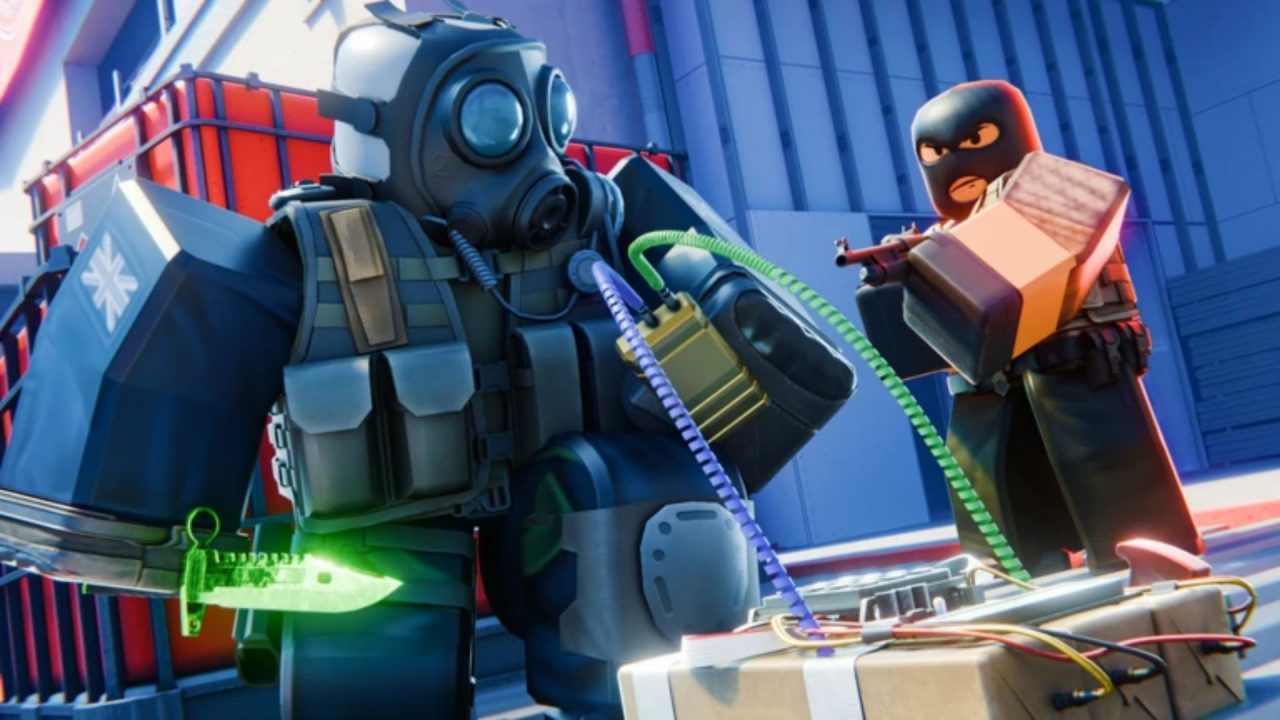
BloxStrike is a competitive Roblox shooter built around tactical 5v5 matches. One team attacks while the other defends, with rounds decided through eliminations or the main objective. Redeem codes can provide free Credits for cases and weapon skins, along with a few other in-game rewards.
LIST OF ALL ACTIVE REDEEM CODES
Here are all the active BloxStrike redeem codes and their available rewards:
- ZOMBIES – 250 Credits (NEW)
- 1MILLIONFAVORITES – 150 Credits
- LAUNCHSITE – 250 Credits
- FREEDOM – 250 Credits
- OCTOBER_DOWNTIME – 250 Credits
- RIANOMINATED2026 – 250 Credits
- LORE – 250 Credits
- REACTOR – 250 Credits
- NEBULA – 250 Credits
- KNICKS – 250 Credits
- 1MGROUPMEMBERS – 125 Credits
- MICHAELSRETURN – 125 Credits
- HAPPYBDAYYUUTO – 125 Credits
- REACTORDELAY – Credits
- CAPTAINTTIROB – Credits
- SUPERSOAKED – 250 Credits
- TRADINGUPDATE – 150 Credits
- MYFAULTYALL – 300 Credits
- BIRTHDAYBOYMALONI – 50 Credits
- TRADINGRELEASE – 250 Credits
- APEXCOLLECTION – 250 Credits
- Missions – 250 Credits
- EASTER2026 – 67 Credits
- STILETTO – 250 Credits
- GAMEBROKE318 – Rewards
- UPDATE320 – 250 Credits
- DUST_II – 250 Credits
- GLOVECASE2 – 250 Credits
- 50MVISITS – 250 Credits
- GLOVECASE2026 – 45 Credits
- BLOXSTRIKEXMEDAL – 100 Credits
- SEASIDE – 100 Credits
These codes can give you Credits for opening cases and building your weapon skin collection. Several entries have a fixed number of total claims, so they may stop working once enough players have redeemed them. Claim the available rewards when you can, especially those with smaller redemption limits.
How to Redeem Codes in BloxStrike?
You must reach Level 5 before you can use the code system. The game may also ask you to join the official BloxStrike Roblox community and verify your membership:
- Join the official BloxStrike Roblox community.
- Launch BloxStrike through Roblox.
- Select Verify on the home screen if the game asks you to confirm your community membership.
- Play matches until your account reaches Level 5.
- Return to the home menu and select REDEEM CODES! golden window that is located on the right side of the screen.
- Scroll down to find the code entry field.
- Type or paste one active code into the box.
- Select REDEEM to claim the reward.

The game should show a confirmation after accepting the entry. Check your Credit balance or inventory to see what was added, and then repeat the steps for any remaining codes.
Redeem Codes Not Working?
BloxStrike has a few requirements that can cause a code to fail. Go through these checks before entering it again:
- Reach Level 5: The redemption feature remains locked for newer accounts. Keep playing matches until your profile reaches the required level.
- Complete the community requirement: Join the official BloxStrike Roblox community and use the verification option on the home screen when it appears.
- Match the capitalization: Codes are case-sensitive, so every capital letter must match the version shown in the active list.
- Remove blank spaces: Copying a code can add a space at the beginning or end. Clear the field and paste it again.
- Remember earlier claims: Each code generally works once on the same Roblox account.
- Consider the redemption limit: Some rewards are restricted to the first few thousand players. A correctly entered code can fail after all available claims have been used.
- Try another server: Leave BloxStrike and join a fresh server if a newly released code does not appear to work.
A message saying that the code has expired usually means its time limit or total claim limit has been reached. In that situation, you will need to wait for another reward code.
Free Credits can help you open more cases and add new weapon skins to your collection between matches. We’ll update this article when additional BloxStrike codes and rewards become available.