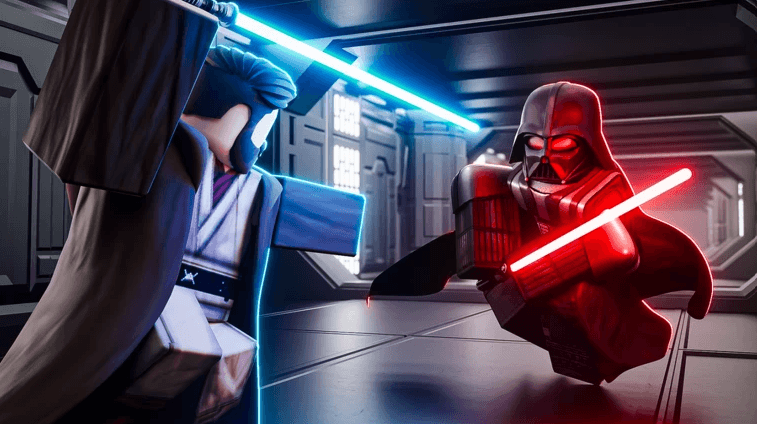
Saber Unbound brings fast-paced lightsaber combat to Roblox, with customizable sabers, PvP battles, and maps inspired by the Star Wars universe. Whether you prefer testing your skills against other players or improving your equipment, having enough Credits can help you make the most of your time in the game. Active Saber Unbound codes provide free Credits, giving you a useful boost without requiring hours of grinding.
List of All Active Redeem Codes
- LEADERBOARDW: 2,000 Credits
- 11MILLETSGO: 5,000 Credits
- 10MILLETSGO: 10,000 Credits
Saber Unbound codes are case-sensitive, so make sure every letter and number matches the codes listed above. Copying and pasting them into the redemption box is recommended to avoid typos and ensure your Credits are added successfully.
How to Redeem Codes in Roblox – Saber Unbound?
- Launch Saber Unbound through Roblox and enter the spawn or lobby area.
- Look for the Codes Booth or Codes NPC near the leaderboards.
- Approach it and hold E, or use the appropriate interact button on your device.
- Enter or paste an active code into the text box.
- Click Redeem to receive the corresponding Credits.
Redeem Codes Not Working?
If a redeem code isn’t working, try the following:
- Check the Code: Enter the code exactly as shown, including capitalization.
- Check Its Validity: Make sure the code is still active and hasn’t expired.
- Check If It Was Used: Some codes can only be redeemed once per account.
- Check for Restrictions: Some codes may have level, server, or other requirements.
- Try Again: Restart the game and try redeeming the code again if it’s still active.
Redeem these codes as soon as possible to add free Credits to your balance before they expire. Keep this guide bookmarked and return regularly for new Saber Unbound codes and updates.