


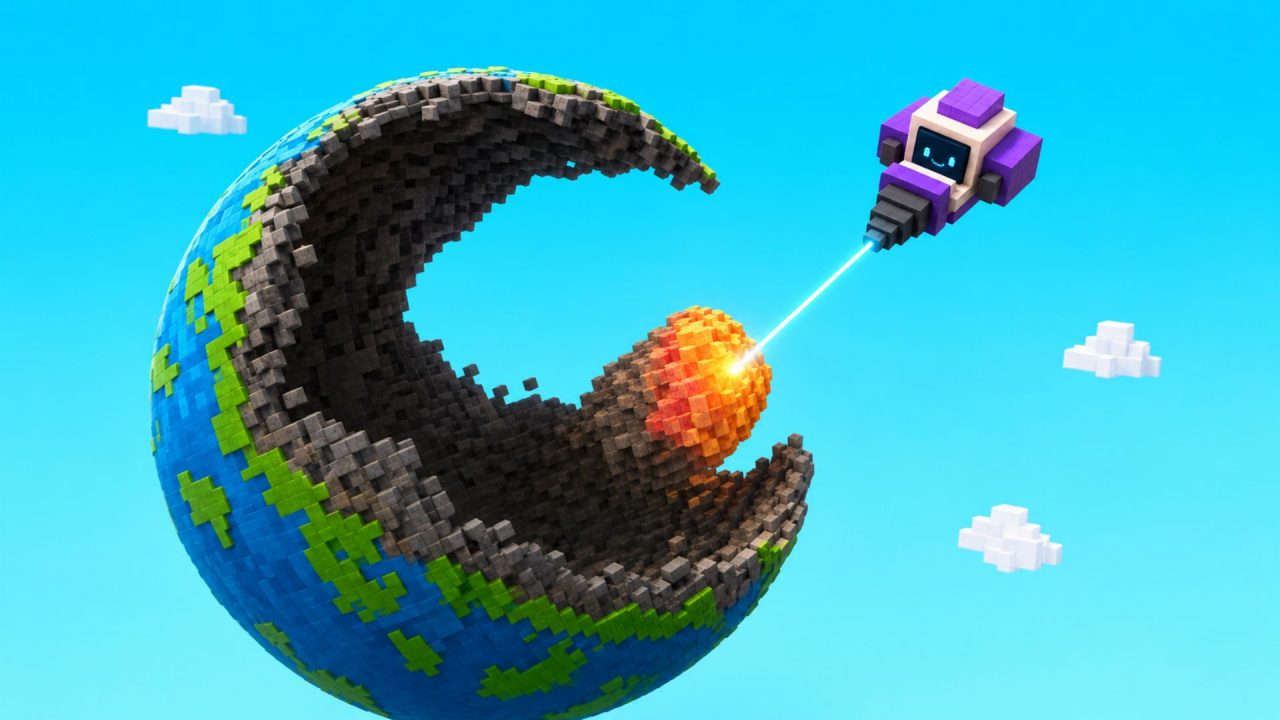
Mine a Planet is a Roblox incremental mining game where you send laser drones to dig through a voxel planet. The resources they collect can be sold for cash, which you can use to improve your operation, evolve your world, and get stronger drones.
Redeem codes provide several free items that can help with this process. The available rewards include Strong Batteries, a Time Skip, a Drone Pack, a Super Alien Treat, and a UFO CPU.
LIST OF ALL ACTIVE REDEEM CODES
Here are all the active Mine a Planet redeem codes and their rewards:
- EARTH: 1 UFO CPU
- BETA9BETA: 3 Strong Batteries
- UPDATE8: 3 Strong Batteries
- DISCORD: 5-minute Time Skip
- UPDATE7: 3 Strong Batteries
- BETABETA: 1 Super Alien Treat
- DRONES: 1 Drone Pack
Each reward helps with a different part of your mining setup. The Drone Pack adds another drone to your collection, while Strong Batteries can improve mining performance. The Time Skip moves production forward by five minutes, so your drones can collect additional resources without the usual wait.
The Super Alien Treat can be used on an Alien, and the UFO CPU is another item connected to your equipment and progression. Enter every code separately because the game does not support claiming several codes at once.
How to Redeem Codes in Mine a Planet?
Follow these steps to redeem your codes:
- Open Roblox and launch Mine a Planet.
- Wait for your planet and mining depot to finish loading.
- Select the gear icon in the upper-right corner of the screen.
- Open Settings and scroll toward the bottom of the menu.
- Find the field marked Enter Code.
- Type or paste one of the active codes into the field.
- Select Redeem to claim the connected reward.
- Repeat the process for the remaining codes.

After a successful redemption, the item or bonus should be added to your account. Keep the Settings menu open if you want to enter the rest of the available codes.
Redeem Codes Not Working?
Mine a Planet codes can fail because of an incorrect character, an extra space, or an earlier redemption. Check the following if the game rejects one of your entries:
- Copy the Complete Code: Codes such as BETA9BETA contain both letters and numbers. Copy the full entry so that no characters are left out.
- Keep the Capitalization: Enter every code with the same capital letters shown in the active list.
- Remove Blank Spaces: Pasting a code can sometimes add a space at the beginning or end. Clear any extra spaces before selecting Redeem.
- Remember Earlier Claims: Each Mine a Planet code can generally be redeemed once on the same Roblox account. A reward you already collected cannot be claimed again.
- Enter One Code at a Time: The code box accepts a single entry with each redemption. Claim the reward and clear the field before entering another code.
- Join a New Server: A newly released code may take some time to appear on every server. Leave the current server, reopen the game, and try it again.
- Check Whether It Expired: Codes can be disabled after updates or community events. If the entry is correct and still fails, it may no longer be available.
These Mine a Planet codes give you a useful mix of drone items, mining boosts, and progression rewards. Claim each one through the Settings menu, then use the items while improving your fleet and mining deeper into your planet. We’ll update this article when more codes and rewards become available.

