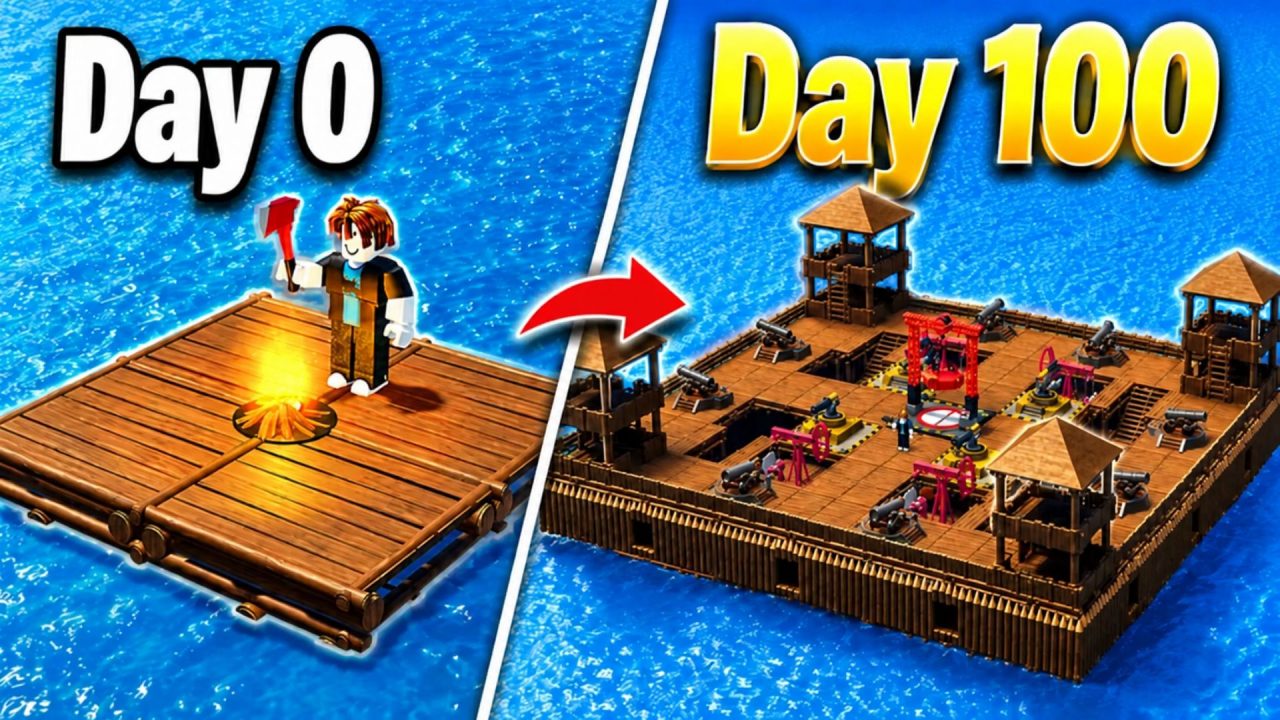
100 Days at Sea sends you into the ocean to build a raft, visit islands, and investigate the Bermuda Triangle. You’ll gather supplies and strengthen your base as you try to survive the journey. Redeem codes have offered free Pearls in the past, so this page covers their current availability and shows you where to enter a new code when one arrives.
LIST OF ALL ACTIVE REDEEM CODES
- RIVAL – 20 Pearls (New)
- SKELLY – 20 Pearls
Past codes have given players Pearls, which can be used to get classes and companions. Classes offer different advantages during a run, while companions have abilities that can help you at sea. We’ll add any new code to this section when it becomes available, along with its reward.
You can continue playing while you wait for another code. Gathering resources, expanding your raft, and visiting islands are all part of progressing through the game. The code menu will still be there when a new reward is released.
How to Redeem Codes in 100 Days at Sea?
You can find the CODES button at the top-left of the game screen. When a new code becomes available, use these steps to claim it:
- Launch 100 Days at Sea through Roblox.
- Select CODES at the top-left of the screen.
- Click the Enter Code box.
- Type or paste the new code into the field.
- Select SUBMIT.
- Check your Pearl balance or inventory for the reward shown with that code.

The code box is available from the game screen, so you can find it before heading out on your raft. If a future update brings several codes at once, submit them one at a time and check the result after each entry. That makes it easier to tell which rewards reached your account.
Redeem Codes Not Working?
There are no active codes to claim at present. If a newly released code fails later, go through these checks:
- Check that the code is new: An older code may still appear in a saved post or message even though its reward has ended.
- Copy every character: Check the spelling and any numbers in the code. A missing character can cause the game to reject it.
- Remove extra spaces: Pasting text can leave a blank space before or after the code. Clear those spaces and try again.
- Think back to earlier claims: A code you have already redeemed on the same Roblox account generally cannot be used again.
- Join another server: A newly released code may take time to become available in an older game session. Leave and rejoin before retrying it.
- Check whether it has expired: Some codes are available for only a short period. If the entry is correct and it still fails, the offer may have ended.
Make sure you’re entering a future code through the CODES menu and pressing SUBMIT afterward. If the game accepts it, check the reward attached to that code so you know what to look for in your account.
For now, you can focus on building your raft and preparing for the next stretch of the voyage. We’ll update this article when another 100 Days at Sea redeem codes are released.