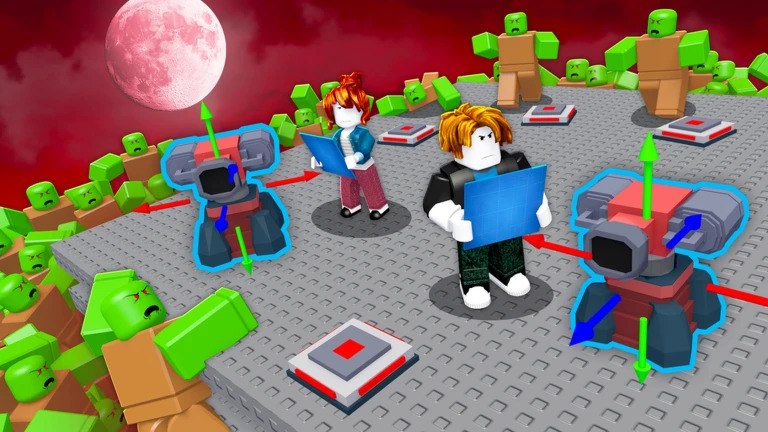
Roblox Survive Zombie Arena throws you into increasingly dangerous battles against waves of undead enemies, making the right gear, class setup, and resources essential for survival. Active codes can help you prepare for these encounters by providing free Credits, temporary boosts, crates, and event-related rewards.
List of All Active Redeem Codes
- QolSwag: 2x Gold Boost (24 Hours), Free Rewards
- Viciboy: 2x Credits (12 Hours), 5,000 Credits, 3 Pirate Spins
- FACTIONS: 2x Pirate Pass XP (24 Hours)
- FRONTIER: 2x Pirate Pass XP (24 Hours)
- Pirate: 2x Pirate Pass XP (24 Hours)
- Swaggin: 2x Credits Boost (12 Hours), 1 Pirate Chest
- Iron: 20 Pirate Wood, 12 Pirate Iron
- NODELAYSWAG: 5,000 Credits, 2x Bloodmoon Boost (48 Hours), 2 Bloodmoon Crates
- SWAGGYBOI: 2x Credits Boost (12 Hours), 2x Bloodmoon Boost (24 Hours)
- TUNDRASZN: 4,500 Credits, 2 Bloodmoon Crate Spins
- BOSSRUSH: 3,500 Credits, 2x Ultra Yeti Encounter Chance
- DELAYSAHUR: 4,500 Credits, 2 Bloodmoon Crates
- UPDATE0.5: 5,000 Credits, 2x Credits Boost (8 Hours), 2x Bloodmoon Shards Boost (12 Hours)
- BEWARETHETUNDRA: 1 Artifact Crate Spin
Redeem these codes promptly, as promotional rewards can expire without warning. Enter each code exactly as displayed, including capitalization, and copy-paste whenever possible to avoid accidental typos.
How to Redeem Codes in Roblox – Survive Zombie Arena?
- Launch Survive Zombie Arena through Roblox.
- Click the “Shop” button on the left side of the screen.
- Scroll down through the “Shop” menu until you find the code entry box.
- Paste or type an active code into the text field.
- Click “Redeem” to collect the corresponding rewards.
Redeem Codes Not Working?
If a redeem code isn’t working, try the following:
- Check the Code: Enter the code exactly as shown, including capitalization.
- Check Its Validity: Make sure the code is still active and hasn’t expired.
- Check If It Was Used: Some codes can only be redeemed once per account.
- Check for Restrictions: Some codes may have level, server, or other requirements.
- Try Again: Restart the game and try redeeming the code again if it’s still active.
If a newly released code appears invalid, try restarting Roblox or joining a newer server, as server synchronization can sometimes delay newly added codes. Redeem the available rewards before they expire, and check back regularly for more Survive Zombie Arena codes and updates.
Read More
Looking for more game codes? Explore our full collection of redeem codes archives to level up your gameplay!