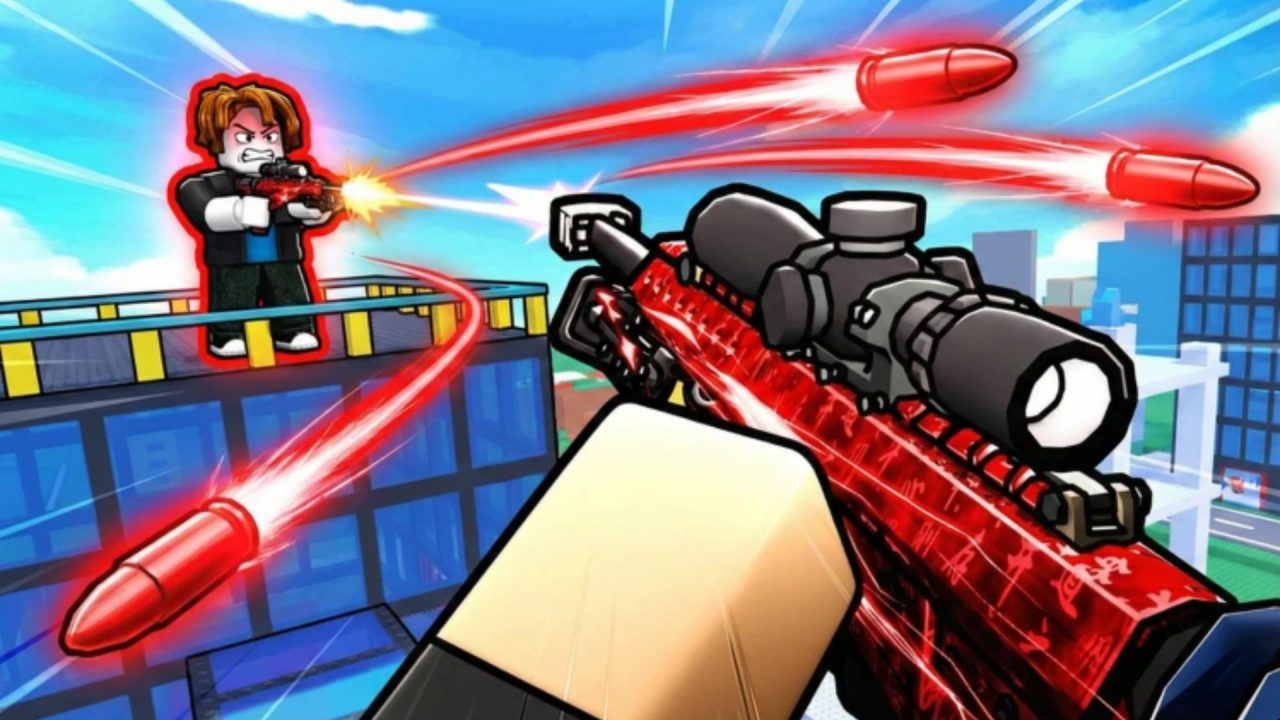
Hypershot is a fast Roblox FPS with Team Deathmatch, Capture the Flag, Free for All, and Gun Game. You can also challenge other players through 1v1 and 2v2 duels. This article covers the game’s code system and explains how to enter redeem codes through the Rewards menu.
LIST OF ALL ACTIVE REDEEM CODES
There are no active Hypershot redeem codes at this time. Previously released entries provided Coins, Gems, weapon cases, Charms, Presents, and other items.
Coins can be used to obtain new weapons, while Gems help you access additional abilities. Cases contain weapon skins, and Charms provide more ways to customize your equipment. Since the older codes have expired, these items must currently be earned through the game’s regular progression systems. Frosted Studio may release another code during an update, special event, visit milestone, or community celebration. Any new entry and its confirmed items will be added to this section once it becomes available.
How to Redeem Codes in Hypershot?
Hypershot still has a code field inside the Rewards menu. When the developers release another working code, you can enter it by following these steps:
- Launch Hypershot through Roblox.
- Enter the game and complete the current match if the Free Rewards! option is unavailable.
- Select the Rewards button located at the top of the screen.
- Choose Rewards again from the menu that opens.
- Scroll to the bottom of the Rewards window.
- Find the field marked ENTER CODE HERE.
- Type or paste the newly released code into the field.
- Select REDEEM to submit it.
- Check the matching currency counter or inventory section to confirm that the item was added.
You may need to finish a match before the full Rewards menu appears. Once the menu becomes available, the redemption field can be found near the bottom of the Rewards menu, below the other free-item options.
Everything is handled inside the Roblox experience, so you do not need to visit a separate redemption website. Since no codes are working right now, entering an older one will result in an error or expired-code message.
Redeem Codes Not Working?
A code entered now will fail because Hypershot does not have any active redeem codes. If a new entry is released later and the game still rejects it, check these points:
- Finish the Current Match: The Free Rewards! option may remain hidden while a match is still in progress. Wait until the round ends and check again.
- Use the Correct Menu: Select Rewards, open the second Rewards option, and scroll to the code field at the bottom.
- Copy Every Character: Keep the same letters, numbers, and capitalization shown with the newly released code.
- Remove Added Spaces: Delete any blank space placed before or after the code while copying and pasting it.
- Check Previous Claims: Most developer codes can only be collected once on the same Roblox account.
- Join Another Server: Leave the current session and reopen Hypershot if a new code is not recognized immediately.
- Check Whether It Expired: Some codes are available for a short period. A correctly entered code may have already been disabled if it still fails in a fresh server.
There are no code items to claim in Hypershot right now, so you will need to earn Coins, Gems, cases, and other items through matches and the Rewards menu. We will update this article when Frosted Studio releases another working code.