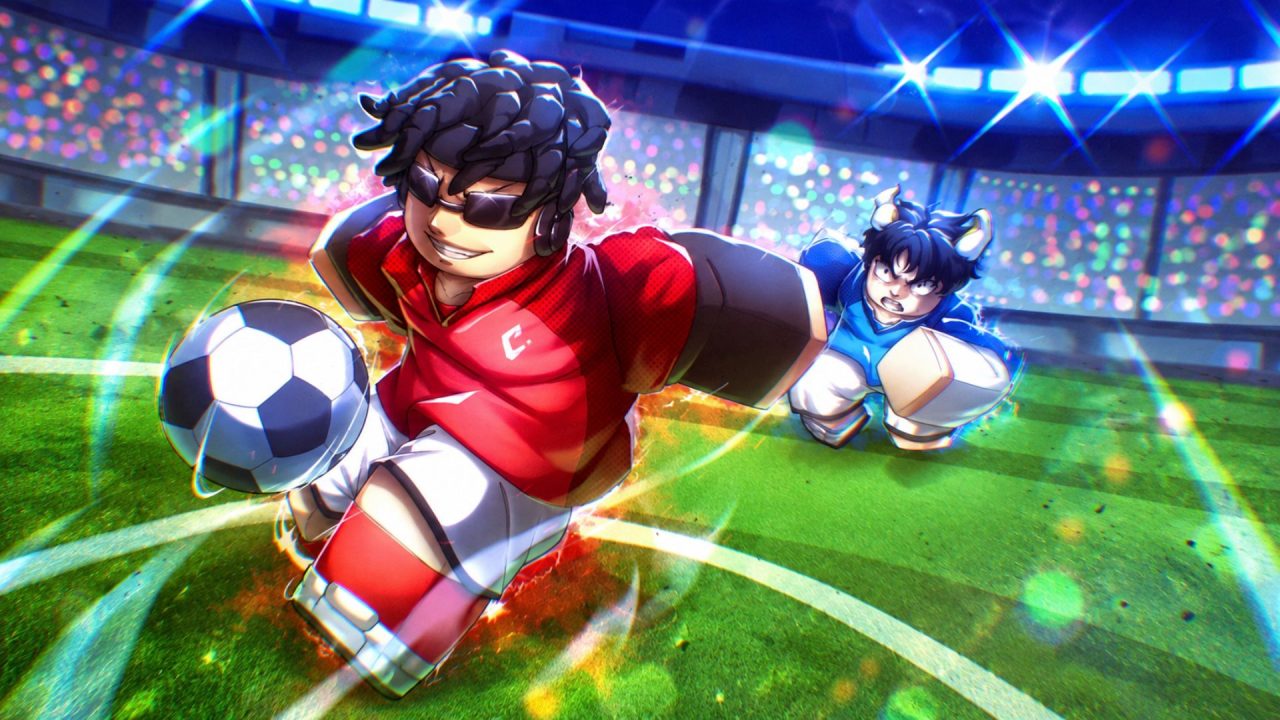
Soccer Zero is an anime-inspired Roblox soccer game built around 5v5 matches, different Styles, and Flows. Some setups favor careful positioning, while quicker options help you get past defenders and create space near the goal. The game also mixes its anime theme with special footballers and flashy match visuals, which makes each new Style or Flow feel more noticeable during a game.
Active redeem codes give you Lucky Style and Lucky Flow Spins. These rewards mean more chances to work on your player’s setup without spending as much time gathering resources first.
LIST OF ALL ACTIVE REDEEM CODES
Here are all the active Soccer Zero redeem codes and the free spins attached to them:
- CUSTOMISATION: 5 Lucky Style Spins and 5 Lucky Flow Spins
- CHAMELEONSOON: 3 Lucky Style Spins and 3 Lucky Flow Spins
That is eight spins of each type if you redeem both entries. Lucky Style Spins and Lucky Flow Spins are separate reward types. One is tied to the Style side of your build, while the other is used for Flows, so both parts are useful when changing how your footballer plays.
Soccer Zero codes can be fairly short-lived, sometimes disappearing after an update or event ends. For that reason, it is worth using the active ones while they still work.
How to Redeem Codes in Soccer Zero?
Before you open the redemption box, like the game and join the official Soccer Zero Roblox group. Both account steps are required for code rewards, so complete them first and then enter the game again.
Follow these steps to redeem your codes:
- Open Roblox and launch Soccer Zero.
- Wait for the game to load and reach the main menu.
- Select the blue Codes button along the bottom of the screen.
- Click the Enter Code… field inside the Codes window.
- Type or paste one active code into the field.
- Select Redeem to submit it and collect the attached spins.
- Repeat the same process for the other active entry.

Once a code is accepted, its Style and Flow Spins should be added to your account. The button is available from the main interface, so you do not need to enter a match before claiming the rewards.
Redeem Codes Not Working?
A Soccer Zero code may be rejected because an account requirement is missing, the text was entered incorrectly, or the current server has yet to receive a recent update. Go through these checks before giving up on it:
- Complete the Roblox requirements: Like Soccer Zero and join its official Roblox group. Then close the game and rejoin so it can recognize both actions.
- Match every character: Use the same capital letters shown in the active list. Typing a similar-looking word or changing the capitalization may cause an error.
- Clear unwanted spaces: Pasting can sometimes add a blank space at the beginning or end. Remove it before selecting the Redeem button.
- Check your previous claims: Each reward is generally available once per Roblox account. A code you already used will not provide another set of spins.
- Join a fresh server: Leave your current session and launch the game again. This can help when an older server is still running the previous game version.
- Consider whether it expired: These freebies can be disabled quickly and may stop working without a listed expiration time.
The current rewards give you several extra chances to land the Style and Flow combination you want. Claim them before jumping into another 5v5 match, and check back when Soccer Zero gets an update since new freebies often arrive around game changes and milestones.