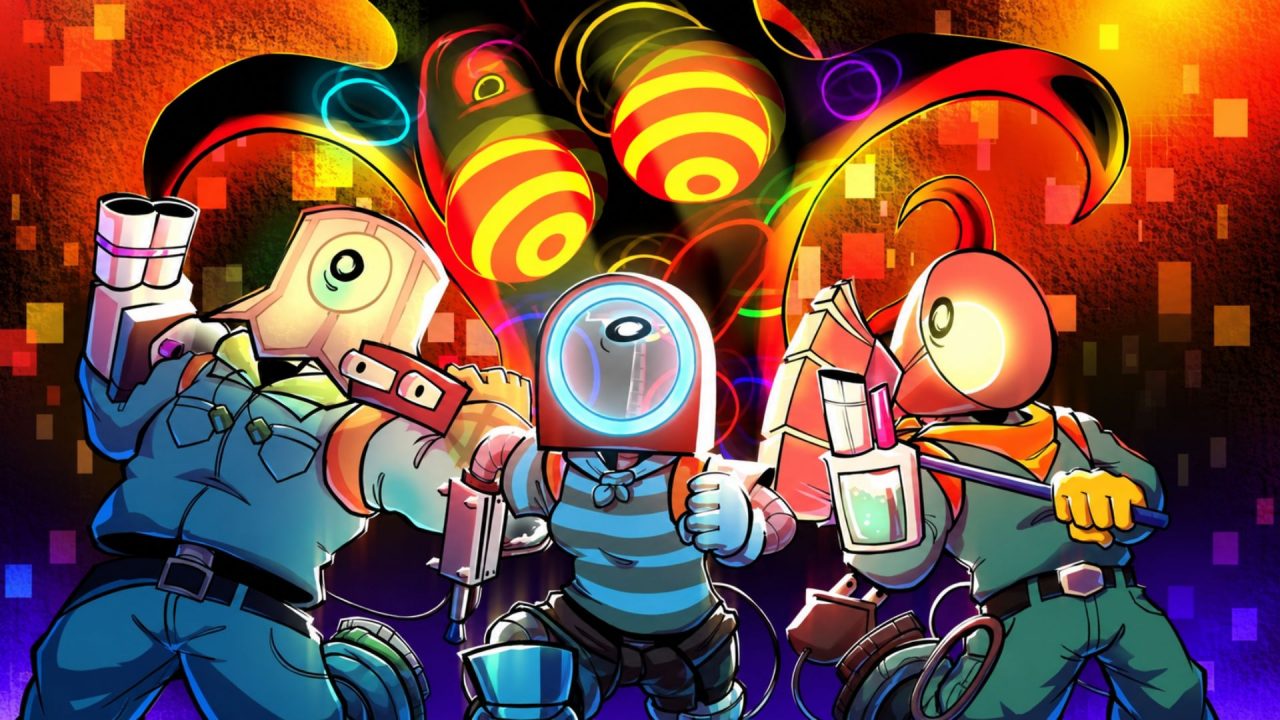
Clean Crew is a multiplayer roguelite survival horror game on Roblox where a crew enters abandoned apartments to clean up while dealing with strange hazards. It can also be played solo, though that makes the job harder. The active redeem codes give you free Mula and a few cosmetic items that you can use before heading into another run.
LIST OF ALL ACTIVE REDEEM CODES
Here are all the active Clean Crew redeem codes and the rewards they currently provide:
- 4702: The Grimp Sticker
- BUGFIX: Crazy Bug Sticker
- CrewAllOver: Crew All Over Color
Mula is the game’s spending currency and can be used for vending-machine upgrades, character classes, and cosmetic items. The two stickers and the extra color give you a few more ways to change how your character looks, so there is a decent mix of practical and cosmetic rewards here.
Redeem the full list while the entries are still available. Clean Crew codes can be removed without a fixed end date, and claiming them now only takes a minute from the main menu.
How to Redeem Codes in Clean Crew?
The code screen is available from the main menu. It is best to claim the rewards before loading into a run so the Codes button is easy to find.
Follow these steps to redeem your Clean Crew codes:
- Open Roblox and launch Clean Crew.
- Stay on the main menu before entering a run.
- Select the Codes button.
- Type or paste an active code into the TYPE HERE box.
- Press REDEEM to submit it.
- Check the bottom of the screen to see the reward you received.
- Enter the remaining codes one at a time.

You do not need to visit an outside redemption page or enter anything in the Roblox chat. Everything is handled through the Codes option in Clean Crew’s own main menu. After an entry is accepted, the game displays the result near the bottom of the screen.
If you are already inside a run and cannot see the Codes button, return to the main menu first. The redemption screen is meant to be opened before starting the next cleaning job.
Redeem Codes Not Working?
A small typing issue or an old server can stop a working entry from going through. If Clean Crew rejects a code, try these checks:
- Match the Capitalization: Copy the code exactly as it appears in the active list. Uppercase and lowercase letters may matter.
- Remove Extra Spaces: Check both ends of the entry after pasting it into the TYPE HERE field. A blank space may make the text invalid.
- Use the Main-Menu Screen: Return to the main menu and select Codes. The Roblox website and in-game chat do not accept these entries.
- Remember Previous Claims: Each reward is generally available once per Roblox account. A code you have already used may be rejected when entered again.
- Check Whether It Expired: These freebies can be disabled without a stated deadline. If the spelling is correct and the code still fails, it may no longer be active.
- Rejoin Clean Crew: Close the current session, join a fresh server, and reopen the Codes menu. This can help when the server has not picked up a recent game update.
- Press the Correct Button: Enter the text in the TYPE HERE box and select REDEEM. Simply closing the menu after typing will not submit it.
The free Mula can help you pay for upgrades and other items, while the stickers and color add a little more personality to your cleaner. Claim each available reward from the main menu, and then you can get back to clearing abandoned apartments with your crew.
More codes may arrive as Clean Crew receives new content. Check this page again later, as the active list will be updated when more rewards become available.