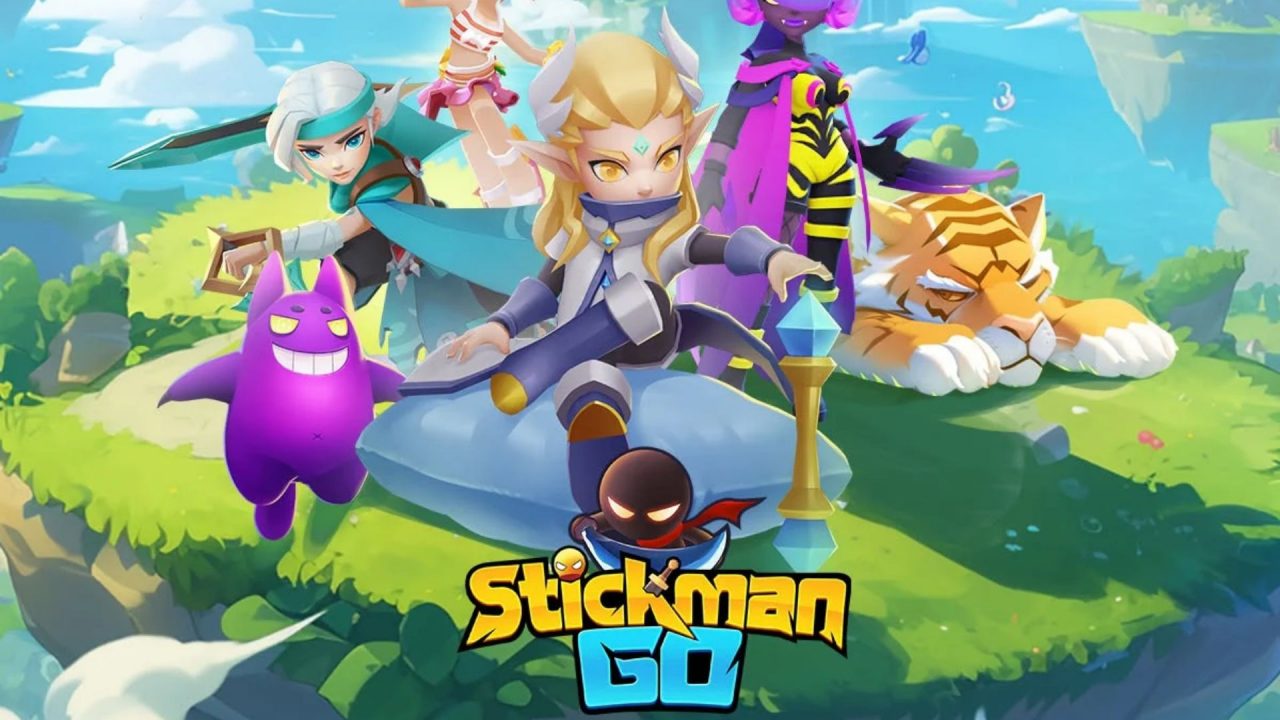
Stickman Go gives you plenty to upgrade between battles, from your equipment to your Elf and Mount. The game is an idle RPG, but the extra resources still come in handy when your next fight starts getting difficult. The redeem codes below can provide Blue Diamonds, gold, and upgrade materials. Enter the codes in-game, then collect the rewards from your mailbox.

LIST OF ALL ACTIVE REDEEM CODES
These are the currently active Stickman Go codes. Enter each one separately, then collect the reward from your in-game mail:
- week0926: expires October 2, 2026
- VIP666: 100 Blue Diamonds, 50,000 gold, 10 Mount EXP Fruit, and 2 Ice Arrow Grass
- VIP777: 100 Blue Diamonds, 50,000 gold, 10 Elf Essence, and 2 Yellow Pattern Holy Stone
- VIP888: 100 Blue Diamonds, 50,000 gold, 10 Backwear Essence, and 2 Sacred Phoenix Feathers
- VIP999: 100 Blue Diamonds, 50,000 gold, 2 Red Fire Magic Stones, and 10 Artifact Essences
The four VIP codes alone list a total of 400 Blue Diamonds and 200,000 gold, provided each one is available to your account. Their other items cover different upgrades, so it’s worth entering all four instead of stopping after the first reward. The weekly code has a stated end date. Use that one soon, and then work through the rest when you have a moment.
How to Redeem Codes in Stickman Go?
Stickman Go sends code rewards through the mailbox. Claiming a code on the redemption screen is only the first part, so follow the full route below:

- Open Stickman Go on your mobile device.
- Tap the Make Friends icon near the upper-left corner of the main screen.
- Choose Game Bonus and find the gift-code entry field.
- Enter one of the codes above and tap Claim Reward.
- Return to the main screen and tap Social near the lower-left corner.
- Open Mail, select the redemption-reward message, and tap Claim to collect the items.

Repeat the process for each code you want to use. If you just started playing and can’t see Make Friends or Social yet, keep progressing through the opening part of the game. Those icons become available as you move forward. Once they’re there, you can enter the codes and collect the messages waiting in your mailbox.
Redeem Codes Not Working?
If a code doesn’t give you a reward, check the entry and the mailbox before trying it again:
- Look for a typing mistake: Copy the complete code, and clear any spaces that came along with it. Short strings are easy to mistype when you’re entering them by hand.
- Check whether the code has ended: The weekly code has an announced expiration date, and other codes can stop working without a date being posted. An old code may still appear in a saved list after it has been disabled.
- Think back to earlier claims: A code you’ve already used on your account won’t hand out the same reward again. Check your mail if you remember submitting it but never collected the items.
- Use the right menu: Enter the code through Make Friends and Game Bonus. The Social menu is where you pick up the reward afterward.
- Give the game another try: If the claim button doesn’t respond, close and reopen Stickman Go, then enter the code again. If it was accepted, look in the Mail before submitting it a second time.
Work through the codes while they’re available, and remember to open your mail afterward. The VIP entries offer useful upgrade items alongside the Blue Diamonds and gold, while the other rewards can vary. If you’re building up your Elf or Mount, check what each message contains before heading back into another fight.