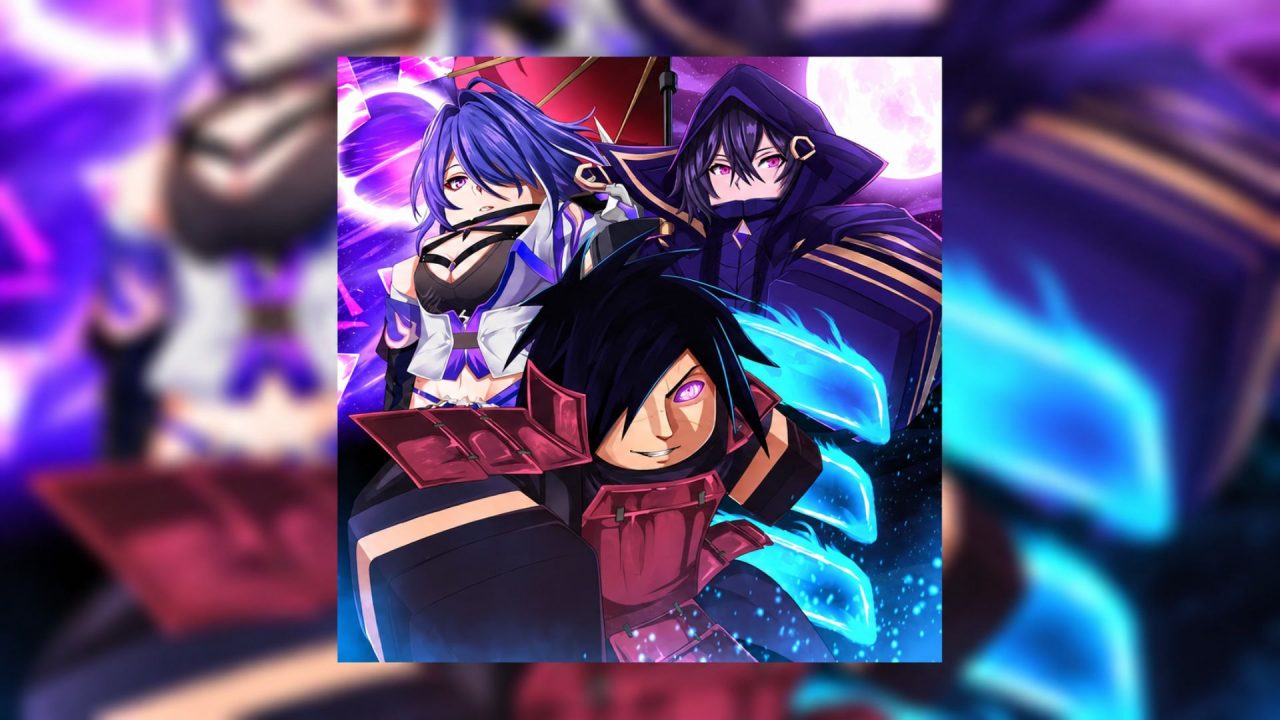
Sailor Piece has you fight bandits, take on tougher bosses, and improve your character as you level up. Codes can help with that grind. Depending on the release, rewards may include Cash, Gems, rerolls, or other in-game resources. There are three active codes to enter right now, but you’ll need a high-level character before you can claim them.

LIST OF ALL ACTIVE REDEEM CODES
Here are the three active Sailor Piece codes. Each requires your character to reach level 12,500. Enter them one at a time so you can see when each redemption goes through:
- 2XLUCKMASTERYEVENT: In-game rewards (level 12,500 required)
- HUGEBUGFIX: In-game rewards (level 12,500 required)
- MAINTENANCE: In-game rewards (level 12,500 required)
The rewards can vary by code. If you’re already at the required level, it’s worth redeeming all three while they’re available. Codes sometimes stop working after an update or without an announced end date.
How to Redeem Codes in Sailor Piece?
You can enter a code through the game’s Settings menu, wherever you are in the game:

- Launch Sailor Piece on Roblox.
- Open Settings from the on-screen menu.
- Scroll to the bottom and find the A Secret Code… box.
- Enter one code from the list above.
- Press the blue Redeem button to claim the reward.

Repeat those steps for the other two codes. If the game shows a level requirement, your character isn’t ready to claim that code yet. You can return after reaching level 12,500; if some of the codes are still available, then.
Redeem Codes Not Working?
An error doesn’t always tell you much on its own. These checks should help you work out why a Sailor Piece code failed:
- Check every character: The codes are long enough to make a typo easy. Copy the full entry, and remove any spaces before or after it. The game doesn’t require matching uppercase and lowercase letters, though the spelling still has to be right.
- Look at your character level: All three active codes require level 12,500. If you’re below that, continue leveling and try the code again once you reach the requirement. It must still be active when you return.
- Check whether you already claimed it: A code you’ve used on your account won’t hand out its reward a second time. Try one of the other two entries if you aren’t sure which you redeemed earlier.
- Leave and rejoin the game: A recently released code may fail on an older server. Joining a fresh session can help if the game has just updated.
- Consider whether it has expired: Codes can be disabled without much notice. If you meet the level requirement and a carefully copied code still fails after rejoining, it may no longer be available.
If you’re at level 12,500, try the three codes before heading back to your next fight. Cash, Gems, or rerolls may be useful when you’re working on a new build, though the reward you receive depends on the code. Check back for new entries as the game gets more updates.