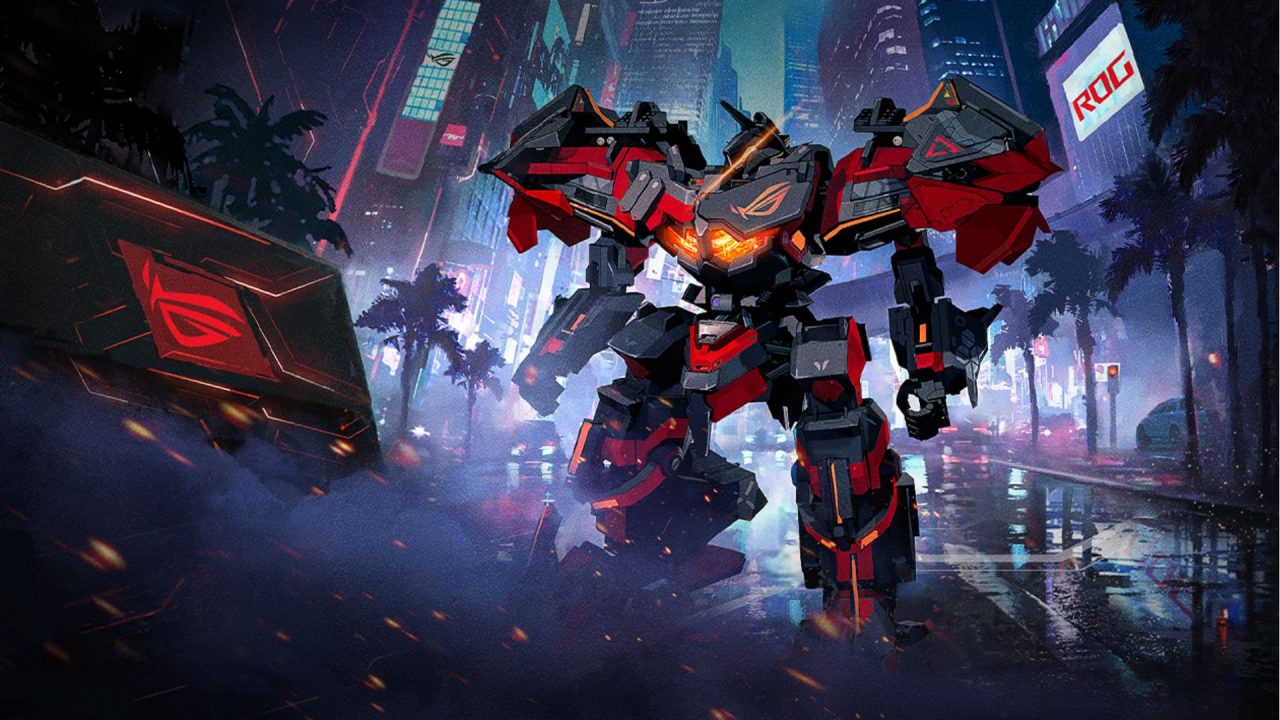
Mecharashi is a tactical turn-based RPG where you command pilots and customizable mechs in battles across Milkhama. Its part-destruction system lets you target individual sections of an enemy machine, so weapons, modules, pilots, and mech components all affect how your squad performs.

Redeem codes provide free resources that can support recruitment and mech development. The available rewards include EN Containers, Recruit Vouchers, Transit Vouchers, Solid Arashium, and module boxes.
LIST OF ALL ACTIVE REDEEM CODES
Here are all the available Mecharashi redeem codes and their rewards:
- SAPIENTIA: 1 Transit Voucher and 1 Recruit Voucher (valid through October 15, 2026)
- Mech7777: 3 EN Containers and 1 Recruit Voucher
- Mech8888: 3 EN Containers and 1 Transit Voucher
- Mech9999: 1 EN Container, 100 Solid Arashium, and 1 Random A-Grade Module Box
The Recruit and Transit Vouchers provide additional pulls through their relevant recruitment menus. Meanwhile, EN Containers and Solid Arashium add more resources to your account, while the Random A-Grade Module Box provides a module that can support mech development.
Each code must be entered separately. Some Mecharashi codes are released for updates, pilot arrivals, or limited events, which means they may stop working after their claim period ends. Redeem the available entries when you have access to the Gift Code menu.

How to Redeem Codes in Mecharashi?
The Gift Code option becomes available after you finish the opening tutorial. Once you can access your main account screen, follow these steps:
- Open Mecharashi on your device.
- Complete the tutorial if you are playing for the first time.
- Tap your Profile Card in the upper-left corner of the screen right before the Mail icon.
- Select the Gift Code option from the profile menu.
- Type or paste one active code into the redemption field.
- Check that every letter and number matches the code shown above.
- Select Confirm to submit the code.
- Check your in-game mailbox if the reward does not appear immediately.
- Return to the Gift Code menu and repeat the process for the other available codes.

Codes can usually be claimed once per account. After a successful redemption, open the relevant inventory, recruitment, or resource menu to confirm that the items have been added.
Redeem Codes Not Working?
If Mecharashi rejects a code or the reward does not appear, check these possible causes:

- Finish the Tutorial: The Gift Code option may remain unavailable until you complete the opening section and reach the main interface.
- Match the Capital Letters: Enter each code exactly as displayed. For example, the three permanent codes begin with a capital “M,” while SAPIENTIA uses uppercase letters.
- Remove Extra Spaces: Copying a code can add a blank space before or after it. Delete any additional spaces and submit the entry again.
- Check Previous Claims: Most gift codes only work once on the same account. A code will usually fail if you have already collected its reward.
- Check the Claim Period: Limited codes can expire after an update or event ends, even when the game does not display an expiration date in advance.
- Confirm Your Server or Region: Some promotional codes may only work on selected servers or regional versions of the game.
- Check the Mailbox: A successful redemption may send the items to your in-game mail instead of placing them directly in your inventory.
- Restart the Game: Close Mecharashi, reopen it, and try the code again. This can help when the server has not refreshed after a code release.
The current Mecharashi codes provide a useful selection of vouchers, containers, upgrade materials, and modules. Claim them through the profile menu, then use the rewards wherever they best support your pilots and mech lineup.
We will update this article when new Mecharashi redeem codes arrive or when older entries stop working.