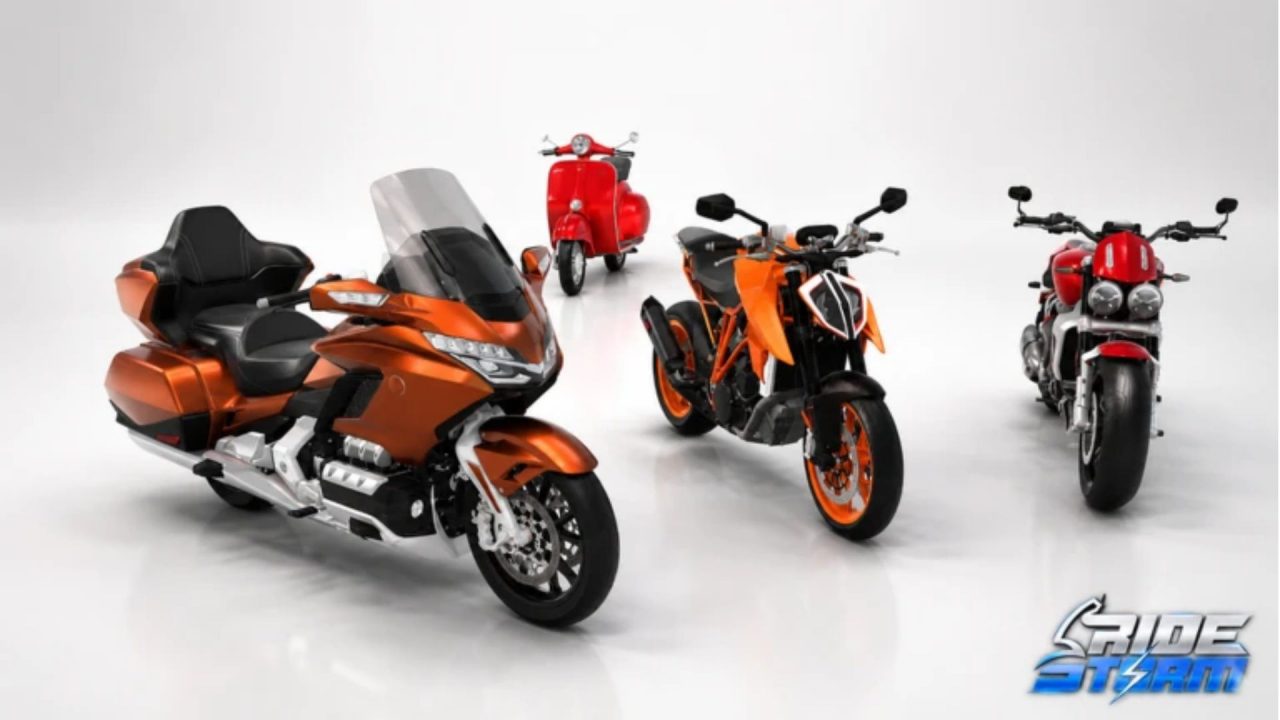
Ride Storm gives you a big map, motorcycle races, and plenty of bikes to unlock. The catch is that a new ride or an upgrade takes cash, especially when you keep spotting another bike you want to try. Redeem codes give you some free cash for your garage. Here are the available codes and the steps for claiming them.

LIST OF ALL ACTIVE REDEEM CODES
These four Ride Storm codes provide cash you can spend in the game. Copy each entry as written, and redeem them one at a time:
- 70KLIKES: 7,000 cash
- DRAG: 15,000 cash
- COMMUNITY: 10,000 cash
- BUGSAREFUN: 15,000 cash
Together, the listed rewards add up to 47,000 cash if you can claim all four. That gives you a little more room to decide whether to put money toward your current motorcycle or save for a different one. You don’t have to use the cash right after redeeming it, either. Have a look at the bikes and upgrades first, then pick what you actually want to ride.
Ride Storm has motorcycle races and challenges, but you can also spend time exploring its highways, city streets, and other parts of the map. So if you’re deciding what to buy, taking your current bike for another ride is a decent way to work out what feels missing. Codes can stop working without a posted deadline, so claim the cash before you forget about it.

How to Redeem Codes in Ride Storm?
You can enter codes from inside the game. Look for the Codes button in the left-hand menu, beside Helmets and above Daily:
- Open Ride Storm on Roblox and join the game.
- Select Codes from the buttons on the left side of the screen.
- In the Redeem a Code window, click or tap the code field.
- Paste one active code from the list above. Check for spaces at either end if you copied it.
- Press Redeem to submit the code and collect the cash.
- Open the code field again and repeat for the other entries.

You can do this before heading out on the road, so there’s no need to finish a race first. Enter one code at a time and check that the cash has been added before moving on. That makes it easier to spot which entry caused an error if the game rejects one.
Redeem Codes Not Working?
If Ride Storm rejects a code, check the entry before trying it again. A simple typo or an old server can get in the way:
- Copy the whole code: Keep every letter and number in place. For example, 70KLIKES starts with two digits, and the other three entries are all letters.
- Clear extra spaces: If you pasted a code, tap the field and check for a blank space before or after the text. Reentering it by hand can help when a copied entry fails.
- Check whether you already claimed it: A code you redeemed on the same account won’t give you the cash a second time. Look at your balance if you’re unsure whether the reward was added earlier.
- Rejoin Ride Storm: Leave the server, open the game again from its Roblox page, and retry the code. This is useful if the game has recently updated and your session has been open for a while.
- Consider whether it expired: Ride Storm can retire a code without much notice. If the spelling is right, you’ve rejoined, and it still fails, the code may no longer be available.
Once the cash lands, take a look through the garage and see whether a new bike or an upgrade is within reach. More codes may appear as Ride Storm hits milestones or rolls out updates. Bookmark this guide and check the active list at the top before your next ride. We’ll add new codes there when they become available.