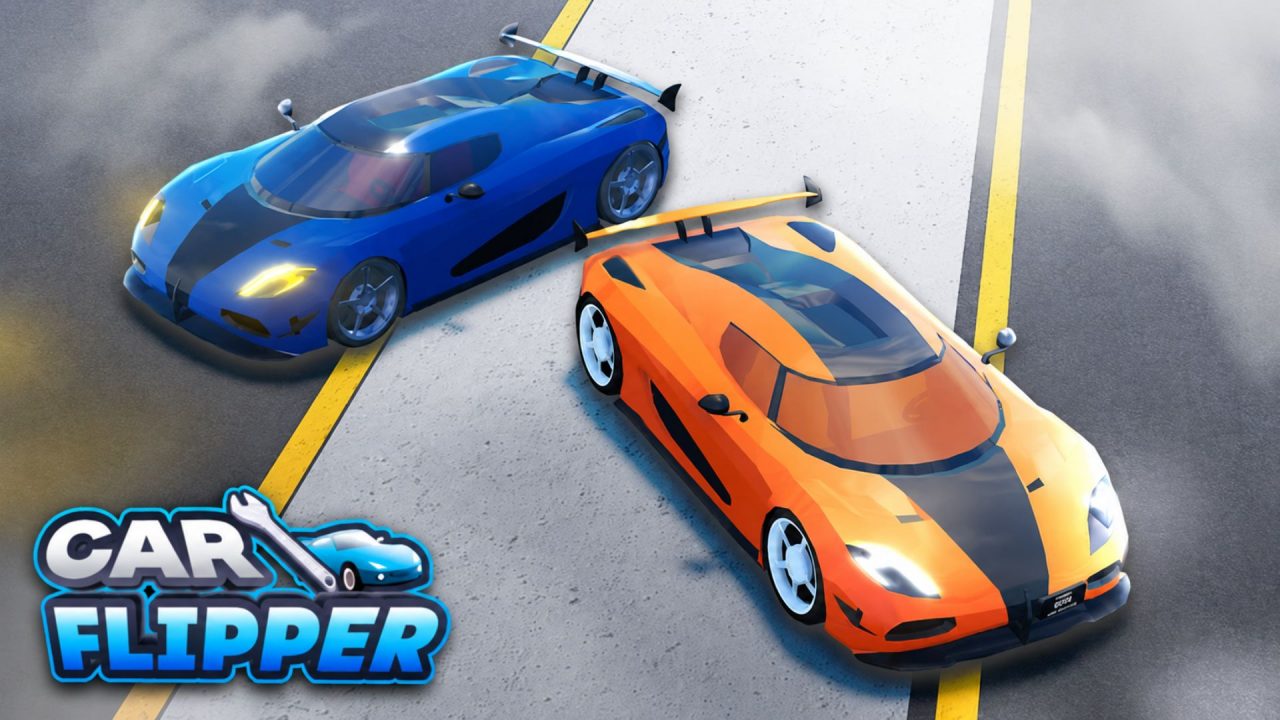
Car Flipper is a Roblox vehicle restoration game where you buy damaged cars, repair and customize them, then keep them or sell them for a profit. Better projects often need plenty of replacement parts, so free supplies can save some of your earnings. The codes below provide car parts and containers that can help stock your workshop for future repairs.
LIST OF ALL ACTIVE REDEEM CODES
Here are the active Car Flipper codes and the reward provided by each one:
- 50KLIKES: 2 Rare Containers
- 50MVISITS: 1 Epic Container
- QAWBR: 1 Epic Container
- RELEASE: 100 Uncommon Car Parts, 500 Common Car Parts, 1 Rare Container, 1 Uncommon Container, and 1 Common Container
Containers give you restoration supplies that can be used on vehicles in your garage. The large parts bundle is also helpful when several damaged cars need common or uncommon replacements. Redeem each available entry while it still works, since the game may remove codes without listing an end date.
How to Redeem Codes in Car Flipper?
The gift menu and code box become available after the opening tutorial. Complete your first car flip, then use these steps to collect each reward:
- Launch Car Flipper through Roblox.
- Follow the tutorial and complete your first car flip.
- Select the present-shaped gift icon near the top of the screen.
- Open the Codes option located at the bottom of the menu.
- Type or paste one active code into the text field.
- Press Enter to submit it and receive the reward.
- Return to the field and repeat the process for the remaining codes.

Accepted rewards should appear in your stock room. Check the available parts and containers after each submission so you can confirm that the items were added before entering the next code.
Redeem Codes Not Working?
A code can fail because the tutorial is unfinished, the text was copied incorrectly, or the reward has already been collected. Work through these checks before trying it again:
- Finish the First Flip: The gift menu is locked at the beginning. Complete the tutorial and flip your first vehicle before looking for the code field.
- Copy the Full Entry: Keep every letter and number exactly as shown in the active list. A missing character will cause the game to reject it.
- Remove Blank Spaces: Delete any space placed before or after the code, especially if you copied it from another page.
- Check Your Previous Claims: Most rewards can be collected once on the same Roblox account. An already-used entry will not provide the items again.
- Move to a New Server: A recent code may not work in an older server. Leave the game, reconnect, and submit it again after the garage loads.
- Consider Its Availability: If the tutorial is complete and the spelling is correct, the claim period may have ended.
Car parts can keep your next repair moving, while containers provide more supplies for vehicles that need several replacements. Check this article after game updates and community milestones. We’ll add new Car Flipper codes here when more rewards are released.