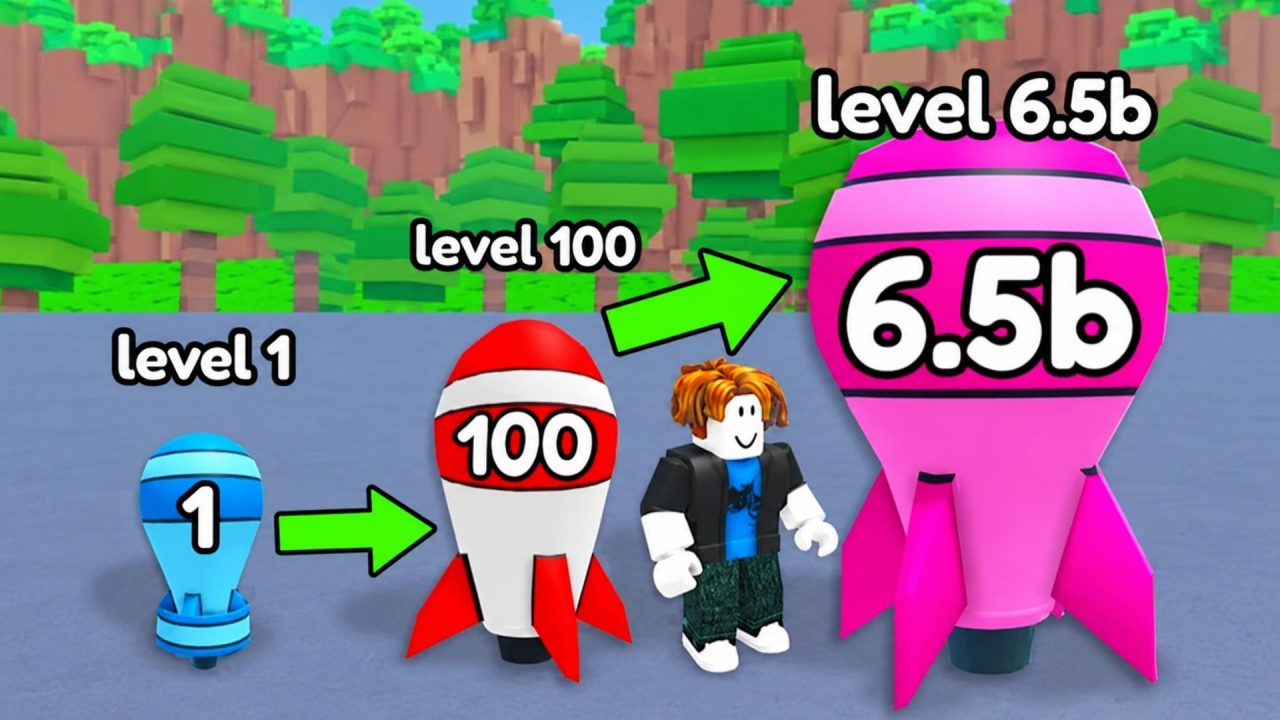
Merge a Nuke is a Roblox merge tycoon where you combine bombs to create stronger nukes. Your collection produces Cash over time, including while you are offline, and you can raid other bases to steal more. Redeem codes provide extra Cash, Nuclear Waste, nukes, and cosmetic rewards that can help you continue building your arsenal.
LIST OF ALL ACTIVE REDEEM CODES
These are the active Merge a Nuke codes and the rewards available from each one:
- DELAY: 300 Nuclear Waste
- BOOM: 5,000 Cash
- MAGMA
Redeem both codes while they are available, since either one may be removed without an announced end date. The Cash can help pay for upgrades around your base, while the Nuclear Waste is added to your resource balance for later use. Enter them separately so you can confirm that each reward was credited correctly.
How to Redeem Codes in Merge a Nuke?
The code field is located at the bottom of the in-game Store. You need to load into your base before you can access it. Here is how to redeem your codes:
- Launch Merge a Nuke through Roblox.
- Wait for the game to load you into your base.
- Select the Shop button with the red shopping basket icon on the left side of the screen.
- Scroll to the bottom of the Exclusive Store window until you reach the CODES section.
- Type or paste an active code into the Enter Code… field.
- Select Redeem to collect the reward.
- Return to the code field and repeat the process for the remaining code.

The reward should be added as soon as the game accepts the code. Check your Cash or Nuclear Waste balance after each submission to confirm that it was credited.
Redeem Codes Not Working?
A rejected code may be caused by a typing error, an earlier claim, or the server you are using. Check these points before giving up on the reward:
- Match the Code Exactly: Copy every letter and number as written in the list. Capitalization may matter, and an added space at either end can make the entry invalid.
- Use One Code at a Time: Clear the text field after each attempt. Pasting more than one entry or leaving part of an earlier code in the box will cause an error.
- Check Your Previous Rewards: Each code normally works once per Roblox account. Look at your balance or plot in case you already collected the reward during an earlier session.
- Move to a New Server: Recently released codes may fail in an older game server. Leave the experience, join again, and repeat the redemption process through the Store.
- Make Room on Your Plot: A code that provides nukes needs enough open spawn space. Merge or remove existing nukes before claiming it so the full reward has somewhere to appear.
- Consider Its Availability: Codes can expire without a countdown. If the spelling is correct and a fresh server still rejects the entry, it may have been disabled.
Claiming both rewards gives you a little extra support outside regular income and raids. From there, you can return to merging bombs, expanding your arsenal, and strengthening your base against other players. We’ll update this article whenever new Merge a Nuke codes and rewards become available.