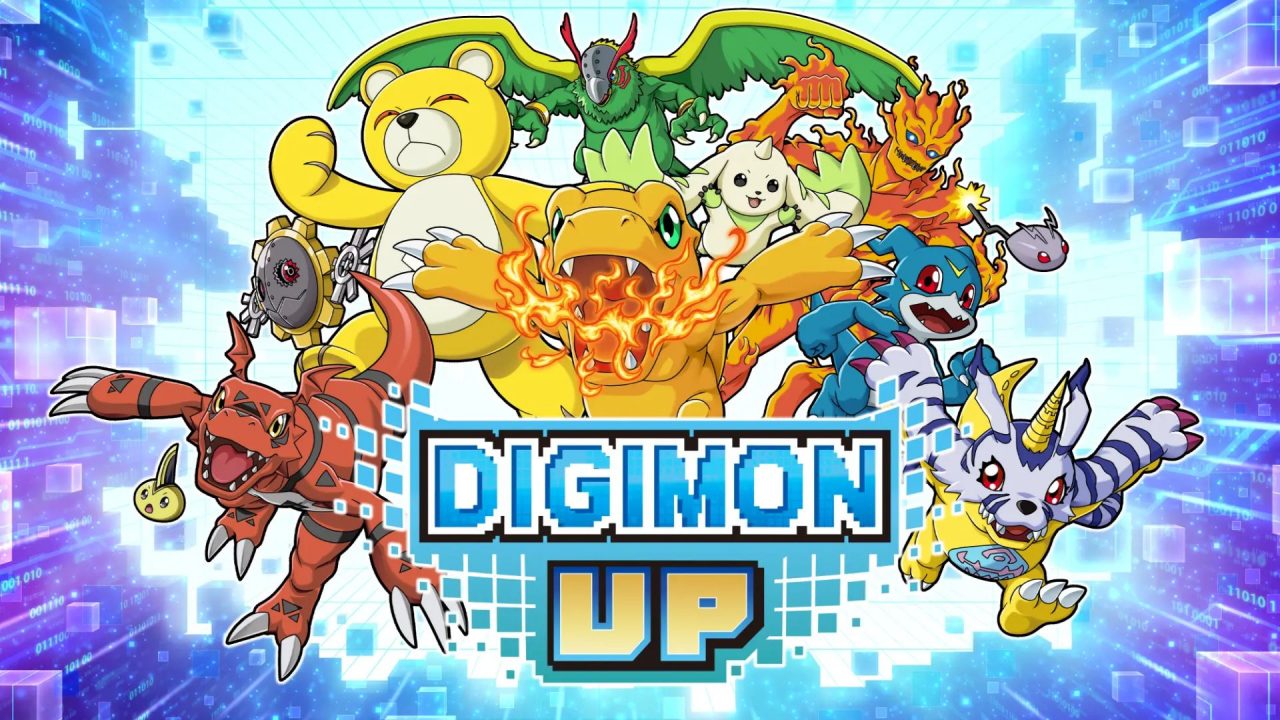
DIGIMON UP is a mobile idle raising RPG where you collect Digimon, build them up, and send them into pixel-style battles. Progress continues at a steady pace, though a supply of DigiEmeralds can still give your account a useful lift.
The active promo code below provides this currency for free. Redemption happens through Bandai Namco’s website, so there is a short account-linking process to complete first.
LIST OF ALL ACTIVE REDEEM CODES
There is currently one active DIGIMON UP code. Enter it exactly as written to receive the listed reward:
- UPSTART394649: 600 DigiEmeralds
No expiration date has been announced for this reward. It is worth redeeming while it remains available, as promo codes can be taken down without much notice.
DigiEmeralds are an in-game currency that can help with strengthening your Digimon and moving your account forward. Once the code is accepted, the reward may go straight to your inventory. In some cases, it can arrive through the in-game Gift Box instead.
How to Redeem Codes in DIGIMON UP?
DIGIMON UP does not place a promo-code box inside the game. Your game account must first be connected to a Bandai Namco ID, and the code is then entered on the official web store. Use the steps below:
- Launch DIGIMON UP on your mobile device.
- Tap the Menu button found near the bottom-right area of the screen, above the skill cards.
- Select Data Link from the menu.
- Choose Link, then sign in to your Bandai Namco ID. Register for an ID if you do not already have one.
- Complete the prompts that connect your DIGIMON UP account to that Bandai Namco ID.
- Open the official DIGIMON UP promo-code page in your browser.
- Sign in with the same Bandai Namco ID, check that the correct game account is shown, and enter the active code in the Promo code field.
- Select Input to submit it, then return to the game to collect the DigiEmeralds.

If the reward is missing at first, leave the shop screen and return to DIGIMON UP. Restarting the app can also prompt the item to appear. Check both your inventory and Gift Box before submitting the code again.
Redeem Codes Not Working?
A failed redemption is often connected to the account link, the code entry, or an older game session. Work through these checks before making another attempt:
- Verify the Linked Account: The Bandai Namco ID used on the web store must be connected to the DIGIMON UP account where you want the reward. Check the displayed game account before submitting anything.
- Review Every Character: Letters and numbers can look similar, especially uppercase O and zero (0) or uppercase I and 1. Copying the code from the list can help avoid a small entry error.
- Check for a Previous Claim: Promo codes are usually limited to one use per linked account. If the same reward was already collected, entering that code again will not issue another copy.
- Refresh the Reward Delivery: Leave the web-store screen, reopen the game, and look in both the inventory and Gift Box. A full app restart may be needed before the reward is displayed.
- Confirm the Code Is Still Available: A code can stop working even when no public end date was given. If the account and spelling are correct, it may have been removed.
- Try the Web Store Again: Sign out of the web store, close the browser page, and sign back in with the linked Bandai Namco ID. Then check the selected game account once more.
The current promo reward gives you a handy batch of DigiEmeralds without requiring extra battles or purchases. Once your accounts are linked, future codes will be much quicker to redeem through the same web-store page. Also, this article will be updated as more DIGIMON UP rewards become available.