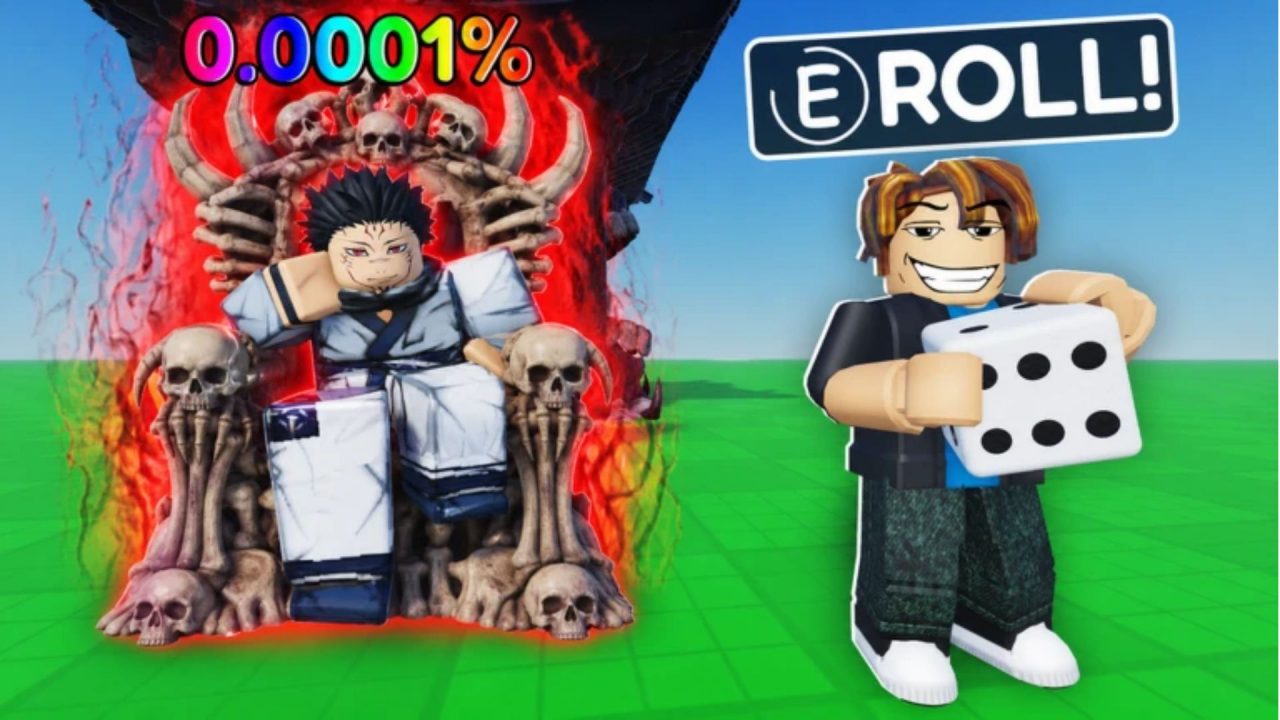
Roll an Anime is about building a collection that earns its keep. You spin for anime characters, place them on your plot, and use their earnings to buy better blocks. Your characters can keep generating money while you are offline, too.

Redeem codes offer cash multipliers, luck boosts, stock bonuses, and a character for your collection. Below, you’ll find the available codes, their rewards where known, and the steps to enter them.
LIST OF ALL ACTIVE REDEEM CODES
Enter these Roll an Anime codes individually. Some rewards last for a limited time, so check the duration before claiming a boost:
- MONARCHUPDATEPART1!: 300k Gold, Gold Jiraiya, 25 Trait Shards, Trading Ticket (New, Wave 76)
- RAIDUPDATE!: 350k Gold, Mythic Capsule, 25 Trait Shards, 5 Secret Essence (New, Wave 76)
- CURSED: 10x Cash for 2 hours
- EIGHTEEN: 4x Cash for 2 hours
- FOOD: 5x Cash for 2 hours
- ORIGINAL: 25x Cash for 2 hours
- BUNGAALUCK2: 10x Luck for 2 hours
- BUNGAACASH2: 5x Cash for 2 hours
- JACK2RICH: Boost reward
- Jah2RICH: 18x Stock Luck for 2 hours
- SORRYFORRESTOCK: 5x Luck for 5 hours
- SORRYFORRESTOCK2: 3x Stock Quantity for 2 hours
- BUNGFROEXTRA: 5x Cash for 2 hours
- BUNGFRO2LUCK: 5x Luck for 2 hours
- BUNGFRO2MONEY: 5x Cash for 2 hours
- BUNGFRO: 5x Luck for 2 hours
- BUNGFROMONEY: 5x Cash for 2 hours
- LUCKY: 2x Luck for 2 hours
- Nebula: 2x Luck for 2 hours
- BELUGA: 2x Cash for 2 hours
- RICHEST: 2x Cash for 3 hours
- STOCKLUCK1: 1.5 Stock Luck for 3 hours
- STOCKQUANTITY1: 2x Stock Quantity for 2 hours
- WELCOME: 1 Mufei character
The timed boosts count down in real time, including while you are AFK. If you want to spend that time opening blocks and working on your collection, get yourself ready before entering the codes. A longer boost gives you more breathing room, but it still has an end time.

How to Redeem Codes in Roll an Anime?
You can claim codes through the Store menu without searching through your Roblox account settings. Follow these steps inside the game:
- Launch Roll an Anime on Roblox.
- Select the shopping basket icon on the left side of the screen to open the Store.
- Scroll to the bottom of the Store until you reach the codes section.
- Paste a code into the Enter Code field.
- Select Verify to submit it and claim the reward.

Repeat the process for each code you want to use. Roll an Anime codes are case-insensitive, so uppercase and lowercase versions of the same code do not need separate attempts.
Redeem Codes Not Working?
If a code fails, start with the text you entered and the message shown in the game. These checks can help you work out what to try next.
- Check every character: Copy the full code and remove any accidental spaces. Capitalization does not matter here, but missing letters, numbers, or punctuation can still cause problems.
- Check whether it has expired: A code can stop working after its release. If the game says it has expired, changing the spelling will not restore it.
- Look for an already-redeemed message: If the game confirms that you have claimed the code before, move on to another entry.
- Read any requirement shown: If the redemption message names a condition you have not met, address that condition before submitting the same code again.
- Retry after reconnecting: If the menu seems unresponsive, leave and rejoin the game before entering the code again. This is a basic connection check and cannot reactivate an expired code.
Keep this guide bookmarked so you can return to the code list before your next session. You can also follow the game’s community announcements for new releases, then decide which timed rewards fit the amount of time you have to play.