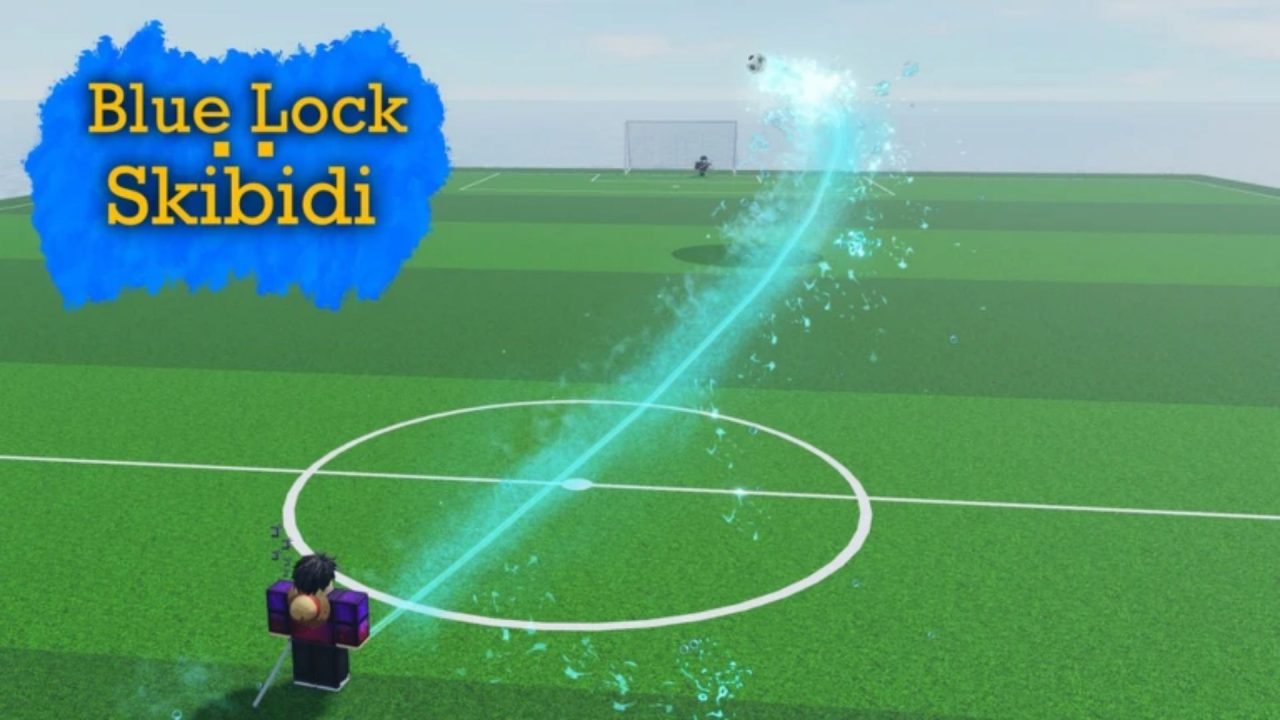
Blue Lock: Skibidi brings anime-style abilities to Roblox soccer matches, with characters to roll for and different skills to try on the field. You can dribble past opponents, slide for the ball, and work toward another goal while learning what your character can do.

The available redeem codes provide free Cash to help with your next purchases. Below, you’ll find each code and its reward, along with redemption instructions and a few things to check if your claim fails.
LIST OF ALL ACTIVE REDEEM CODES
Enter these Blue Lock: Skibidi codes one at a time. Copy the capitalization exactly as shown:
- PATCH: 50,000 Cash
- NaoyaNerf: 50,000 Cash
Redeeming both codes gives you 100,000 Cash if you haven’t claimed either reward before. That adds to your budget for character rolls, emotes, or MVP animations, so consider what you want to spend it on before making a purchase.

How to Redeem Codes in Blue Lock: Skibidi?
You must join the Tema’s Games Roblox community before you can redeem codes. Once you’ve joined, follow these steps.
- Launch Blue Lock: Skibidi through Roblox.
- Select the gray Menu button at the bottom of the screen.
- Choose Codes from the menu that opens.
- Paste the codes into the Code text box.
- Press Redeem to claim the Cash.
- Enter the other code and press Redeem again.

Check the result of each submission before moving on to the next code. This makes it easier to keep track of which rewards you have collected, especially if you’ve already used one during an earlier session.
Redeem Codes Not Working?
If you cannot claim the Cash, check the code’s spelling first. Also, here are some things you must check:
- Check your community membership: You need to join the Tema’s Games Roblox community to use codes. Make sure you joined with the same Roblox account you’re using to play.
- Keep the correct capitalization: Enter PATCH in uppercase and preserve the capital N letters in NaoyaNerf. Copying directly from the list helps avoid accidental changes.
- Remove extra spaces: Neither of the listed codes contains spaces. Check that you haven’t pasted a blank space before or after the code, and leave out the reward amount.
- Check whether you already claimed it: Each code’s reward can only be collected once per account. If you redeemed one earlier, entering it again will not add another 50,000 Cash.
- Try another server: Leave the game and rejoin if a code fails after an update. An older server may need to restart before it recognizes a newly added code.
- Keep expiration in mind: Codes can stop working when the developer disables them. If the spelling is correct and you haven’t used the code before, the offer may have ended.
With your Cash claimed, you can return to the field or look through the available purchases before your next match. Keep this guide bookmarked so you can quickly find the code list again. Check back when a new update arrives to see whether there’s another Cash reward to collect.