


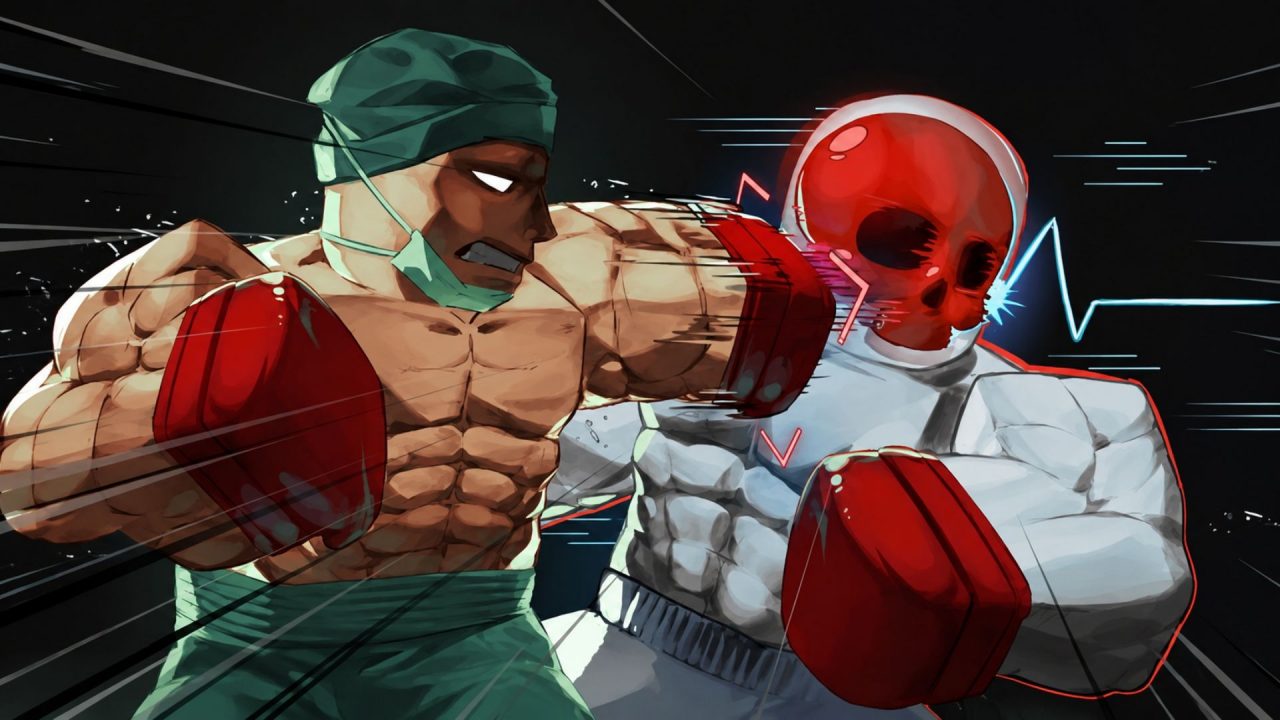
Untitled Boxing Game puts Roblox players into one-on-one PvP matches where timing, movement, and your fighting style all matter. Spins let you roll for another style, while Cash can be spent in the Glove Shop to change your fighter’s look. Both can take a while to collect through regular play.
That is where redeem codes help. The active codes below offer regular Spins, Lucky Spins, Cash, and a couple of emote rewards. You can try another style, give your boxer a different look, or simply save yourself some grinding before the next match.
LIST OF ALL ACTIVE REDEEM CODES
Here are all the active Untitled Boxing Game redeem codes. Enter them one at a time and keep every letter exactly as displayed.
- thedoctorwillseeyousoon: 7 Lucky Spins (New!)
- surgeon: 8 Lucky Spins (New!)
- 3years: 8 Lucky Spins
- lynn: 7 Lucky Spins
- regularfish: 4 Free Spins
- dragonfish: 10 Free Spins
- loveintheair: 5 Lucky Spins
- lovefromubg: 5 Lucky Spins
- whitecash: 14,999 Cash
- adrenaline: 10 Free Spins
- vexthegoat: 15 Free Spins
- dualemotes: Free Emote
- justtakethecash: 9,999 Cash
Spins are the main rewards to look for when you want to roll for another fighting style. Cash can be spent on cosmetic items in the Glove Shop. Then there are Emotes, which give you another way to show some personality around the ring.
Codes can be removed without much warning. It is worth claiming the Cash and smaller Spin rewards too, since even a single extra roll could save you from buying one with in-game currency.
How to Redeem Codes in Untitled Boxing Game?
The code box sits in the left-side menu, so it only takes a minute once you are out of a match. Follow these steps to redeem each code.
- Launch Untitled Boxing Game through Roblox.
- Wait until you are in the lobby or otherwise out of a boxing match.
- Select the Codes button on the left side of the screen.
- Paste one active code into the text box.
- Press Redeem to collect the listed reward.

When a code goes through, a notification should appear above the Redeem button and show what you received. Repeat the same process for the rest of the list. Since the entries are case-sensitive, copying and pasting them is usually easier than typing the longer ones by hand.
Redeem Codes Not Working?
A rejected entry does not always mean something is wrong with the game. Go through these quick checks and then try it again:
- Match the Spelling: Check every letter and number against the list. Capitalization matters, especially for 100KCASH.
- Remove Blank Spaces: Pasting can leave an extra space before or after the code, and the redemption box may read that as part of the entry.
- Wait Until the Match Ends: The side menu may be hard to use while you are fighting. Return to the lobby and submit the code there.
- Remember Earlier Claims: Codes are generally limited to one redemption per Roblox account. An entry you already used will not hand out the reward again.
- Join a Fresh Server: A recently released code may fail in an older game server. Leave the experience, rejoin, and try once more. If the carefully copied code is still rejected, it may have expired.
It also helps to redeem one code at a time. This makes it easier to see the reward notification and spot exactly which entry caused an error.
Use the available codes to stock up on Spins, Cash, and Emotes before heading back into the ring. A few extra style rolls can be handy, while the Cash rewards leave some room for a new look in the Glove Shop.

