


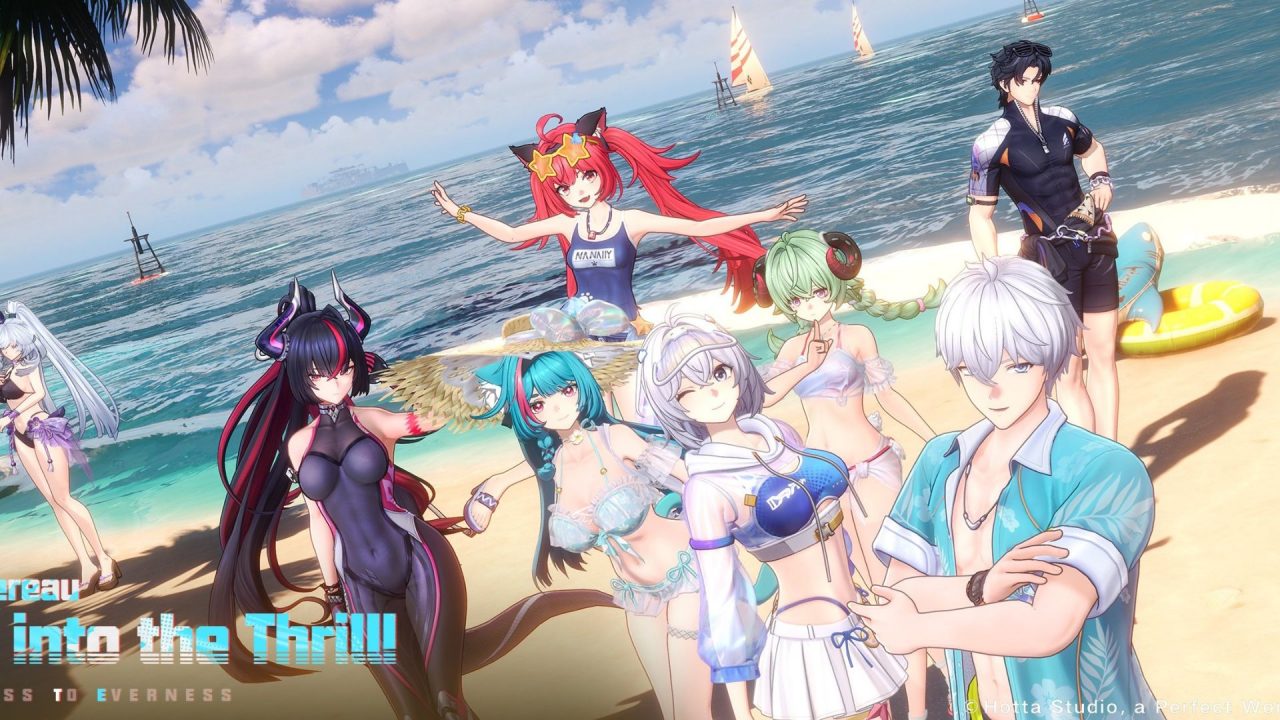
NTE: Neverness to Everness is a supernatural open-world RPG from Hotta Studio. It takes you to Hethereau, where you join the Eibon crew as the city’s first unlicensed Anomaly Hunter. There is combat and plenty of strange urban trouble, but you can also drive, explore, take jobs, and build a life around the city.
Redeem codes give you free Annulith, Fons, Beetle Coins, upgrade materials, dyes, food, and a few special items. That can take some of the pressure off early progression or give you extra resources for new characters.
LIST OF ALL ACTIVE REDEEM CODES
Here are the active NTE codes and the rewards listed for each one. Capitalization matters, so copy them as they appear below.
- COMEBACK: 1 Fabricated DiceCopy
- NTEGIFT: 50 Annulith, 5 Rising Hunter Guides, 5 Light DyeCopy
- RACENOLIMIT: Elite Hunter Guide Image Elite Hunter Guide x2, Annulith Image Annulith x100, Beetle Coin Image Beetle Coin x12000, Chaotic Dye Image Chaotic Dye x2
- TOMATO100: Senior Hunter Guide Image Senior Hunter Guide x5, Annulith Image Annulith x100, Beetle Coin Image Beetle Coin x6000, Colorless Dye Image Colorless Dye x5
- DREAMWALK0603: Rising Hunter Guide Image Rising Hunter Guide x5, Annulith Image Annulith x100, Beetle Coin Image Beetle Coin x4000, Light Dye Image Light Dye x5
Annulith is especially handy when you want more resources for character banners, while the Hunter Guides help with character progression. The dyes and avatar frame are useful for customization, so the list has a bit more than the usual currency drops.
How to Redeem Codes in NTE: Neverness to Everness?
The code option becomes available after you finish the combat tutorial and complete Episode 0, “Unforeseen Yet Foretold.” Once the full phone menu has opened, follow these steps.
- Launch NTE: Neverness to Everness and select your character.
- Open the phone menu. Use the phone icon in the top-right corner, press Esc on PC, or press the Options button on PS5.
- Select the three-dot button beside your character’s name.
- Choose Redeem Code, enter one active code, and select Confirm.
- Return to the phone menu and open Mail through the envelope icon.
- Select the message titled Redeem Code Applied, then press Claim to collect the items.

NTE currently handles redemption inside the game, so there is no separate code page on the official website. Rewards are sent through in-game mail rather than placed straight into your inventory.
Redeem Codes Not Working?
If NTE rejects a code or the reward does not show up, work through these quick checks:
- Match every character: Code entries are case-sensitive. Pay close attention to capital letters, numbers, and mixed-case codes such as NTEKokushi.
- Finish the opening episode: The Redeem Code option stays locked until you complete the tutorial and reach the point where the full phone menu becomes available.
- Remember earlier claims: Each code can generally be used once on an account. A code you already redeemed will not provide a second set of items.
- Consider whether it has ended: NTE codes can have short claim periods, and some are disabled after their related update, banner, or livestream ends.
- Reload and check Mail: Restart the game, enter the code again, and then open the Redeem Code Applied message. The reward still needs to be claimed from that message.
These codes can add a useful pile of Annulith, currencies, materials, and cosmetic items to your account. Claim the mail after every successful redemption, and then check the NTE event calendar for more activities and rewards around Hethereau.

