


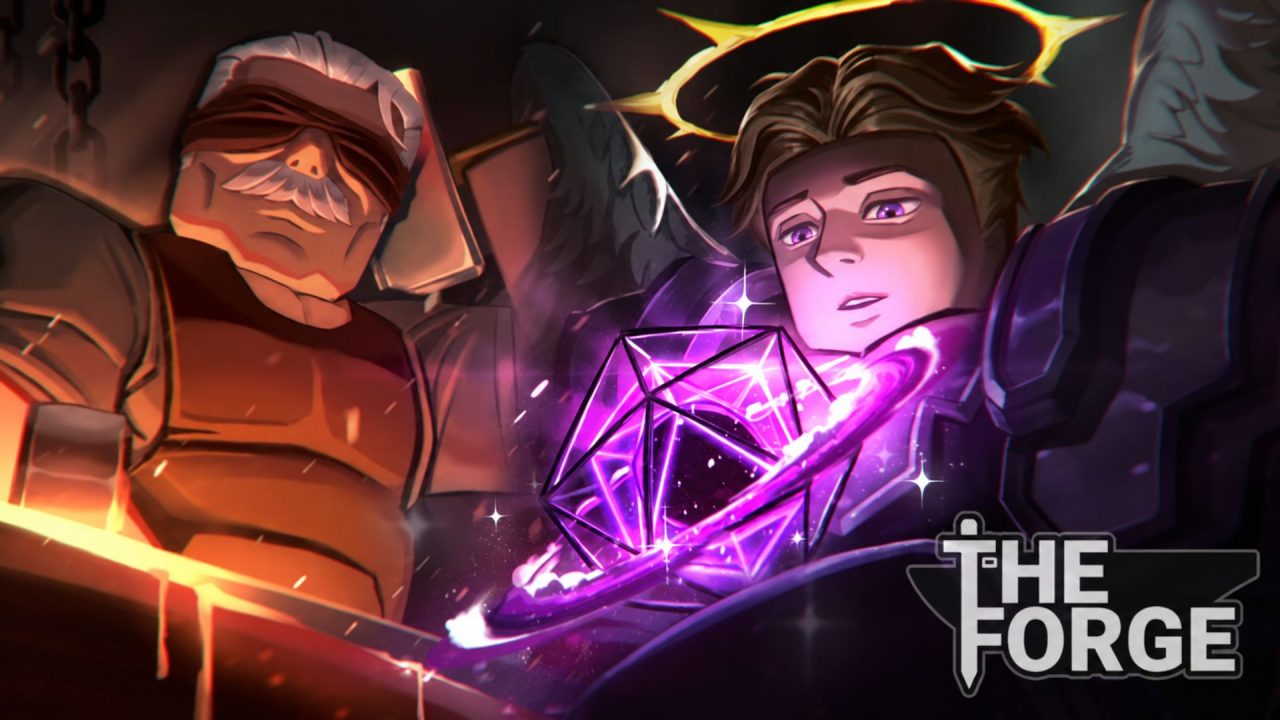
The Forge is a Roblox RPG and simulation game built around mining, forging, and fighting. You collect rare ores, combine them at the forge, and turn those materials into equipment with different designs and traits. From there, you can take your build into combat and continue searching for stronger materials.
Redeem codes may give you free Rerolls and Totems. Rerolls provide another chance to change your character’s race and its bonuses, while Totems offer temporary boosts that can help with progression.
LIST OF ALL ACTIVE REDEEM CODES
Here is the currently active The Forge redeem code and its reward:
- DELAYCOMPENSATION2: 10 Rerolls
This reward gives you more attempts at the game’s race system. Each Reroll provides another chance to change your character’s race, which can also affect the bonuses attached to your build. Because of this, the code can be useful if you want to try for a race that suits your preferred playstyle.
The Forge codes typically arrive after updates, delays, weekend events, and community milestones. They may remain available for a short time, so redeem DELAYCOMPENSATION2 while it still works.
How to Redeem Codes in The Forge?
The code box is inside the Settings menu, and there is no level or quest requirement to access it. Follow these steps to redeem the current code:
- Open Roblox and launch The Forge.
- Select the Settings gear in the upper-left corner of the screen.
- Scroll to the bottom of the Settings menu.
- Find the box marked Type Here.
- Type or paste one of the available codes into the box.
- Select Claim to submit the code and receive the reward.

Once the game accepts the code, the 10 Rerolls should be added to your account. A message on the screen will confirm whether the redemption was successful.
Redeem Codes Not Working?
If a The Forge redeem code is rejected, the response shown by the game can help you identify the problem. Check these common causes before trying again:
- Read the Error Message: Code does not exist usually points to a typing problem. Code has expired means that the promotion is no longer available.
- Copy Every Character: Enter the full code exactly as displayed and include punctuation such as the exclamation mark.
- Remove Blank Spaces: A copied entry may contain an extra space at the beginning or end. Clear the box, paste the code again, and check both sides.
- Remember Earlier Claims: A code you already used on the same Roblox account may not provide its reward a second time.
- Join a New Server: A fresh code may take time to become available across every server. Leave the experience, rejoin it, and then try the entry again.
- Open the Correct Game: Make sure you are using the official Roblox experience created by The Forge Community.
Once you have claimed the current reward, you can return to mining, crafting equipment, and testing your build in combat. More freebies may arrive alongside future updates, so check back when The Forge Community announces new content. We will update this article with the latest available codes as they are released.

