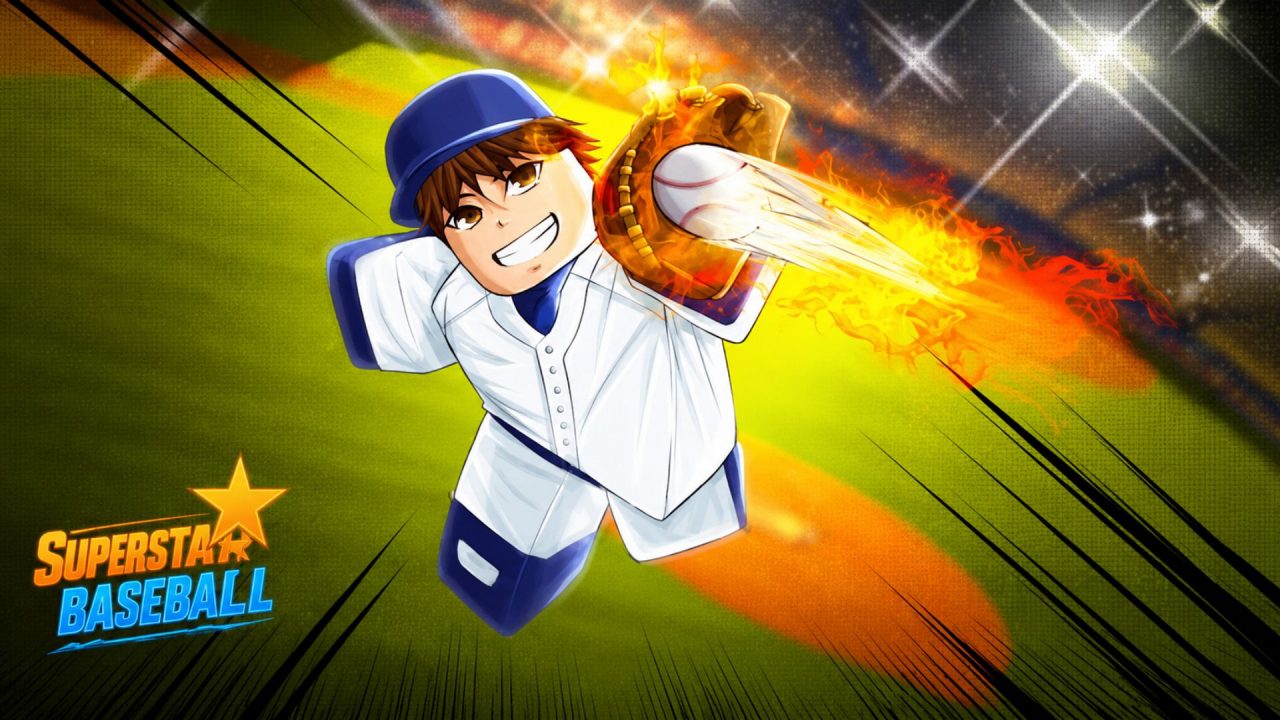
Superstar Baseball gives the usual Roblox sports formula an anime-style kick. Matches are played between two teams of seven, and players can use different offensive and defensive styles while batting, pitching, and fielding.

Getting the style you want may take quite a few Spins. But that is where redeem codes help. The active codes below provide regular Spins, Lucky Spins, and a small number of Coins without asking you to spend Robux.
LIST OF ALL ACTIVE REDEEM CODES
Here are all the active redeem codes for Superstar Baseball:
- SEASON2: Lucky Spins
- DUALSHOCK: 5 Lucky Spins
- ASCENDANT: 5 Lucky Spins
- 150KLIKES: 2 Spins
- 140KLIKES: 2 Spins
- 130KLIKES: 2 Spins
- 120KLIKES: 2 Spins
- 110KLIKES: 2 Spins
- RELEASE: 2 Spins
- SUPERSTAR: 100 Coins
- RBI: 2 Spins
- 100KLIKES: 2 Spins
- 90KLIKES: 2 Style Spins
- 80KLIKES: Free Spins
- 60KLIKES: 2 Spins
- 50KLIKES: 2 Spins
- 40KLIKES: 2 Style Spins
- 20KLIKES: 2 Style Spins
Regular and Lucky Spins can be used to roll for different offensive and defensive styles. Lucky Spins generally offer better odds of receiving one of the rarer styles. Coins are used for purchases from the in-game Store.
How to Redeem Codes in Superstar Baseball?
Follow these steps to redeem your codes:
- Launch Superstar Baseball through Roblox.
- Select the Settings cog on the left or bottom-left side of the screen.
- Scroll down to the bottom of the Settings menu.
- Find the field labelled Enter a Reward Code.
- Enter one of the active codes exactly as displayed above.
- Select Redeem to receive your reward. You may also be able to press Enter or Return on your keyboard.

The Settings menu can be opened as soon as you enter the game, so there does not appear to be a level or match requirement for accessing the code field.
Are Your Redeem Codes Not Working?
If a redeem code isn’t working, try this:
- Check the Code: Superstar Baseball codes are case-sensitive. Make sure every capital letter and number matches the list.
- Check Its Validity: Codes can be disabled without warning, especially after a new update or event.
- Check If It Was Used: Most rewards can only be redeemed once on the same Roblox account.
- Remove Extra Spaces: Copying a code may add an unwanted space before or after it, causing an error.
- Try a Fresh Server: Leave the experience, rejoin it, and enter the code again. A recently released code may be unavailable on an older server.
- Try Again: Restart Roblox and repeat the redemption process if the code should still be active.
These freebies give you more chances to find a style that fits how you prefer to bat, pitch, or defend. Claim the available Spins while you can, and check back when Metavision releases another update or reward.