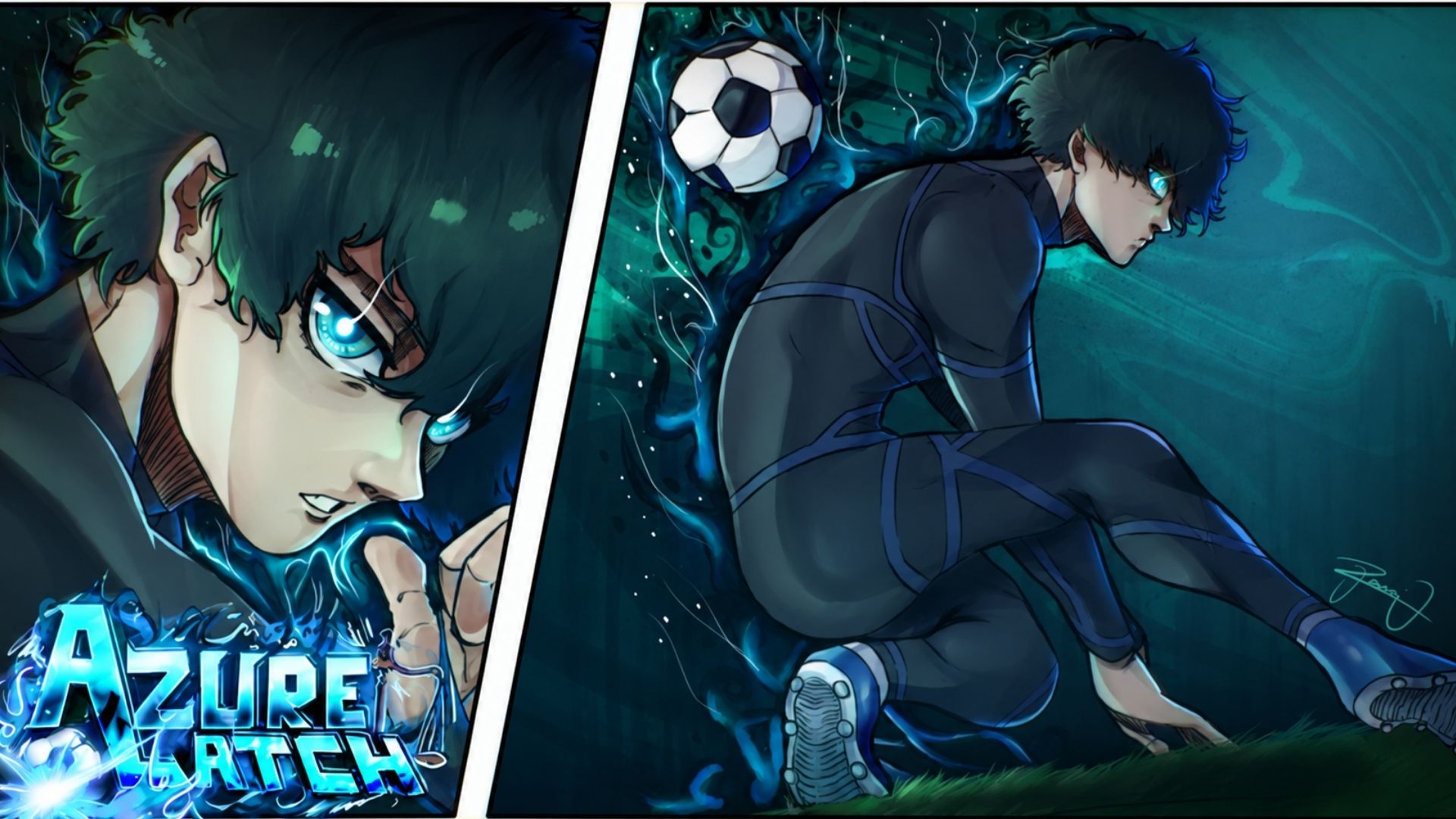
Azure Latch brings the intense football action of Blue Lock into a fan-made Roblox experience. You can use special skills, dribble around opponents, make tackles, take shots, and even dive across the goal when playing as a goalkeeper.

In this article, you can find all the active Azure Latch redeem codes, learn how to claim their rewards, and go over the main controls you will use during a match.
LIST OF ALL ACTIVE REDEEM CODES
Here are the Azure Latch codes currently working in the game:
- TIMOTHYISHEREFORNAGI: Free Yen (NEW)
- SEALSARETHEBEST: Free Yen
- ELGOALBOXCHANGE: Free Yen
- TIMOTHYSAYSHI: Free Yen
- NELMASTERY: Free Yen
- KAISERISNEXTWEEKNOWORRIES: Free Rewards
Azure Latch codes may use specific capital letters, so enter each one exactly as displayed. They can also expire without warning, which makes it a good idea to claim all seven while they remain available.
How to Redeem Codes in Azure Latch?
You must join the game’s Roblox community before redeeming codes. You may also need to like the game or follow one of the listed developers when a reward has extra requirements.

Once your account is ready, follow these steps:
- Launch Azure Latch through Roblox.
- Wait until you enter the main lobby.
- Select the Menu button at the bottom of the screen.
- Open the Rewards tab.
- Copy one code from the active list.
- Paste it into the code field.
- Select Redeem to collect the reward.
- Repeat these steps for the remaining codes.

Copying and pasting longer codes is much easier than typing them manually. Check for an extra space before pressing Redeem because even a small mistake may cause the code to fail.
Redeem Codes Not Working?
A code may fail when:
- A letter was entered with the wrong capitalization.
- An unwanted space was pasted before or after the code.
- You have already collected the reward on your account.
- You have not joined the required Roblox community.
- You still need to like the game or follow a listed developer.
- The code expired after it was last checked.
- Your current server has not received the latest update.
Check the spelling and complete any account requirements first. If the code still fails, leave the game and join a newer server before trying again.
The Azure Latch Discord server is one place to watch for code announcements and game updates. The game’s Roblox community may also share information about maintenance, character changes, events, and other updates.

You can bookmark this page and return occasionally as well. New codes do not follow a fixed schedule, so checking after a major update can help you catch another reward before it expires.
Want more free rewards? Browse our latest redeem code guides and see what you can claim in other games.