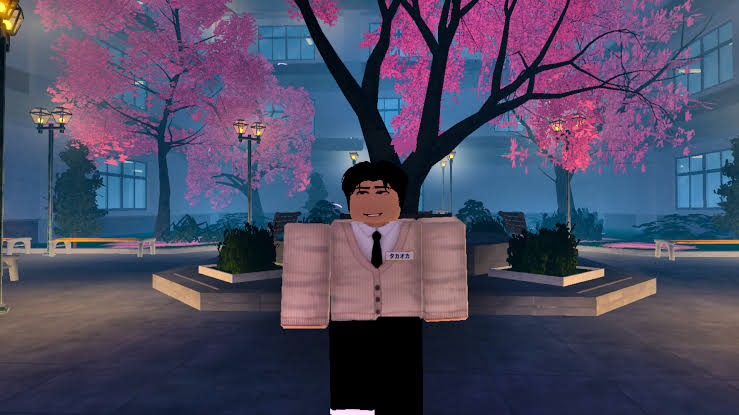
In the Gakuran experience on Roblox, school life is filled with battles and rivalries. To advance smoothly, players can benefit from redeem codes that developers release, offering helpful freebies and saving on resources.

LIST OF ALL ACTIVE REDEEM CODES
Here is a list of the active Gakuran redeem codes:
- WINGCHAN: Receive 30 Rerolls
- SKATERBOY: Receive 50 Rerolls
Entering these codes as displayed, including correct capitalization, is important to ensure they are accepted. While these codes offer additional Rerolls to tweak your character’s attributes, it’s wise to redeem them before they lapse.
How to Redeem Codes in Gakuran?
Follow these steps to redeem your Gakuran codes without hassle:
- Open the Gakuran game in your Roblox app.
- Select the Drawer icon on the left of your screen.
- Navigate to the Codes tab.
- Enter an active code into the space provided.
- Click Redeem to unlock your rewards.
Verify that the reward, such as Rerolls, has been added to your account. For accuracy, it’s suggested to copy and paste codes.


Redeem Codes Not Working?
If you’re having trouble with a Gakuran code not working, consider these points. First, ensure the code is entered exactly as shown, as errors in spelling or case may cause it to fail. The code could be expired; developers sometimes deactivate older codes when new updates are released. Also, codes redeemed once typically won’t provide rewards again.

Redeem the available Gakuran codes to claim free Rerolls. Check back regularly for new codes and updates.
Want more free rewards? Explore our latest redeem codes and claim free in-game items for your favorite titles.