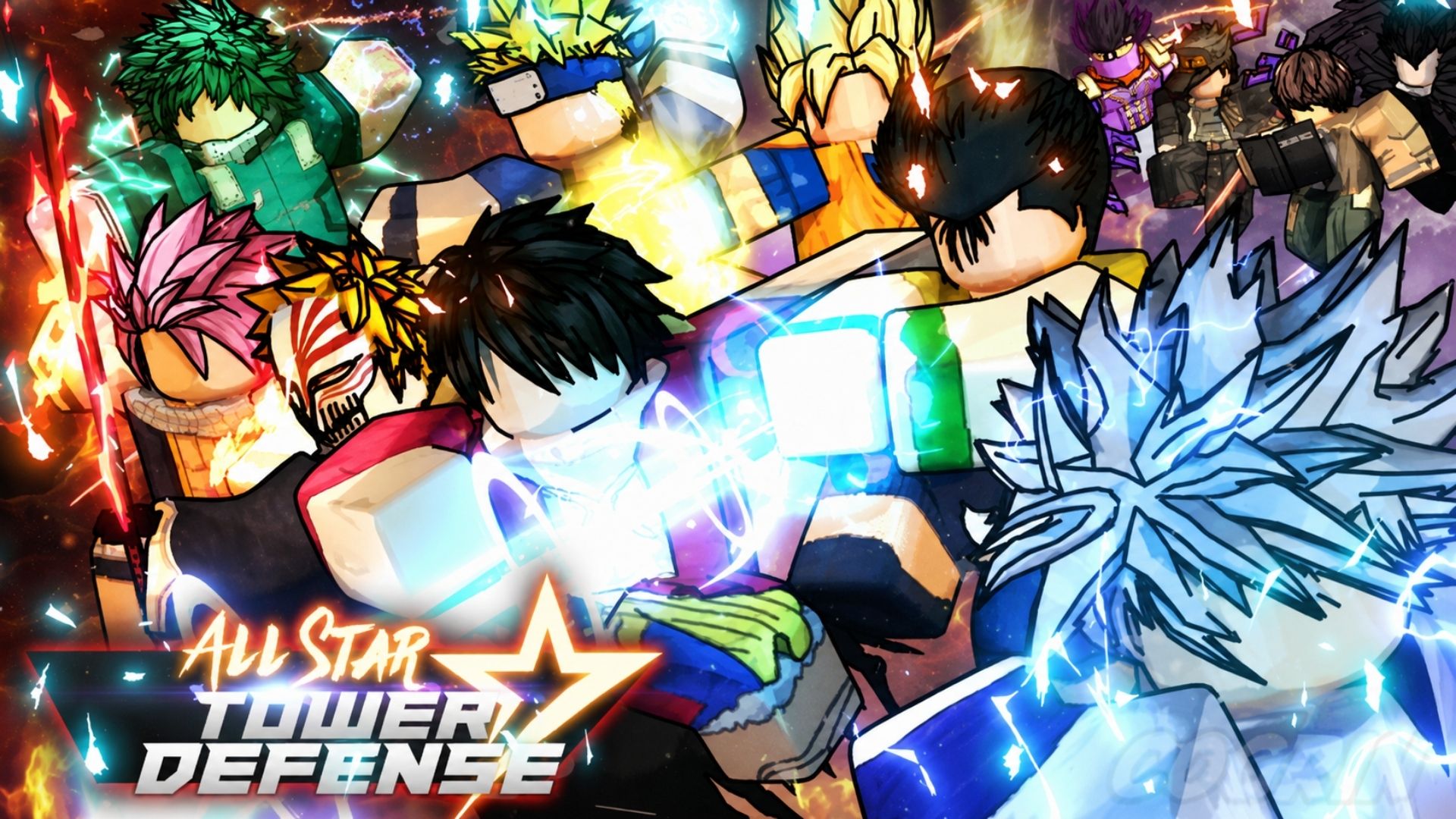
All Star Tower Defense is a Roblox tower defense game where anime-inspired units protect your path from waves of enemies. Each unit has its own abilities, and upgrading troops during a battle can give them new attacks when the pressure starts building.

In this article, you can find the active codes for the original All Star Tower Defense, learn how to redeem them, and understand why certain codes have account requirements.
LIST OF ALL ACTIVE REDEEM CODES
Here are all the active codes for All Star Tower Defense at the moment:
- game11 – 300 Gems and 100 Stardust
- WhoInvitedThisGuy – Gems, Stardust, and a special limited unit; Level 100+ required
- cosmicrebel – 2,700 Gems and 170 Stardust
- FusionReborn – 4,000 Gems and Stardust
- ultramicro – Gems and Stardust
- yickadee – 2,000 Gems, 230 Stardust, and a special limited unit; Level 100+ required
- tungtungnobannersahur – Gems and Stardust
- TheOverlordArrives – 4,000 Gems and Stardust
- fordanielxd – Gems, Stardust, and a special limited unit
- sorryfordelayandmonkeyking – 4,000 Gems and 280 Stardust
- omgupdate2026 – 2,700 Gems and 170 Stardust; Level 50+ required
- tboicats – 3,000 Gems and 170 Stardust
- twete93dont – Gems and Stardust
Codes can stop working without a public deadline. Claim them quickly, especially when your account already meets the listed level requirement.
How to Redeem Codes in All Star Tower Defense?
The code field is located inside the Settings menu. Follow these steps to claim a reward:

- Launch the All Star Tower Defense through Roblox.
- Select the Settings button in the upper-left corner.
- Find the code text box inside the menu.
- Copy one active code from the list.
- Paste the code into the box without adding extra spaces.
- Wait for the reward to be added automatically.
- Press Enter if the reward does not appear immediately.
- Repeat the process with the remaining codes.

All Star Tower Defense and ASTD X Use Different Codes
All Star Tower Defense X is a separate Roblox experience with its own menus, currencies, rewards, and codes. ASTD X codes will usually fail when entered in the original game.
Check which game you launched before redeeming anything. This article covers codes for the original All Star Tower Defense from Top Down Games.
Redeem Codes Not Working?
A code may fail when:
- A letter was entered with the wrong capitalization.
- An unwanted space appeared before or after the code.
- Your account does not meet its level requirement.
- You have not met a required playtime condition.
- The code has expired since it was last checked.
- You entered an ASTD X code in the original game.
- Your server has not received the latest changes yet.
Copy the code again and check your account level. You can also leave the current session and join a newer server before trying once more.
The game lets you team up with friends for story mode or the Infinity Tower. Meanwhile, the Summon Gate and Emote Shop receive new selections every hour, so checking them regularly can help you find something useful for your collection.