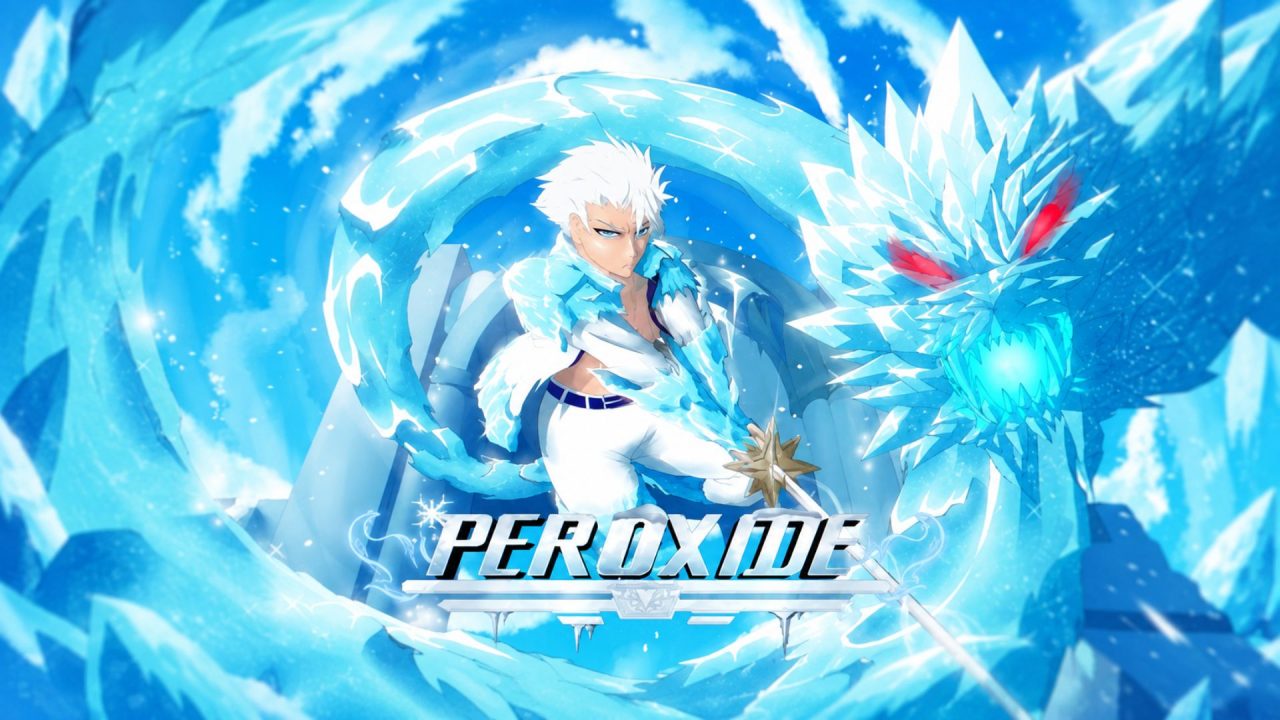
Peroxide is a Roblox action RPG inspired by the Bleach anime and manga. You can become a Soul Reaper or follow the path of a Hollow while completing quests, learning abilities, and taking part in fast battles.
Redeem codes can provide Product Essence, Premium Dye, and additional character slots. Product Essence is especially useful because it can be spent on rerolls that let you change different parts of your character build.
LIST OF ALL ACTIVE REDEEM CODES
Here are all the active Peroxide redeem codes and their listed rewards. Enter every code with the exact capitalization shown below:
- StayHydrated: 15 Product Essence (New)
- JesterMiniUpdate: 40 Product Essence + 1 slot (New)
- 445kLikesDupersGoAway: 15 Product Essence + 1 Slot
- Midnyte100kChuds: 25 Product Essence
Product Essence gives you more chances to reroll parts of your character and work on a build that fits how you want to play. Premium Dye covers character customization, while New Slots let you create another character without replacing one you already use.
Some of these codes are quite long and mix capital and lowercase letters. Copying them directly into the game is easier than entering every character manually.
How to Redeem Codes in Peroxide?
You must complete the opening tutorial before the Settings menu and code field become available. Once the tutorial is finished, you can redeem every code from the regular game interface.
Follow these steps to redeem your codes:
- Open Roblox and launch Peroxide.
- Complete the opening tutorial if you are playing for the first time.
- Select the graph-shaped Statistics icon in the upper-left corner of the screen.
- Choose the Settings tab from the menu that appears.
- Find the text field marked Code Here.
- Type or paste one of the active codes into the field.
- Press Enter on your keyboard to submit the code.
- Repeat the process for the remaining codes.

Peroxide does not use a separate Redeem button for this feature. Pressing Enter submits the text inside the Code Here field and should add the connected reward to your account.
Redeem Codes Not Working?
A Peroxide code may fail because of an unfinished tutorial, a typing mistake, or a previous claim. Try these checks if you do not receive the reward:
- Complete the Tutorial: The Settings menu remains unavailable during the opening tutorial. Finish the full introductory section before looking for the code field.
- Check Every Capital Letter: Peroxide codes are case-sensitive. Keep the same capital and lowercase letters used in some entries.
- Use the Code Here Field: Open the graph-shaped Statistics icon and select Settings. Codes entered into the Roblox chat will not provide rewards.
- Press Enter: The code box does not have a regular confirmation button. Press Enter after pasting the complete code.
- Remove Extra Spaces: Check for an empty space before or after the code, especially when copying it from another page.
- Remember Previous Claims: A code will normally provide its reward once on the same Roblox account. Entering it again will not add more Product Essence.
- Join a New Server: Leave the current session and reopen Peroxide if a recently released code is rejected. An older server may need more time to receive the latest update.
- Check Whether It Expired: Peroxide codes can be disabled without a listed expiration date. If the spelling and redemption steps are correct, the code may have stopped working.
The available Peroxide codes can give you more reroll options and a few useful customization rewards. Finish the tutorial, claim each reward through Settings, and then return to improving your character. Also, we’ll keep this list current as Peroxide receives new codes and older entries stop working.