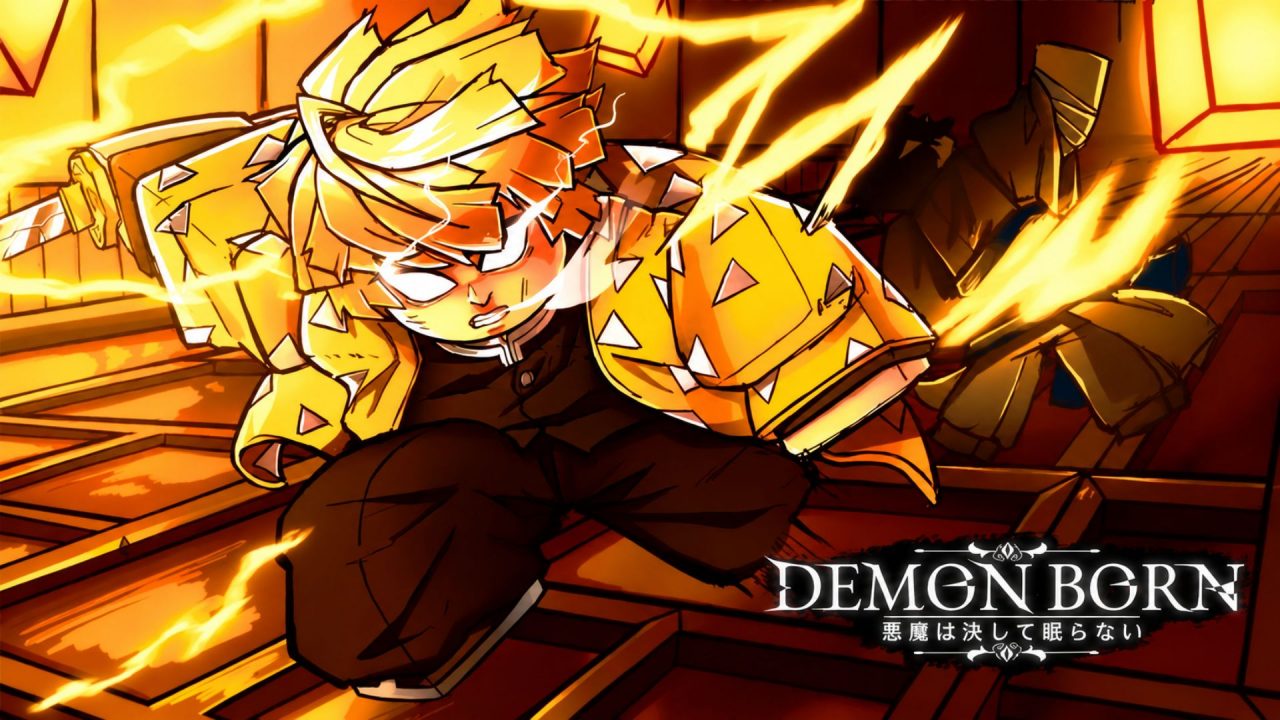
Demon Born is an open-world Roblox game inspired by Demon Slayer. You can protect humanity as a Slayer or follow the Demon path, then complete quests and gradually improve your character.
Active redeem codes provide free spins, currency, and other rewards. Some require Level 10, so new players may need to make a little progress before claiming everything.
LIST OF ALL ACTIVE REDEEM CODES
Here are all the active Demon Born redeem codes and their available rewards. A few reward descriptions remain general because their exact contents have not been specified.
- 5MVISITS: Free rewards; Level 10 required
- 30KFAVORITS: Free rewards; Level 10 required
- ZERO: 15 Blood Art Spins
- FATHER2026: Blood Art Spins; Level 10 required
- 4MVISITS2: Free rewards; Level 10 required
- 4MVISITS: Free rewards; Level 10 required
- NOTYSLEEP: Reward not specified; limited to 2,000 redemptions
- 2KUSESTENGU: Free Spins
- 15KLIKES: Family Spins; Level 10 required
- 3M: Family Spins; Level 10 required
- FAMILY30: Free rewards; Level 10 required
- ZZZZZ: Free rewards; Level 10 required
- 20KFAVORITS: Free rewards; Level 10 required
- 3MVISITS: Free rewards; Level 10 required
- BLOODMOON2: Free Spins
- BLOODMOON: Free Spins
- MUZANTRAIN1: 30 Spins
The rewards mainly cover general Spins, Family Spins, and Blood Art Spins. These give you more chances to adjust important parts of your character without spending Robux. The broader free-reward entries may also provide useful resources for progression.
Pay attention to the listed requirements before trying each entry. Codes locked behind Level 10 will remain unavailable until your character reaches that point. The reward with a limited number of redemptions may also stop working once enough players have claimed it.
How to Redeem Codes in Demon Born?
You must create your character and enter the main game before opening the redemption menu. Then follow these steps:
- Open Roblox and launch Demon Born.
- Create or customize your character if you are playing for the first time.
- Enter the main game world.
- Press the M key to open the menu on PC. Mobile players can tap the available Menu button instead.
- Select Codes from the row of options at the top.
- Enter an active code in the text box.
- Press Redeem to submit it and collect the reward.
- Repeat the process with the remaining entries.

The menu may take a moment to appear while your character and the game world are loading. Wait until you have full access to the main interface before looking for the Codes option.
Enter one code at a time and wait for the confirmation before moving to the next one. Spins or other items should be added to your account after a successful redemption.
Redeem Codes Not Working?
If Demon Born rejects a redeem code, try these checks:
- Compare Every Character: Check the spelling, numbers, and capitalization carefully. Copying the complete entry from the list can help prevent a small typing error.
- Reach the Required Level: Several rewards require your character to be at least Level 10. Continue completing quests and gaining levels, and then return to the code menu.
- Check Your Previous Claims: Most Roblox codes can be redeemed once on the same account. An entry you already used will not provide the reward again.
- Remove Extra Spaces: Pasting can add a blank space before or after the code. Clear the field and paste it again without any extra characters.
- Join Another Server: Leave Demon Born and start a new session. A fresh server may help when a recently added code is unavailable on an older version of the game.
- Consider the Redemption Limit: Some rewards have a limited number of total uses. They can become unavailable once enough players have redeemed them.
- Check Its Availability: Codes can expire without a public end date. If the entry is correct and your character meets its requirements, the developer may have disabled it.
The free Spins provide a few more chances to work on your character before returning to quests and battles. Claim every available reward that your current level allows, and then come back after reaching Level 10 for the remaining ones. We will update this article when new codes arrive or existing rewards become unavailable.