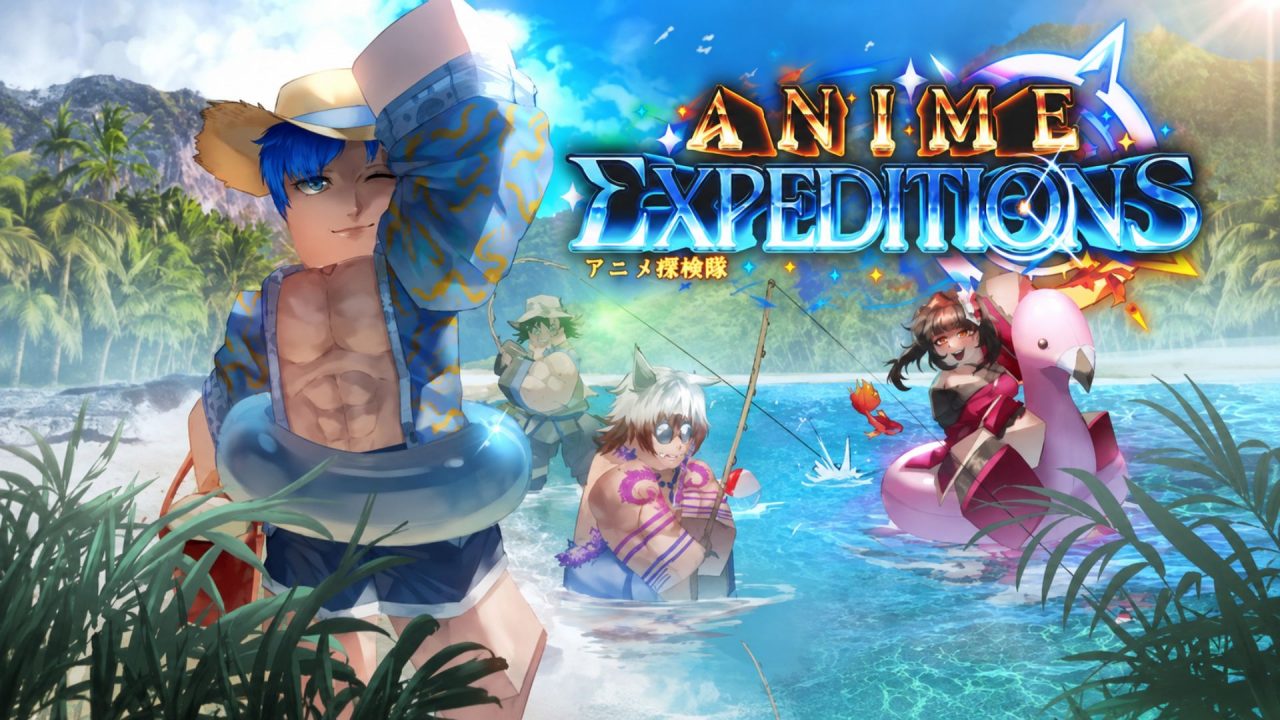
Anime Expeditions is a Roblox tower defense game where you collect anime-inspired units and build a team for different stages. Units can be upgraded and adjusted using resources such as Trait Crystals, Equipment Rerolls, and Stat Rerolls.

Redeem codes provide some of these resources for free. They can be helpful when you want to improve a unit, reroll its traits, or save materials for a stronger character later on.
LIST OF ALL ACTIVE REDEEM CODES
Here are all the active redeem codes currently listed for Anime Expeditions:
- SummerSiege: 50 Equipment Rerolls and 800 Sand Dollars (Level 25+ required)
- LighthingGod: 20 Trait Crystals and 500 Sand Dollars (Level 25+ required)
- Update2: 50 Stat Rerolls and 20 Trait Crystals
- EclipseSoon: 50 Trait Crystals
Equipment Rerolls let you change equipment-related bonuses, while Stat Rerolls are used when adjusting a unit’s stats. Trait Crystals are useful for rerolling unit traits and trying to get a better bonus. Sand Dollars are tied to the game’s summer content and can be spent on rewards connected to that event.
How to Redeem Codes in Anime Expeditions?
You do not need to complete a tutorial, join a Roblox group, or like the game before using the code menu. Follow these steps to redeem an Anime Expeditions code:

- Launch Anime Expeditions through Roblox.
- Wait until your character loads into the main lobby.
- Select the button with three dots in the upper-left corner of the screen.
- Choose Redeem Codes from the menu that appears.
- Enter or paste an active code into the Enter Code field.
- Select Redeem Code to collect the reward.

There is also another way to reach the same redemption screen. Look for the Razorjaw NPC near the spawn area, interact with the character, and select Redeem Codes. You can then paste a code into the box and confirm it normally.
Although Anime Expeditions codes are reported to be case-insensitive, copying them exactly as written is still the simplest way to avoid typing mistakes. Only enter one code at a time and wait for the reward message before moving to the next one.
Redeem Codes Not Working?
If an Anime Expeditions code is not working, try the following:
- Check the Code: Look for spelling mistakes, missing symbols, or unwanted spaces. Codes such as QuickRestart! will fail if their punctuation is left out.
- Check Its Validity: Redeem codes can stop working after an event ends or when the developer removes them. A code that worked previously may no longer be available.
- Check If It Was Used: Each code can normally be redeemed only once on the same Roblox account. Entering it again will not provide another copy of the reward.
- Check for Restrictions: Some rewards have account requirements. Both SummerSiege and LighthingGod require your account to reach Level 25 before they can be claimed.
- Try Again: Leave the current session and join a fresh server. Newly released codes may not work in an older server that has not received the latest game update.
These codes provide a useful supply of rerolls, Trait Crystals, and event currency for working on your team. Claim each reward once and save the more valuable rerolls for units you plan to keep using.