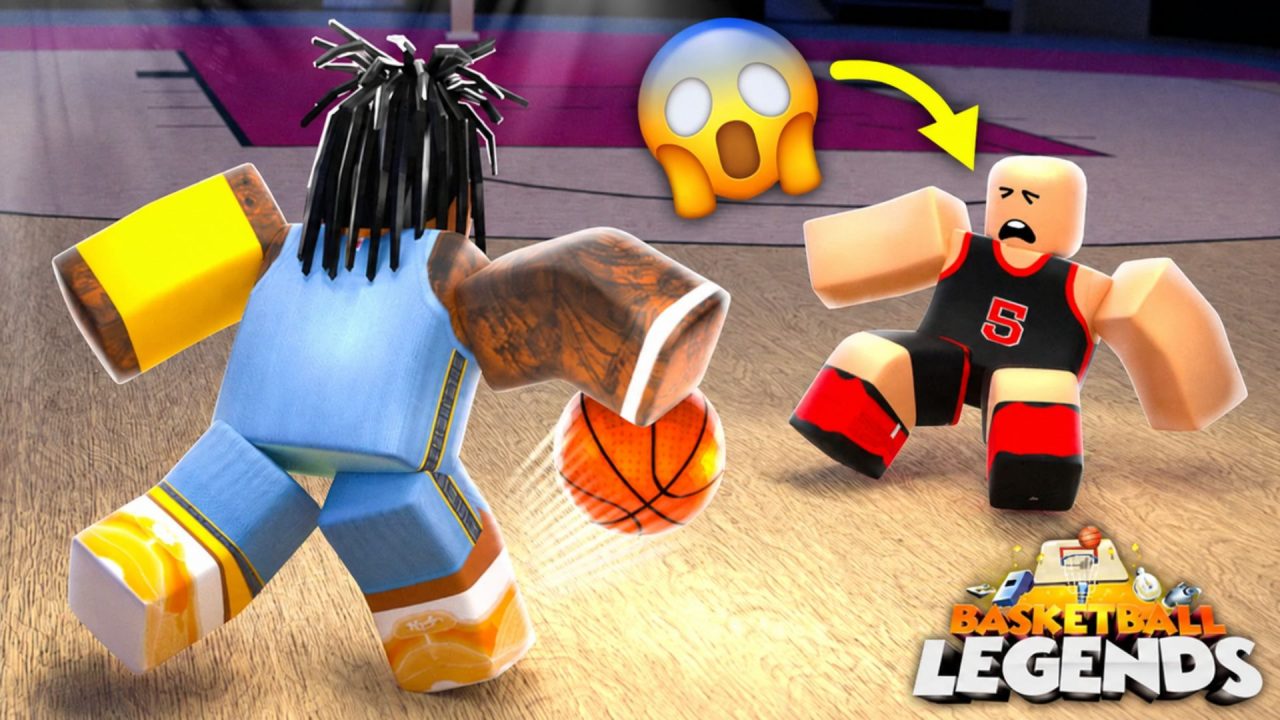
Basketball Legends drops you straight into quick 5v5 matches with other Roblox players. You can block shots, steal the ball, set screens, and try to score while the teams battle through each quarter.
The active redeem codes give you free Coins, special cases, and a temporary Coin Boost. Coins can be spent on cosmetics and emotes, while the cases give you more ways to change how your player looks on the court.
LIST OF ALL ACTIVE REDEEM CODES
Here are all the active Basketball Legends redeem codes and the rewards connected to them:
- GAUNTLET: 1 Summer Effect Case
- NEWSZN: 1 Summer Skin Case
- 650KLIKES: 1,000 Coins
- 640KLIKES: 1,000 Coins
- 630KLIKES: 1,000 Coins
- COINBOOST: 2x Coin Boost for 30 minutes
The five coin codes provide 5,000 Coins altogether if you can redeem every one. The Summer Skin Case and Summer Effect Case give you extra customization rewards, and COINBOOST increases the Coins you earn for 30 minutes. It is best to activate that boost when you have enough time to keep playing and make use of the full timer.
How to Redeem Codes in Basketball Legends?
You must join the InfinitySports Roblox group before the game will accept redeem codes. Once that is done, the code menu is easy to reach from inside a match.
- Join the InfinitySports group on Roblox.
- Launch Basketball Legends through Roblox.
- Select the Settings button in the bottom-left corner of the screen.
- Choose Redeem Codes to open the code box.
- Type or paste one active code into the text field.
- Press Claim! to submit it and collect the reward.
- Repeat the process for any other codes you want to use.

When a code works, the text box should display “Code has been redeemed.” Coins are added to your balance, while a successful boost code starts an on-screen timer. Enter each code separately and keep the spelling the same as it appears in the list.
Redeem Codes Not Working?
Basketball Legends may reject a code because of a missing group requirement, a small typing error, or its current status. Go through these checks before giving up on the reward:
- Join the Required Group: Confirm that your Roblox account has joined the InfinitySports group. Basketball Legends does not allow code redemption before this step is completed.
- Rejoin the Experience: If you joined the group while the game was already open, leave your current server and launch Basketball Legends again. This gives the experience another chance to recognize your membership.
- Match the Code Carefully: Check every letter and number, including the capitalization. Remove any blank spaces that may have appeared before or after the code when pasting it.
- Remember Earlier Claims: Each code can normally be redeemed once on the same Roblox account. A second attempt will not provide another copy of the reward.
- Check Whether It Expired: These codes can be disabled after an update, event, or community milestone. The code box may show “Code is expired” when an entry is no longer available.
- Try a Fresh Server: A newer code may fail on a server that has been running for a while. Close the experience, join a different server, and then enter it again.
The available rewards can add more Coins and customization options to your account before your next game. Claim the cases and coin codes first, then use the timed boost when you are ready to play several matches. We will update this article when more Basketball Legends codes become available.