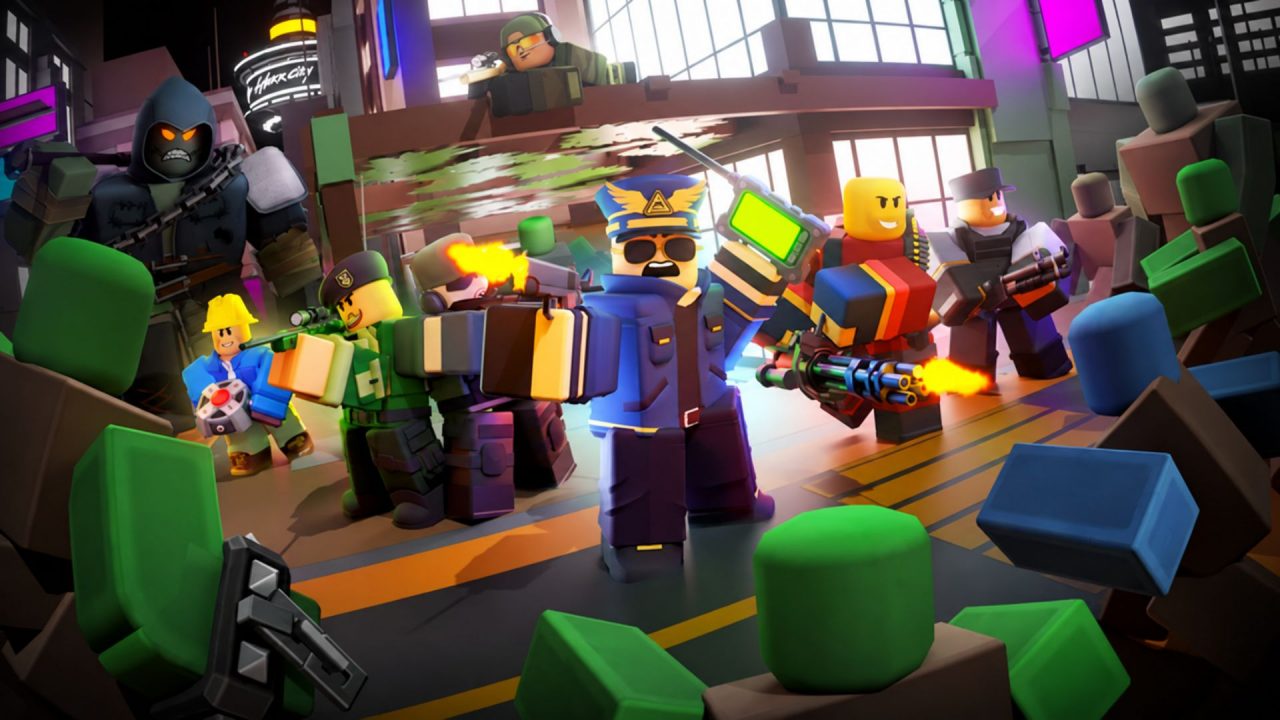
Tower Defense Simulator is a Roblox tower defense game where you protect your base against waves of zombies and other enemies. You can play alone or join friends, try different modes, and collect towers, skins, charms, and tags along the way.
Redeem codes provide a few extra rewards without requiring you to finish another match first. The available freebies include skins for specific towers and a themed crate.
LIST OF ALL ACTIVE REDEEM CODES
Here are all the active Tower Defense Simulator codes and their listed rewards. Keep the spelling and capitalization exactly as shown when entering them.
- 1MILCOMMUNITY: Community Skin for the Shotgunner tower
- 2MILLION: Mercenary Skin for the Pursuit tower
The two skin codes require you to own the matching tower. This means you need the Shotgunner tower before claiming the Community Skin and the Pursuit tower before claiming the Mercenary Skin. The game may reject the code if the required tower is missing from your collection.
Skins change how a tower looks, while crates contain cosmetic items that can be opened from your inventory. These rewards will not replace the need to earn stronger towers and upgrades, but they can give your collection a little more variety.
Tower Defense Simulator codes are usually available for a limited time. Some may also have a limited number of redemptions, so use the current entries while they remain available.
How to Redeem Codes in Tower Defense Simulator?
The redemption box can be opened from the game lobby. You do not need to visit another website or complete a separate form.
Follow these steps to redeem your codes:
- Open Roblox and launch Tower Defense Simulator.
- Wait until your character enters the main lobby.
- Look at the row of buttons near the upper-right corner of the screen.
- Select the Codes button marked with an “ABX” icon.
- Enter or paste an active code into the Enter Code Here field.
- Select Redeem to submit the code and receive the reward.
- Repeat the process for the other available codes.

The game should display a message after processing your entry. If you are redeeming a skin code, remember that the related tower must already be unlocked on your account.
You can find claimed skins in the cosmetic options for their matching towers. Crates should appear with your other inventory items, where you can open them and view what you received.
Redeem Codes Not Working?
A typo, missing tower, or older server can stop a valid code from going through. Try these checks if Tower Defense Simulator rejects one of the entries:
- Copy the Full Code: Paste the code directly into the field and remove any blank spaces before or after it.
- Own the Required Tower: Skin codes only work when the matching tower is already in your collection. You need Shotgunner for the Community Skin and Pursuit for the Mercenary Skin.
- Check Earlier Claims: Most codes can be redeemed once on the same Roblox account. An entry you already used will not give you the same reward again.
- Join a Fresh Server: Leave the experience and reconnect before entering the code again. A newly released code may take some time to work in an older server.
- Check Whether the Code Is Still Available: Codes can expire or reach their redemption limit without a long warning. If every character is correct and you meet the tower requirement, the code may have been disabled.
It also helps to wait a few seconds before pressing Redeem again. Sending the same entry several times quickly will not fix an invalid code and may make it harder to see the game’s response.
The current codes give you a few cosmetic extras for your collection, including two tower skins and a Christmas-themed crate. Claim the available rewards, equip the skins you like, and then return to building a defense that can survive the later waves. We will update this article when more Tower Defense Simulator codes become available.