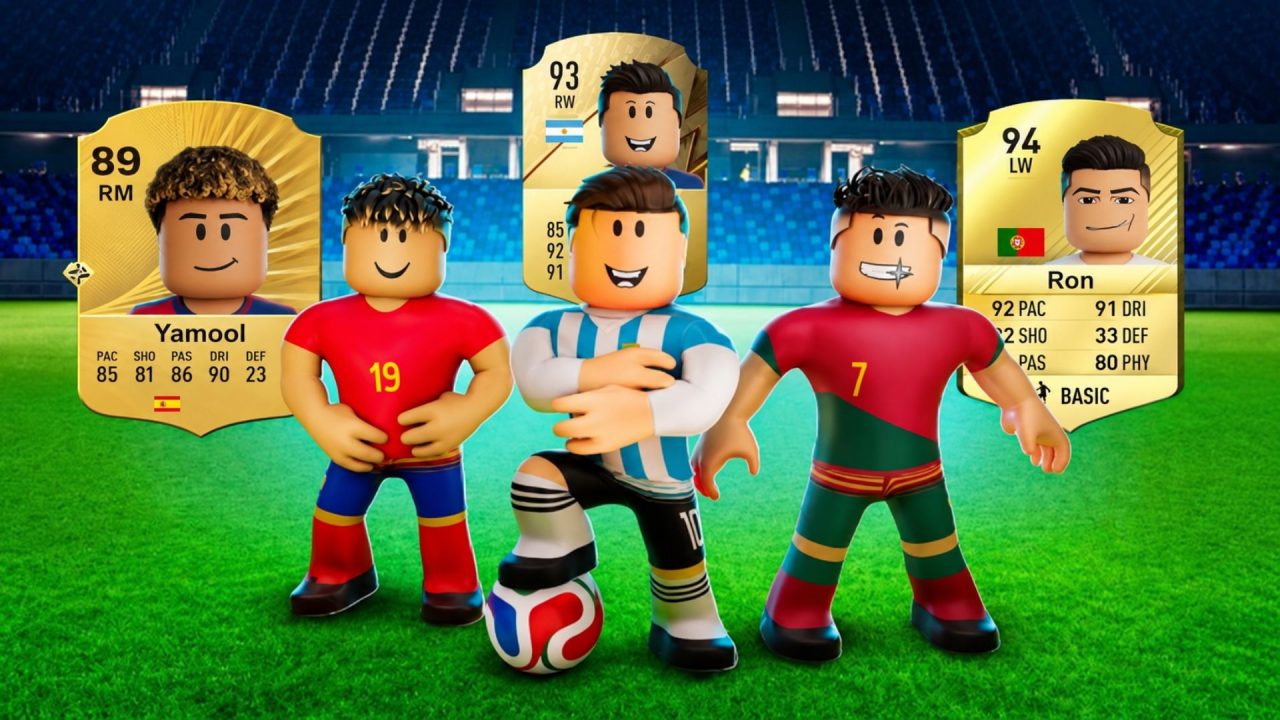
Build a Soccer Squad is a Roblox football management game where you collect player cards, put together a lineup, and try to improve the squad as you go. The active redeem codes below hand out free rerolls, refreshes, Coins, Gems, and card packs. These rewards can give you more chances to change your available players or pick up a few extra resources without spending anything.

LIST OF ALL ACTIVE REDEEM CODES
Here are all the active Build a Soccer Squad redeem codes and the rewards listed for each one:
- GOAT: 50 rerolls and 50 refreshes
- UNIVERSE: 50 rerolls and 50 refreshes
- FUTURE: 50 rerolls and 50 refreshes
- LIMITBREAKER: 25 rerolls and 25 refreshes
- CONSOLE: 25 rerolls and 25 refreshes
- DOUBLE: 20 rerolls and 20 refreshes
Rerolls give you another chance at changing the players offered for your squad, while refreshes help bring up another selection. Codes may become unavailable at any time, so it is worth using them before that happens.
How to Redeem Codes in Build a Soccer Squad?
Build a Soccer Squad has its code box inside the game, and you can open it straight from the main screen.

- Open Roblox and launch Build a Soccer Squad.
- Select the Codes button in the bottom-right corner.
- Type or paste an active code into the Code field.
- Press Enter to submit it and receive the reward.

Enter one code at a time and keep its spelling and capitalization exactly as listed. Once a code is accepted, the free rerolls, refreshes, or other items should be added to your account.
Redeem Codes Not Working?
If a Build a Soccer Squad code is being rejected, these checks can help you find the reason:
- Compare Every Character: Look for a misspelled word or a letter that was entered with the wrong capitalization. Copying the code can prevent a small typing mistake.
- Remove Extra Spaces: Make sure there is no blank space before or after the code when you paste it into the field.
- Remember Earlier Redemptions: Codes are generally limited to one use on each Roblox account. A code you already claimed will not provide the reward twice.
- Check Whether It Is Still Available: Build a Soccer Squad codes can be withdrawn after a limited period, even when no end date was given.
- Reload the Game: Leave the experience, join again, and retry the code. This can help when the menu or game server did not respond correctly the first time.
Also check that you opened Build a Soccer Squad, since Roblox has another experience with a similar name, Build Your Soccer Squad. The two games use different codes and do not have the same redemption menu.
These free rewards provide a few more chances to adjust your lineup and work toward a stronger team. New codes may arrive with game updates or community milestones, so the active list can change over time.