

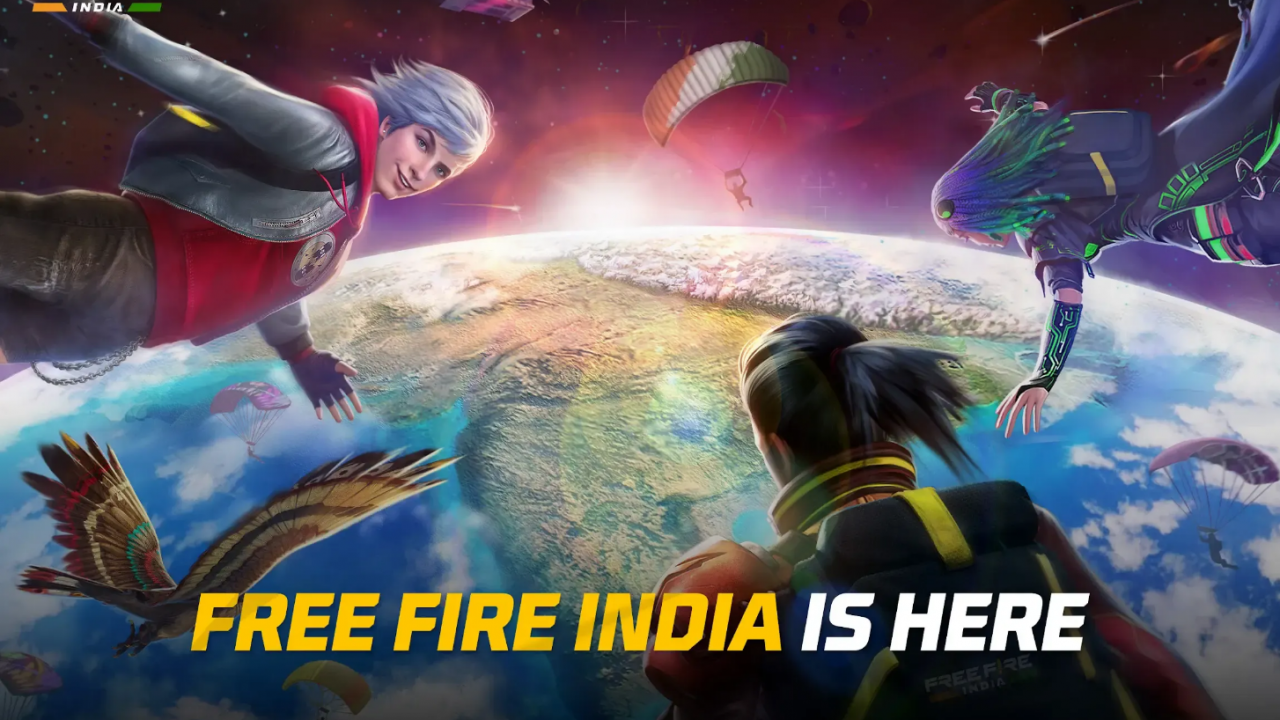
The Free Fire India launch on October 28, 2026, finally gave Indian players their own version of Free Fire. It’s a standalone app on Google Play and the App Store, running on servers in India. The catch is that the wrong login can create a fresh, empty account instead of loading your old one. This guide shows you how to download the right app and move your old account safely. You’ll also find the best launch freebies, Diwali event details, and how the new playtime rules work.
Free Fire India Launch: All Key Details
Here’s everything that matters before you hit install.
| Detail | Free Fire India |
| Launch date | October 28, 2026 |
| Platforms | Android (Google Play) and iOS (App Store) |
| Price | Free, with in-app purchases |
| Publisher | Garena (Garena International III on Google Play) |
| Servers | Hosted in India |
| Accounts | India-region accounts only |
| Download size | About 390 MB on Android, about 1.5 GB on iOS |
| Diwali campaign | Live until November 15, 2026 |
| Daily playtime | 3 hours under 18, 6 hours for 18+ |
| Daily spending cap | ₹7,000 under 18, no cap for 18+ |
What to Expect From Free Fire India at Launch
Free Fire India keeps the formula you already know. Fifty players drop onto an island, and each match wraps up in about ten minutes. You can squad up with three friends over in-game voice chat or jump into 4v4 Clash Squad. The game also targets a wide range of phones, which helps if your device struggled with heavier builds.

Just don’t expect a brand-new battlefield yet. Garena hasn’t announced an India-exclusive map for launch. Think of FFI as familiar Free Fire rebuilt around Indian servers, age checks, and spending guardrails.
How to Download Free Fire India on Android and iOS
Free Fire India is free on both stores, and the official listings are the only safe source. Here’s the quick route on each platform.
Free Fire India Download on Android
- Open the Google Play Store and search for “Free Fire India,” or use the official Free Fire India listing.
- Check that the developer reads Garena International III before you tap anything.
- Tap Install on the roughly 390 MB base download.
- Stay on Wi-Fi when you first open the game, since extra resources can download on launch.
- Pick your age bracket honestly, then log in with the platform linked to your old account.

Free Fire India Download on iPhone and iPad
- Open the App Store and search for “Free Fire India.”
- Confirm that Garena is the publisher, then tap Get on the 1.5 GB download.
- Stop before you sign in with Apple ID. Read the Apple ID section below first, or you may end up with a new account.
Avoid Unofficial Free Fire India APKs
Launch week always brings mirror sites pushing “lite” or “early access” APK files. Skip them. Unofficial files can carry malware, and they put your account at risk too. If the developer name doesn’t say Garena, close the page.
Free Fire India Old Account Recovery: Move Your Progress Safely
Here’s the good news: you probably don’t need a new account. India banned Free Fire in February 2022, but Free Fire MAX stayed available. Most Indian players have played on MAX accounts ever since. If you created yours in India, it’s an India-region account, and that’s exactly what Free Fire India accepts.
Log in through the same platform you linked before, and your profile and inventory come with you. Free Fire India supports Facebook, Google, X (Twitter), VK, Huawei, and Apple logins. Some options may not appear on every device.

How to Log In to Free Fire India With Your Old Account
- Check your account in Free Fire MAX first. Note your UID and the login platform your account uses.
- Bind your guest account before anything else. Guest data lives only on your device, so a wiped phone means a lost account.
- Add a recovery email. It’s your safety net if you ever lose the social login behind your account.
- Install Free Fire India and tap the same login platform. A different platform opens a different account.
- Verify your profile. Match your nickname, UID, and level before you play a single match.
Free Fire India Apple ID Login Not Working? Here’s How to Avoid It
This is the one mistake that catches iPhone players off guard. Free Fire India and Free Fire MAX use separate Apple developer accounts. So your usual Apple ID creates a brand-new FFI account instead of loading your old one. Your MAX account stays untouched, but it won’t link or transfer on its own.
Here’s how to avoid it:
- Open Free Fire MAX and bind a recovery email to your existing account.
- Switch your primary login to that recovery email, if the option shows up for you.
- Log in to Free Fire India with the recovery email instead of Apple ID.
Already signed in with Apple ID and landed on an empty profile? Don’t treat it as your old account. Contact Free Fire India support with your original UID and nickname.
Lost Your Facebook, Google, or X Login?
Recovery depends on one thing: whether you bound a recovery email before you lost access.
| Your situation | What to do |
| Lost login, recovery email bound | Tap Account Recovery on the login screen and enter your recovery email. Confirm the code, check your player name and UID, then bind a new platform. |
| Lost login, no recovery email | Recover the Facebook, Google, or X account through that platform first. Free Fire support can’t restore or transfer it for you. |
| Lost guest account | Recovery isn’t possible once the device is gone or the game data is deleted. |
Region Messages in Free Fire India and How to Fix Them
Free Fire India runs strictly on India-region accounts, so a region mismatch triggers a pop-up. Here’s what each message means.
| Message | Why you see it | Fix |
| “Your current registration has been detected as India” | You’re registering a new account from India on a non-FFI version | Install Free Fire India and turn off any VPN or proxy |
| “Your account has been detected as being in the India region” | You’re logging in to an India-region account on Free Fire or Free Fire MAX | Install Free Fire India and log in there |
| “The account you are logging in with is not in the India region” | You’re logging in to a non-India account on Free Fire India | Switch to an India-region account, or use Free Fire MAX on Android or Free Fire on iOS |
Contact Free Fire India Support
Still stuck? Submit a ticket through the Free Fire India support site. You need to sign in with your game account first. Guest accounts can’t submit requests, which is one more reason to bind yours early. Your UID and nickname fill in on their own, so sign in with the right account. You can also email freefireindia@garena.com.

Free Fire India Diwali Rewards and Launch Events
The Diwali campaign runs until November 15, 2026, so it stretches a week past Diwali on November 8. Here’s the honest part: the full Diwali reward list isn’t public yet. The freebies you can claim today come from launch events in the Activities tab.
Free Fire India Launch Rewards You Can Claim Now
| Event | Dates | Task | Reward |
| FFI Is Here! | Oct 28 – Nov 11 | Log in | 10,000 Gold |
| FFI Is Here! | Oct 28 – Nov 11 | Play three BR or CS Ranked matches | Free emote (name TBA) |
| Welcome FFI Voicelines | Oct 28 – Nov 18 | BR Ranked 20 min, CS Ranked 30 min, BR Ranked 40 min, CS Ranked 50 min | India-exclusive voicelines (names TBA) |
| Better with Buddy | TBA | TBA | TBA |
| Daily Gold Drop | TBA | TBA | TBA |
| Bind your account | TBA | Link your account to a login platform | TBA |
To claim them:
- Open the Activities tab and select FFI Is Here!
- Claim the login reward first. It doesn’t need a match, so it costs you zero playtime.
- Play BR or CS Ranked until the emote task completes, then claim the emote.
- Open Welcome FFI Voicelines and work through the four Ranked timers.
Free Fire India Diwali Campaign: Everything Confirmed So Far
| Detail | Status |
| Campaign end date | November 15, 2026 |
| Theme | Celebrates Indian festivals, cultures, and communities |
| Free Diwali bundles | TBA |
| Diwali tokens or exchange store | TBA |
| Diwali-themed weapon skins | TBA |
Free Fire India Naruto Collab Rewards Are Live Too
Free Fire India launched with the Naruto collaboration already running. Ninjutsu scrolls like Rasengan, Chidori, and Fireball Jutsu are back in Battle Royale. The new 8 Trigrams Palm Rotation pushes nearby enemies away and blocks incoming shots. The Nine Tails can also trigger plane events like forced jumps, Arsenal openings, and supply drops. Collect event tokens to unlock ninjas, then pick the Jiraiya Bundle or Hinata Bundle as your grand prize.

Free Fire India New Rules: Playtime Limits, Spending Caps, and Age Checks
These rules sit at the heart of the Free Fire India launch, and they apply from your first login. They fall under Play It Right, the game’s responsible gaming program.
| Rule | Under 18 | 18 and above |
| Daily playtime | 3 hours | 6 hours |
| Break reminder | After 2 hours of match time | After 2 hours of match time |
| Playtime reset | 4:00 AM daily | 4:00 AM daily |
| Daily spending cap | ₹7,000 | No cap |
| Parental consent | Required, with OTP to a parent’s or guardian’s number | Not required |
| OTP requests | Up to 10 per day | Not applicable |
| Age correction | Once every 30 days | Once every 30 days |
How the Free Fire India Playtime Limit Works
- Only match time counts. The timer tracks active in-match time, so the lobby, shop, and chat won’t drain it.
- You get a heads-up. A break reminder pops up after two hours of total match time.
- The lock is strict. Once you hit your limit, you can’t start or continue a match until the 4:00 AM reset.
Free Fire India Spending Cap for Under-18 Players
Under-18 accounts can spend up to ₹7,000 per day. The game blocks any purchase beyond that until the daily limit resets. Players aged 18 and above have no daily cap.
Parental Consent and OTP Verification
Players under 18 need a parent’s or guardian’s consent before they register. During sign-up, you enter that parent’s or guardian’s mobile number for OTP verification. You can request up to 10 OTPs per day, so double-check the number before you hit send.
Selected the Wrong Age? Here’s the Fix
You can correct your age bracket if you picked the wrong one during setup. However, you can only change it once every 30 days. The cooldown stops players from flipping brackets to dodge playtime or spending limits. Your correct bracket’s rules apply going forward, so choose carefully the first time.
Should You Uninstall Free Fire MAX After Switching to Free Fire India?
Not right away. First, confirm that your account loads in Free Fire India with all your progress intact. Then make sure a recovery email sits on that account. After that, MAX becomes optional for most Indian players. If MAX shows the “detected as being in the India region” message, Free Fire India is now your account’s home.
In Conclusion
The Free Fire India launch isn’t a reinvention, and it doesn’t need to be. It’s the Free Fire you know, now on Indian servers with clear rules for age and spending. Your old account carries over as long as you log in through the same platform. iPhone players should move to a recovery email login before touching Apple ID.
Read More: