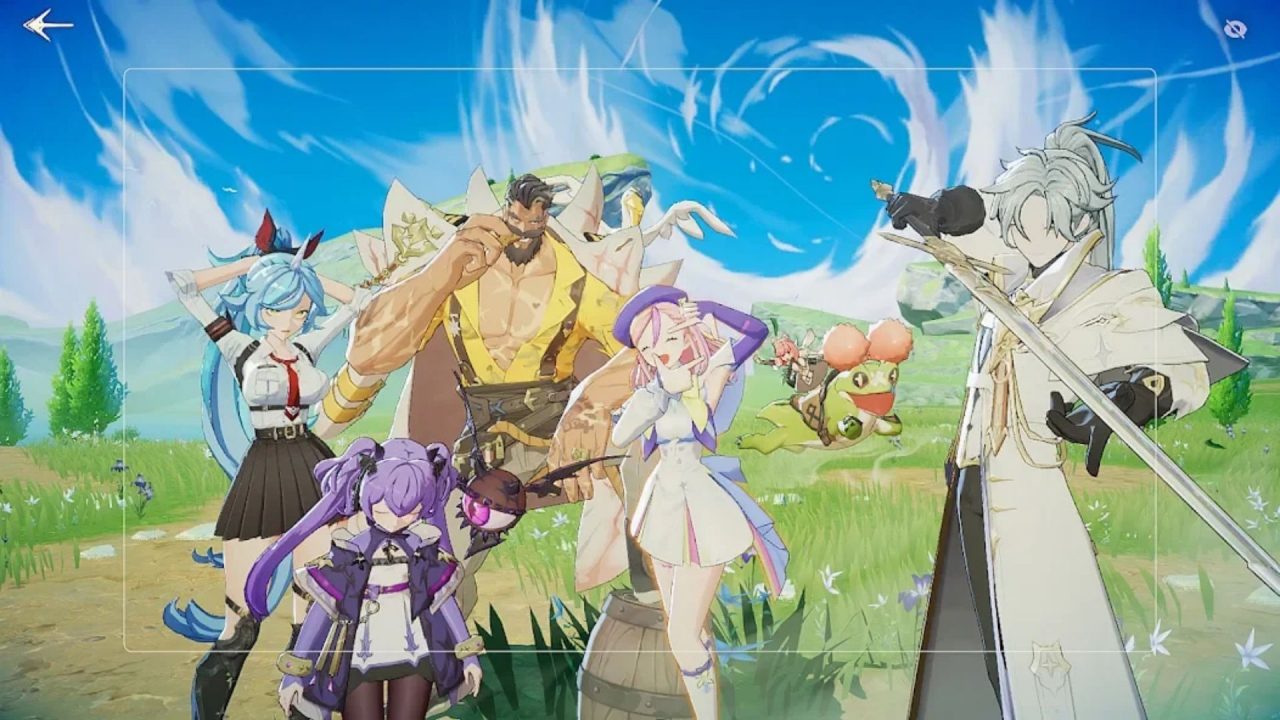
Star Sailors has plenty of Partners to recruit and upgrade, and a few free items can help you get a team going. The codes below offer Silver Memory Tickets, Bulging Mushrooms, and Diamonds. You can redeem them in the game or through the official coupon page, so pick whichever route is easier on your device.

LIST OF ALL ACTIVE REDEEM CODES
Here are the Star Sailors codes to try and their available rewards. Enter one code at a time and check your Inbox after each successful claim:
- MUSHDIA09: 2 Bulging Mushrooms and 200 Diamonds
- SAILOR0925: 20 Silver Memory Tickets
- DIAMUSH09: 2 Bulging Mushrooms and 200 Diamonds
- SAILOR09SEP: 3 Bulging Mushrooms
- MUSHROOM0902: 3 Bulging Mushrooms and 200 Diamonds
Code availability can change quickly, so enter the ones you want while they are still accepted.
Once you’ve claimed them, our Star Sailors Tier List can help you decide which Battle and Assist Partners to build.

How to Redeem Codes in Star Sailors?
You can claim a coupon from the game’s Notice menu. This route is useful when you are already playing and don’t want to look up your account’s CS Code:
- Launch Star Sailors and open the menu with three horizontal lines in the upper-right corner.
- Select Notice and scroll down to Redeem Code.
- Type or paste one code exactly as it appears above.
- Press Use Coupon, then open your in-game Inbox to collect the reward.

There is also an official Star Sailors coupon page if you would rather use a browser. It asks for a little more account information, so make sure you copy the CS Code from the account where you want the items. Here are the steps for this way:
- In Star Sailors, open Menu, then Settings and Account, and copy your CS Code.
- Visit the coupon page and select the server you play on.
- Paste your CS Code into the CS Code field.
- Enter one code in the Coupon Code field and choose Use Coupon.
- Return to the game and check your Inbox. Delivery may take a little time if the network is slow.
The server choice matters on the web form because the coupon has to reach the right account. If you play on more than one server, check that selection before you submit a code. You can repeat the process for the other entries, but a coupon you have already used cannot be claimed again on the same account.

Redeem Codes Not Working?
If a code is rejected or the items do not appear, run through these quick checks before trying another one:
- Look for a typo: Copy the full code and remove any spaces at the beginning or end. Keep its letters and numbers in the same order, especially for SAILOR0925 and MUSHROOM0902.
- Check whether it has ended: Coupons can be disabled after an event or once their redemption window closes. If a correctly entered code still fails, it may no longer be available.
- Check earlier claims: The official coupon page says a coupon that has already been used cannot be registered again. Look through your Inbox before entering it a second time.
- Confirm your account details: On the web page, use the server for the character you play and the CS Code shown in that account’s settings. A copied code from another account will send you down the wrong path.
- Give the Inbox a moment: Coupon delivery can be delayed by network conditions. Return to the title screen or restart the game, then check the Inbox again before assuming nothing arrived.
Work through the five codes one by one, then check your Inbox after each claim so you can see what arrived. You can claim all five in a few minutes and save the rewards until you need them. Just don’t put off entering the codes, since coupons can stop working without much notice.