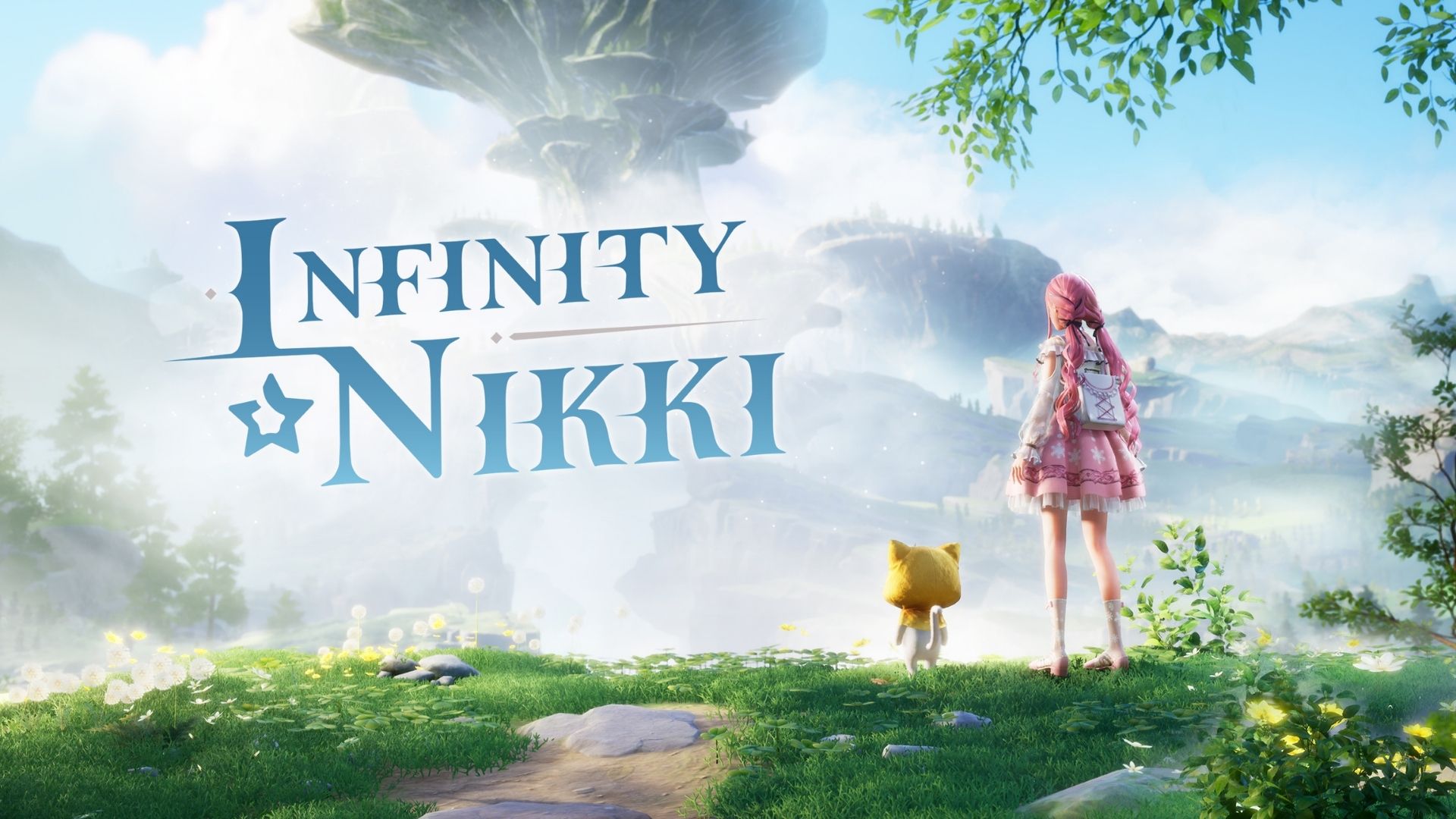
Infinity Nikki turns fashion into an open-world adventure, but filling Nikki’s wardrobe can use plenty of materials. Active redeem codes can give you Diamonds, Bling, Shiny Bubbles, Threads of Purity, and even special headwear.

This article lists every active code in the latest batch and explains how to claim the rewards on mobile or through the native PC version. Redeem them quickly because these freebies can expire without much warning.
LIST OF ALL ACTIVE REDEEM CODES
- AASmT6uVRKX – 30 Shiny Bubbles, 20,000 Bling (New)
- AAS2C3ARr9D – 30 Shiny Bubbles, 20,000 Bling (New)
- AAS5RDa6kQs – 30 Shiny Bubbles, 20,000 Bling (New)
- AASSdHPCU2W – 30 Shiny Bubbles, 20,000 Bling (New)
- AASNhyn7V8R – 30 Shiny Bubbles, 20,000 Bling (New)
- nAkq2K5TpwtB – 30 Shiny Bubbles, 20,000 Bling (New)
- AASRvSFRct7 – 30 Shiny Bubbles, 20,000 Bling (New)
- AAS8AxbUYnH – 30 Shiny Bubbles, 20,000 Bling (New)
- AASkBmpdnHP – 30 Shiny Bubbles, 20,000 Bling (New)
- AASxHvfqSMv – 30 Shiny Bubbles, 20,000 Bling (New)
- AAST5QKkPmN – 30 Shiny Bubbles, 20,000 Bling (New)
- AASaEauCkbq – 30 Shiny Bubbles, 20,000 Bling (New)
- AASfFECdPum – 30 Shiny Bubbles, 20,000 Bling (New)
- AASMtkfVtrA – 30 Shiny Bubbles, 20,000 Bling (New)
- AASN9wMPMwK – 30 Shiny Bubbles, 20,000 Bling (New)
- AASdsRaBJ7P – 30 Shiny Bubbles, 20,000 Bling (New)
- WhimsyShroomFB – 30 Shiny Bubbles, 20,000 Bling (New)
- 花渡る晴空LINE特典 – 30 Shiny Bubbles, 20,000 Bling (New)
- SizzleScoutsReddit – 30 Shiny Bubbles, 20,000 Bling (New)
- ShroomFriendDC – 30 Shiny Bubbles, 20,000 Bling (New)
- AAS7mAsCrkf – 30 Shiny Bubbles, 20,000 Bling (New)
- AASMmC5s4db – 30 Shiny Bubbles, 20,000 Bling (New)
- EYESONTHEGOLDENFEAST – Flavorful Moments headwear
- MOMOWISHESNIKKILISTENS – Diamonds and Bling
- AAxnJxPbvUj – Shiny Bubbles and Bling
- AAxmBaFCVrJ – Shiny Bubbles and Bling
- AAShXddhv3b – Shiny Bubbles and Bling
How to Redeem Codes in Infinity Nikki?
You have two ways to redeem a code. The official website is handy when you want to claim rewards without opening the game, while the in-game menu works on mobile and PC.
Redeem Codes on the Official Website
- Open the official Infinity Nikki code redemption website.
- Sign in with the Infold account linked to your game.
- Select the server where you play.
- Select the character that should receive the rewards.
- Enter a working code in the Redemption Code box.
- Select Redeem.
- Open your in-game mail and claim the rewards before they expire.

Redeem Codes In-Game
- Launch Infinity Nikki and open the Pear-Pal.
- Select the gear icon in the top-left corner to enter Settings.
- Choose the Other tab.
- Scroll down and find Redeem Code, then select Apply.
- Paste or type the code, then press Apply again.
- Collect your free items after the success message appears.
If you have not received the Pear-Pal yet, continue the story until you meet Dada at the Florawish Stylist’s Guild. This point arrives early, so the redeem menu should become available quickly.
Redeem Codes Not Working?
If a redeem code isn’t working, try the following:
- Check the Code: Enter the code exactly as shown, including capitalization.
- Check Its Validity: Make sure the code is still active and hasn’t expired.
- Check If It Was Used: Some codes can only be redeemed once per account.
- Check for Restrictions: Some codes may have region, account, or other requirements.
- Try Again: Restart the game and try redeeming the code again if it’s still active.
New codes may appear during official livestreams, game updates, or special events. They can also be shared through Infinity Nikki’s X account, Discord server, and newsletters. Some livestream rewards last for a short time, so check back regularly and redeem new codes soon after they appear.