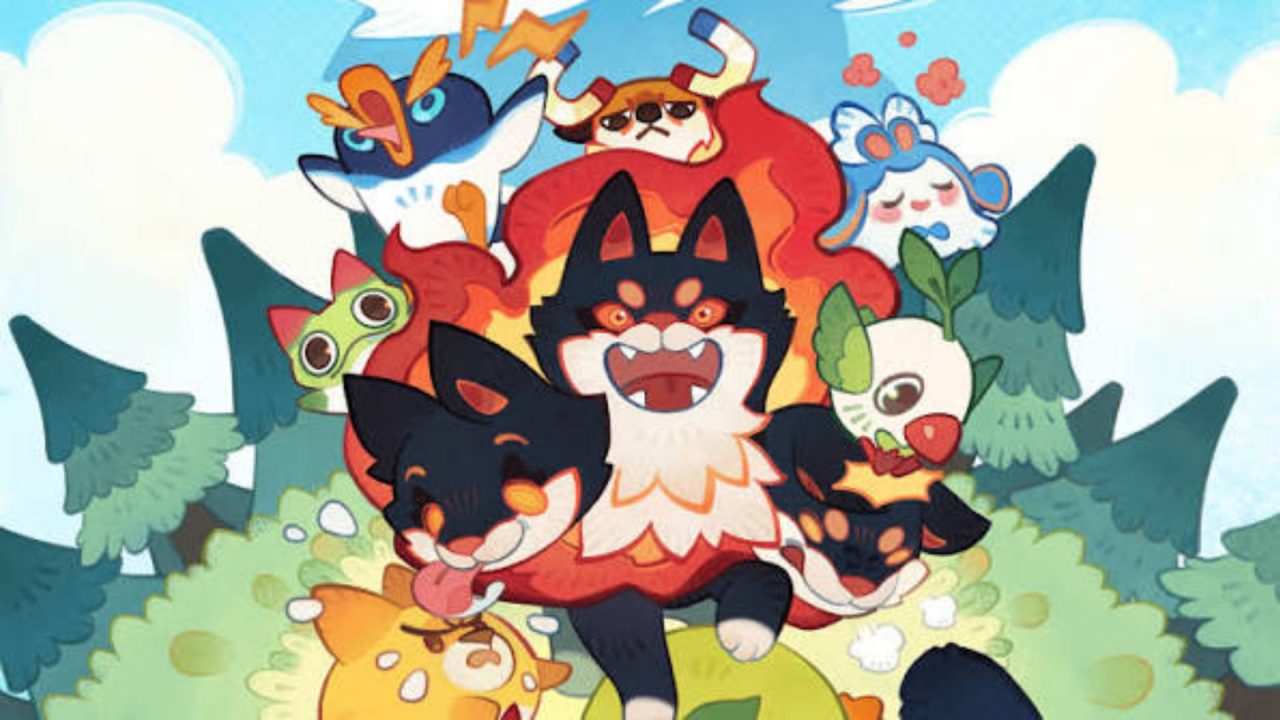
Clash of Critters is a mobile game where you collect creatures called Tatari, arrange a team, and send them into battles. There is a camp to look after, too, and plenty of reasons to gather more resources as your team grows. Redeem codes can give you Pinballs, Candy, capsules, and even a Tatari without spending anything.
LIST OF ALL ACTIVE REDEEM CODES
Here are the active Clash of Critters redeem codes:
- TATAMOON – 20 pinballs, 1.8k candy, 15 silver bricks, three gold bricks, a blue tatari capsule, a blue bento box, and a cookie
- openfestc – 1k candies, blue shop tickets and a cookie
- openfestb26 – 1k candies, blue shop tickets and a cookie
- openfesta26 – 3k candies, a tatari capsule, and five blue shop tickets
- weeklygift – 50 pinballs and five tatari capsules
- welcomegift – 100 pinballs, five tatari capsules, and a rare tatari capsule
- goonbug – 4k candy, a lunchbox, and a goonbug
- hellotatari – 4k candy, three tatari capsules, and 1k pinballs
These codes can give you Candy to improve your Tatari, capsules for collecting more creatures, Pinballs, and even a Goonbug Tatari. Claim them while they’re available, since they may expire without notice.
How to Redeem Codes in Clash of Critters?
The code option sits inside the Friends menu. New players need to finish the opening tutorial before that menu is available:
- Launch Clash of Critters and complete the tutorial.
- From your camp, tap the Friends icon showing two people at the bottom-right of the screen.
- Tap the gear at the top-right of the Friends panel.
- Scroll through the settings until you find Redemption Code.
- Enter one code exactly as it appears above.
- Tap Confirm to submit it.

After you tap Confirm, the reward should be added to your account. Check your Candy or Pinball balance, capsules, or Tatari collection to see what you received. Then enter the next code so you can keep track of each claim.
Redeem Codes Not Working?
If Confirm does not accept a code, work through these checks:
- Check the letters: Copy the full code, including any numbers. The codes above are shown in lowercase, and a phone keyboard may capitalize the first letter automatically.
- Remove spaces: Pasting a code can add a space at the beginning or end. Delete it before submitting the entry again.
- Finish the tutorial: The Friends shortcut and its settings may not be accessible until you have completed the opening tasks and reached camp.
- Check earlier claims: Codes are generally limited to one successful claim per account. Entering one again will not give you a second set of items.
- Consider its availability: A code may stop working after a promotion ends, even when no end date was shown.
- Reopen the game: If the code seems correct but the menu is not responding, close Clash of Critters, launch it again, and retry from the Friends settings.
It also helps to check the relevant item or creature collection after a successful claim. That way, you can tell which reward came from each code, particularly when you are entering several in one session. These codes give you a few ways to build up your Tatari collection and resources while you play. We’ll add new entries here when more Clash of Critters codes become available.