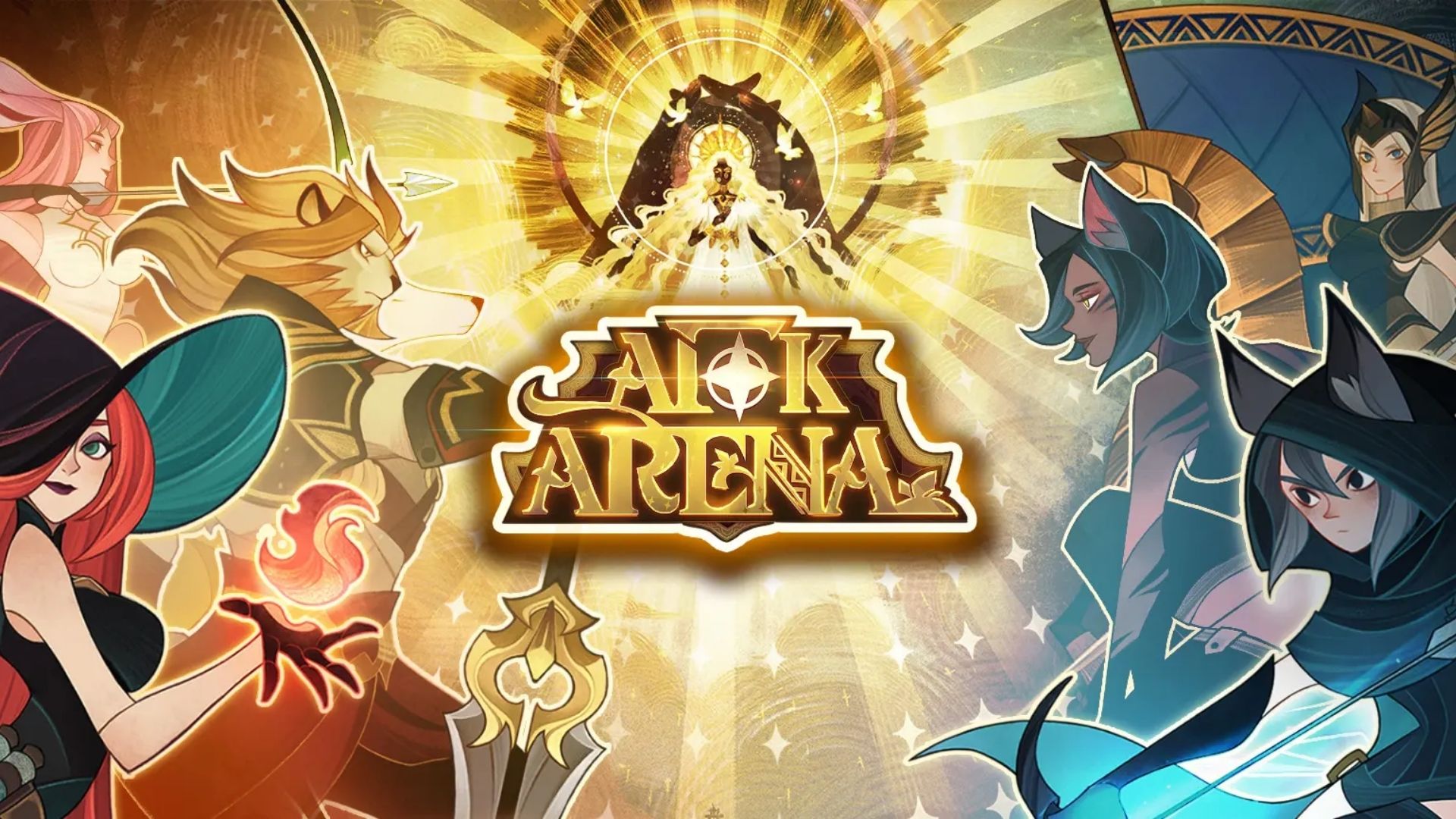
AFK Arena is a fantasy RPG where you collect powerful heroes, build strategic teams, and take on challenging battles even while you are away. As you progress through the game, you can unlock new characters, upgrade your roster, and explore different modes and events.

To help you get started, we have listed the currently available AFK Arena codes below. These codes can provide free rewards for your account, including useful resources and items.
LIST OF ALL ACTIVE REDEEM CODES
Use each code on the server shown below. A Classic Server code may not work when you log in with your Companions Server UID, and the same applies the other way around.
Classic Server Codes
- 7bh6pum7yn
- 6ab8kqbtz4
- DTZDMHXU83
- CLASSIC4F
- 7TUZ4QI7CQ
Companions Server Codes
- 7TT7TZHW8X
- 7bzv7m9b38
- 6ABEU6S539
How to Redeem Codes in AFK Arena?
AFK Arena codes must be claimed through its external redemption website. Start with the server whose codes you want to redeem and follow these steps:

- Open AFK Arena and tap your avatar in the upper-left corner.
- Find your UID at the top of the account details page and copy it.
- Visit the official AFK Arena redemption website.
- Enter the UID for your current server in the first box.
- Return to AFK Arena, open Settings, and select Confirmation Code.
- Enter the verification code on the website within two minutes.
- Select Login, enter a code for your current server, and press Redeem.
- Open the in-game mailbox on that server to collect the reward.

You can repeat the redemption step for the remaining codes that belong to the same server.
How to Switch Servers and Redeem the Other Codes
After redeeming the first set of codes, follow these steps to claim the codes for the other server:
- Tap your avatar in the upper-left corner of the game.
- Open Settings.
- Tap the second button, which displays the name of the server you can switch to.
- Wait for the game to load the other server.
- Tap your avatar again and copy the new UID shown at the top of the account details page.
- Return to the redemption website and log in again using this new UID.
- Request a new Confirmation Code from the Settings menu.
- Redeem the codes listed for that server and collect the rewards from its mailbox.
How Do Classic and Companions Server Codes Work?
Your Classic and Companions Server profiles use different UIDs. The AFK Arena redemption website uses the UID you enter to identify which in-game profile should receive the reward.

The website gives you three ways to log in. You can use your email address and request a verification code, log in with your email address and password, or select Login with Game UID at the bottom of the page.
If you choose the Game UID option, enter your Classic Server UID when claiming codes from the Classic list. Once you finish, switch to the Companions Server in the game, copy its separate UID, and log in to the redemption website again.
Rewards will appear in the mailbox of the matching server profile. Check the mailbox on each server after redeeming both sets of codes.
Redeem Codes Not Working?
If a redeem code isn’t working, try the following:
- Check the Code: Enter the code exactly as shown, including capitalization.
- Check Its Validity: Make sure the code is still active and hasn’t expired.
- Check If It Was Used: Some codes can only be redeemed once per account.
- Check for Restrictions: Some codes may have region, account, or other requirements.
- Try Again: Restart the game and try redeeming the code again if it’s still active.
Free rewards can give your next summon or hero upgrade a helpful push. Keep testing different heroes and team combinations while building your account at your own pace. You can also bookmark this page and check back after major updates, celebrations, and special events, since new AFK Arena codes do not follow a fixed release schedule.