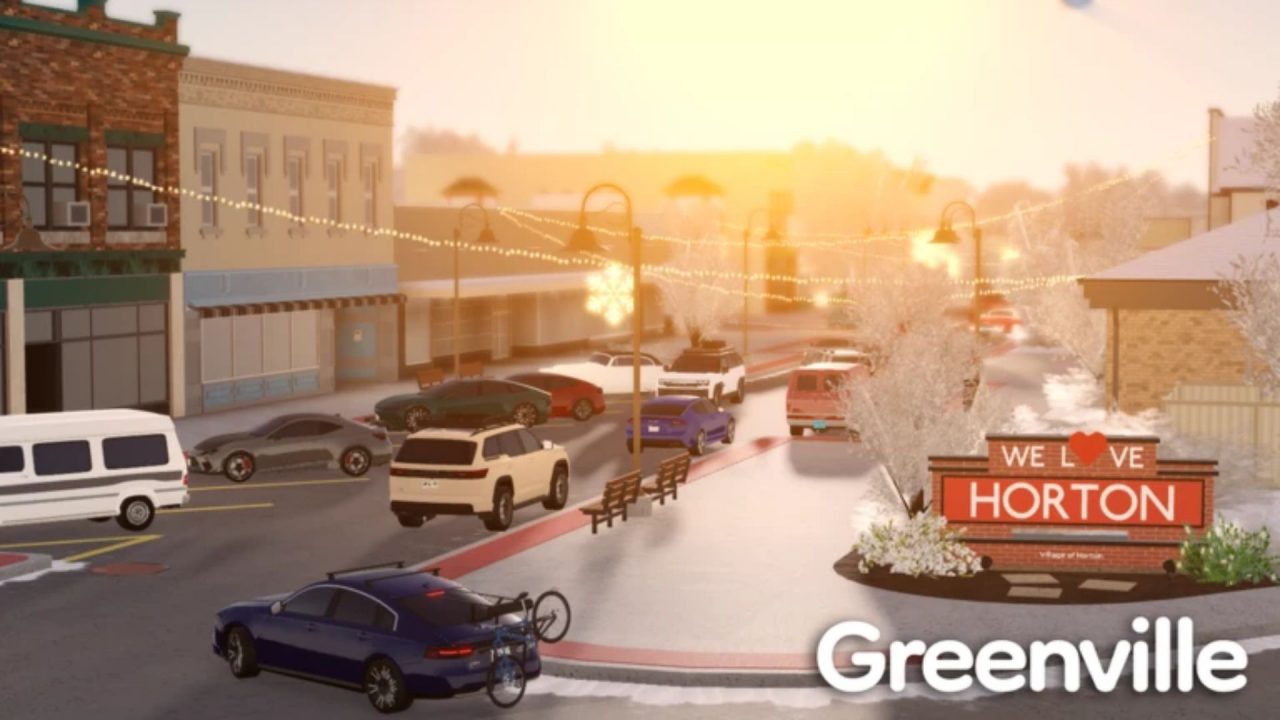
Greenville RP is a Roblox driving and roleplay game set in a small American town. You can collect and customize cars, take interactive jobs, buy houses, and drive around with other players. Redeem codes can add free Cash to your account or activate short earning boosts, which give you more money for vehicles and other purchases.

LIST OF ALL ACTIVE REDEEM CODES
Here are the active Greenville RP codes and their rewards:
- INSTAGRAM_30K: 10,000 Cash (limited to the first 50,000 claims)
- HXNDAAA: 7,500 Cash (follow @Hxndaaa on Roblox before redeeming)
- _YEAR_26: 3x Job Earnings for 30 minutes
These codes can give you Cash or a temporary Job Earnings boost. Cash can go toward vehicles, houses, and customization options. The earnings boost is most useful when redeemed just before starting an interactive job, since it remains active for 30 minutes.
The Cash offers have additional requirements. One has a total claim limit, while the other asks you to follow @Hxndaaa on Roblox. Codes may stop working without a separate end date, so use them while they remain available.
How to Redeem Codes in Greenville RP?
You need to join the official Greenville, Wisconsin Roblox community before redeeming codes. After joining, follow these steps:

- Join the official Greenville, Wisconsin Roblox community.
- Launch Greenville RP through Roblox and enter a server.
- Select the briefcase or shopping bag icon in the upper-right corner to open the Shop.
- Open the Redeem Codes tab.
- Click the Input Code field and enter one active code exactly as displayed above.
- Select Submit to claim the Cash or Job Earnings boost.
- Repeat the process separately for the remaining codes.

Cash should be added to your balance immediately after a successful redemption. If you claim the Job Earnings boost, start an interactive job soon afterward so you can use its full 30-minute duration. Enter each code separately, then check your Cash balance or active boost before submitting the next one.
Redeem Codes Not Working?
Greenville RP has a community membership requirement, case-sensitive entries, and a few rewards with limited claim totals. Check these points when the game rejects a code:
- Join the Community: Confirm that your Roblox account belongs to the official Greenville, Wisconsin community. The redemption system may reject every entry until you join it.
- Keep the Exact Spelling: Copy all capital letters, numbers, and underscores. Do not remove a leading underscore when one appears in the active list.
- Complete the Follow Requirement: A creator-related reward may ask you to follow the named Roblox account before the code can be accepted.
- Remove Extra Spaces: A blank space before or after the entry can make a correctly spelled code fail.
- Check Earlier Claims: Greenville RP codes generally work once on the same account. Submitting a code again will not provide a second reward.
- Consider the Claim Limit: Codes restricted to a set number of redemptions stop working once that total is reached.
- Rejoin the Game: Leave the current server and enter a fresh one, especially if a code was released recently. If it still fails after every requirement is met, it may have expired.
Greenville RP codes can give you extra Cash or temporarily increase your Job Earnings. Use the timed boost while completing interactive jobs, then put the additional income toward a vehicle, house, or customization purchase. We will update this article when more Greenville RP codes become available.