

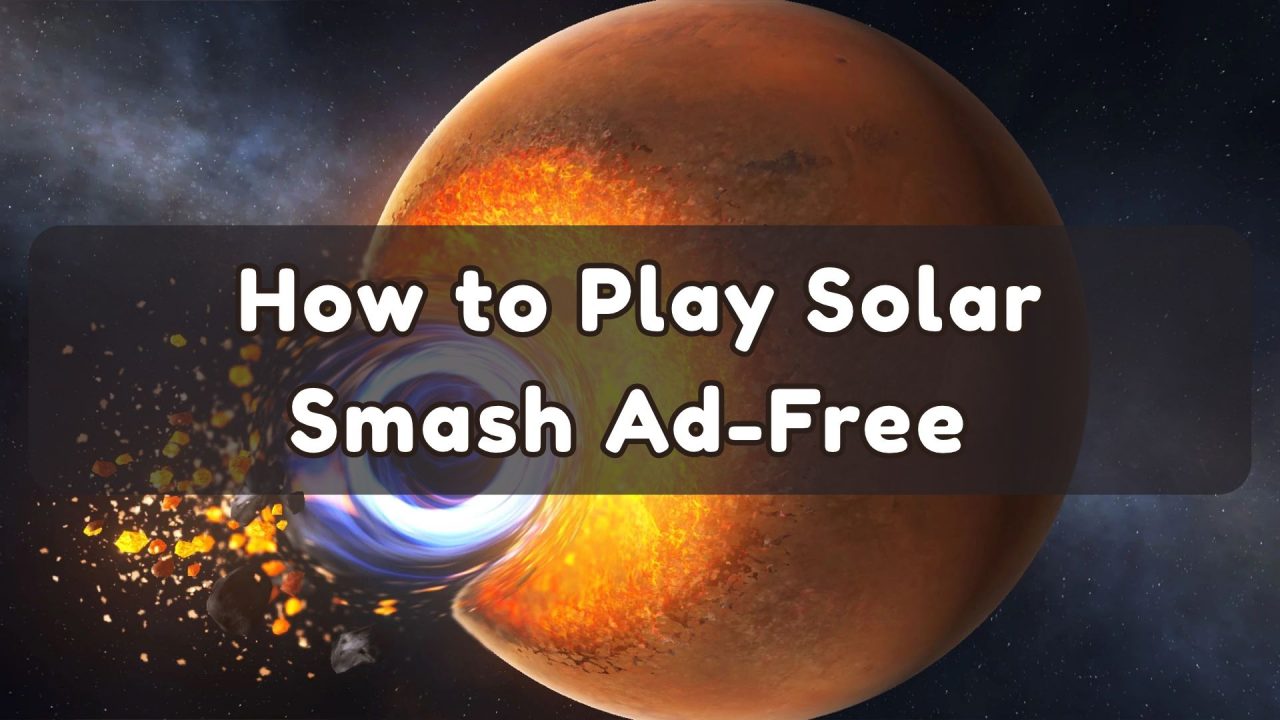
You drop a black hole next to Earth, watch the planet disappear, and reset to see what happens if you put it a little farther away. Then an ad cuts in. If that’s why you want to play Solar Smash ad-free, you have two options.
You can buy the game’s AdFree upgrade and stay online, or you can disconnect and play the sandbox for free. The better choice depends on what you were trying to do when the ad showed up.
How to Remove Ads in Solar Smash on Android and iPhone
Open Solar Smash by Paradyme Games and go to the shop from the main menu. Look for AdFree or Remove Ads, tap it, and check the price in your phone’s purchase window before you confirm. It’s a one-time purchase, so there’s no monthly fee.
On the U.S. App Store, AdFree costs $3.99. If you play on Android, use the price that appears at checkout. The public Google Play listing confirms that the game has in-app purchases, but it doesn’t give a price for this particular item.
How to Play Solar Smash Ad-Free Without Paying
If you only want a few uninterrupted rounds, try offline play first. Once the game is installed, close it, turn off Wi-Fi and mobile data, and open it again. Airplane mode works too, provided Wi-Fi stays off. Google Play lists Solar Smash as an offline game, and its planet simulation can run without a connection.
This works best when you already have the tools you want. You can spend a session testing how much damage a laser does to the same planet without reconnecting between attempts. The trade-off comes when you tap an item that asks you to watch a video for access. With your phone offline, that video can’t load, so disconnecting won’t get you the reward.
Does AdFree Unlock Every Weapon and Planet?
No. AdFree covers regular ad interruptions. Weapons, planets, and progression unlocks have separate listings in the shop. For example, the U.S. iPhone store lists the All Weapons Pack at $9.99 and the All Planets Pack at $7.99. If there’s one particular weapon you want, tap it first so you can see what the game actually asks you to do.
That’s especially worth checking if you’re returning after a break. The September 2026 update changed how players unlock weapons and planets, and some players reported video prompts on weapon categories afterward.
The AdFree listing doesn’t promise to bypass every optional video. There’s a practical difference here: an ad that plays when you reset Earth interrupts something you can already do. A video you choose to watch for access to a weapon is part of that weapon’s unlock condition.
What If Ads Still Appear after You Pay?
If an automatic ad plays after your purchase, close and reopen the game before spending anything again. On Android, check your Google Play order history to see whether the payment went through.
On iPhone, sign in with the Apple Account you used for the purchase and look for Restore Purchases in the game. If the charge went through and regular ads keep appearing, Paradyme lists apps@paradym3.com as its support address.
Is the Solar Smash Premium Upgrade Worth It?
Yes, if you play regularly and want to keep your phone online. Solar Smash is the kind of game where one small change gives you a reason to reset the whole planet. If you spend most sessions comparing blasts or trying a different angle, the value of AdFree is being able to get straight to the next attempt.
For an occasional player, I’d try a free offline session before buying anything. Pay attention to what you miss. If it’s the ability to receive messages while you play Solar Smash ad-free, the upgrade makes sense. If it’s a particular locked planet, check that planet’s access requirements before you put money into the shop.
Once you’ve had your fill of blowing up planets, you can find help with your next game in MMO Culture’s guides.